part of the game
esa.com.au 18
Siren Sound Set Up
Siren sequences are produced from a two-tone sound generator with a high tone and a low tone. Some
scoreboards have a fixed tone pitch for each low and high tone sound. The latest models have a variable
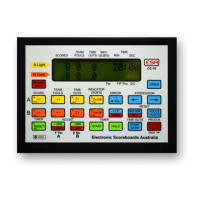
sound card which means the pitch of the low and high tones can be adjusted using the CC-10 Control
Console. The siren volume is also adjustable.
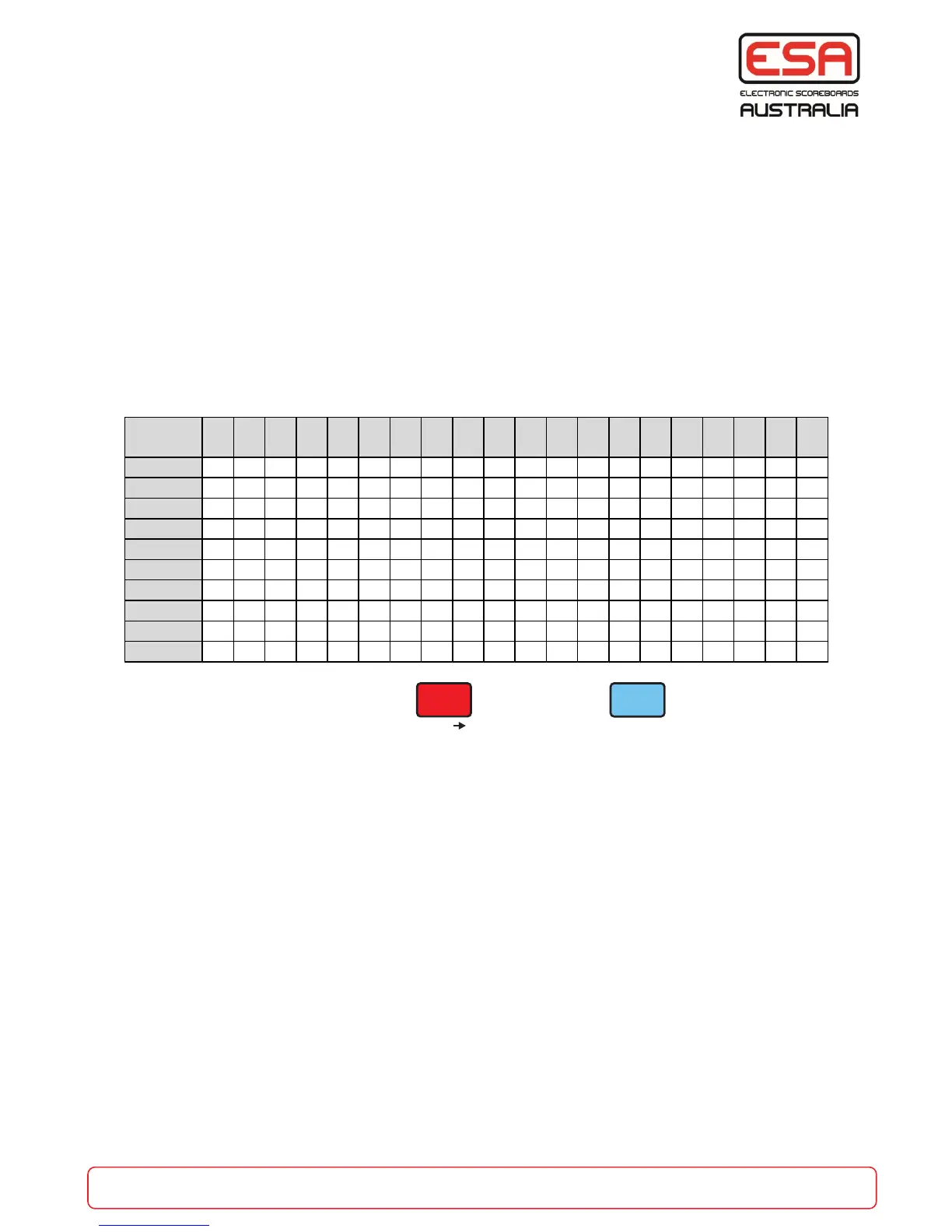
In either case there are 9 pre-programmed sequences available to use. (See chart below)
The End Of Game siren and the End Of Shot Clock siren has a programmable duration up to 9.9 seconds.
Any of the 9 sequences can be used for either siren purpose.
The X-Timer siren is fixed at 2 seconds.
When the siren sequences are used in a Carnival sequence, either from the Master or Local control mode,
the siren duration is fixed at 2 seconds.
Each step is 1/10 of a second. Total siren time is 2 seconds.
Set Up Siren
Enter Programming mode. Press twice then press
Listen to each siren sequence by
pressing a button from 0 to 9.
When you have selected a siren sequence press ESC to exit, or the ‘FUNC’N/ENTER’ button for
the next option. (See below for the options sequence)
1. Set End Of Game siren type (0-9). Press ESC to exit, or ENTER for the next option.
2. Set the End Of Game siren duration. NOTE: This value is in 1/10s of a second. If durations
greater than 2 seconds (20) are set the sequence will begin again. Press ESC to exit, or ENTER
for the next option.
3. Set the End Of Shot Clock siren sequence (0-9). When/if the shot clock timer counts down to 00
seconds, this siren will sound. Press ESC to exit, or ENTER for the next option.
4. Set the End Of Shot Clock siren duration. Press ESC to exit, or ENTER for the next option.
5. Set the X-Time End siren sequence. Press ESC to exit, or ENTER for the next option.
6. Set the siren sequence that will sound when the ‘SIREN’ button is pressed. Press ESC to exit, or
the red ENTER for the next option.
7. Set the pitch for the low and high tones. Use the Yes/No (Up/Down) buttons. Press ESC to exit,
or ENTER for the next option.
8. Set the siren volume. Use the Yes/No (Up/Down) buttons to adjust. Press ENTER or ESC to
complete set-up.
Siren No 1 2 3 4 5 6 7 8 9 10 11 12 13 14 15 16 17 18 19 20
0 H L H L H L H L H L H L H L H L H L H L
1 L L L L L L L L L L L L L L L L L L L L
2 H H H H H H H H H H H H H H H H H H H H
3 H H H H H L L L L L H H H H H L L L L L
4 H H H H H H H H H H
5 H H H H L L L L L
6 H H L L H H L L H H L L H H L L H H L L
7 H H H H L L L L H H H H
8 H L H L H
9 H H L L H H L L H H


 To Next Page