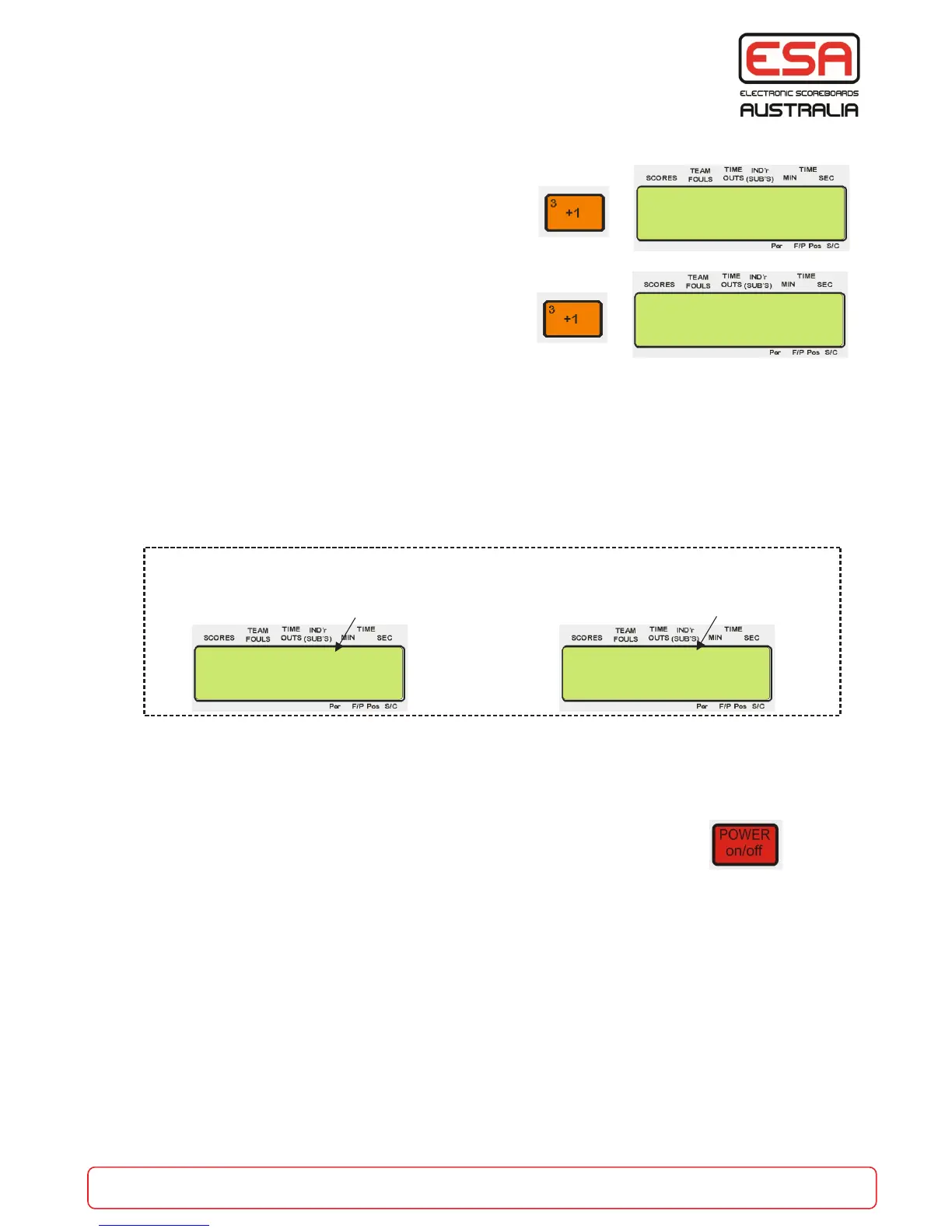
To enter into ‘Auto Detect’ SLAVE Carnival mode:
To enter into ‘Force’ SLAVE Carnival mode:
The “SLAVE” console must be programmed to “auto detect” to automatically detect when the master is
operating, otherwise be in fixed “SLAVE” mode.
A “MASTER” control console requires at least one “SLAVE” console to be connected (see diagram previous
page).
The “SLAVE” consoles will display an ‘a’ or ‘s’ character in front or the remaining time display to indicate
the mode it is in.
All the scoreboards in the system are hard wired to POWER ON when the “MASTER” control console is
turned ON. If the slave consoles are programmed to auto detect the “MASTER” then they will automatically
go into “SLAVE” mode.
When the “MASTER” control console is turned OFF then all consoles in a “SLAVE”
mode will also be turned OFF.
It is not necessary to have all the control consoles in the system in slave mode. It may be necessary to run
one court independently from the carnival controlled system, with Carnival Mode turned off at this console.
0 0 0 s20:00
0 0 0
0 0 0 a20:00
0 0 0
This console is in
Auto Detect Mode
This console is in
Auto Slave Mode
>
f+
Carnival Mode ?
Auto Detect Y/N
>
f+
Carnival Mode ?
Slave On Y/N
part of the game
esa.com.au 26
Slave Carnival Mode
When the “AUTO DETECT” control console detects a “MASTER” it will change to a “SLAVE”


 To Next Page