part of the game
esa.com.au 22
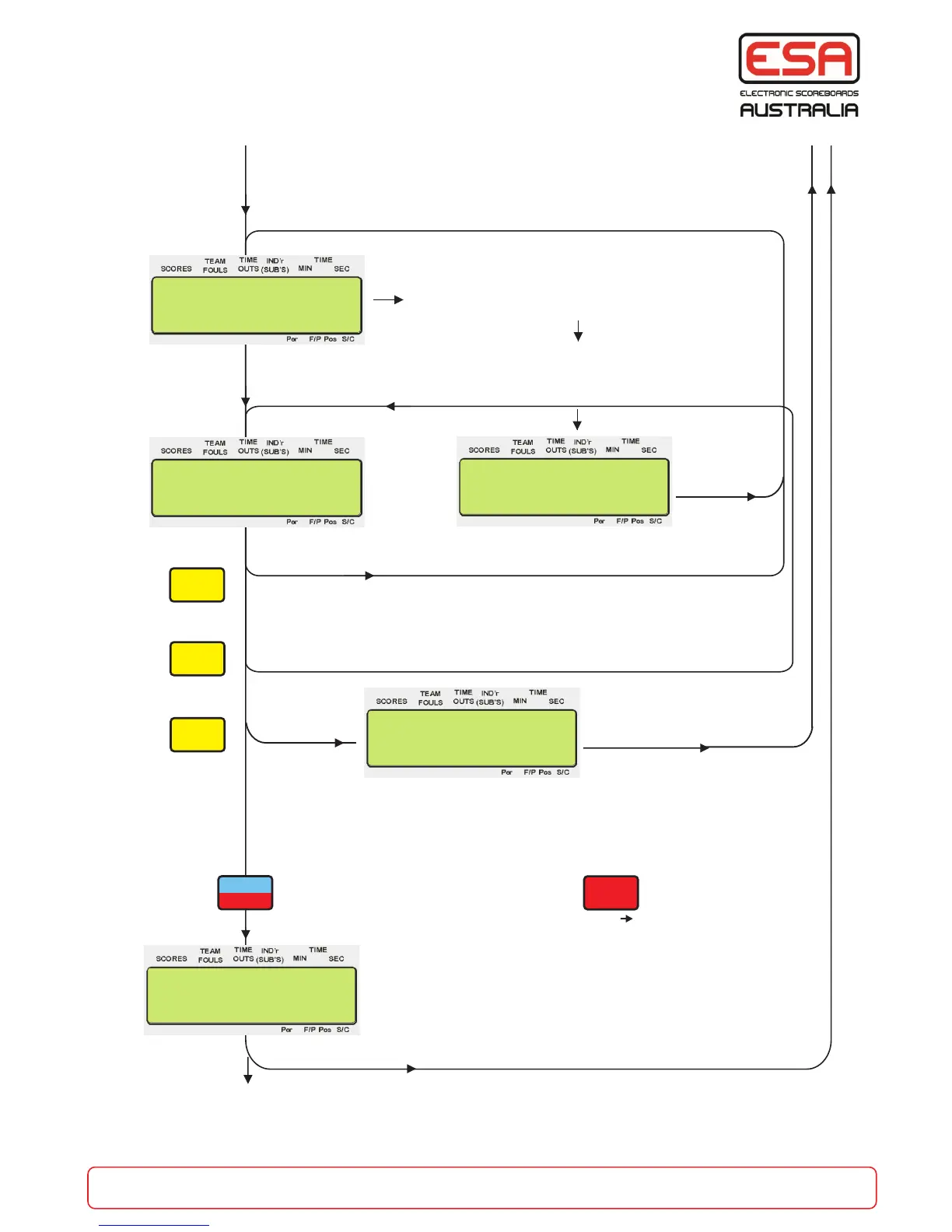
Player Numbers, Personal Fouls & Points
..to next page..from previous page
ESC
NEW GAME
Exit Pf Pp ?
Y/N
Enter a one or two digit player number for the
player who has scored or fouled e.g. 02
If the player number is not in this team then this
error message is displayed, re-enter the player
number or press A or B to select the other team.
To Add to Personal Points press the Score +1 button.
To Add to Personal Fouls press the Team Fouls +1 button.
To Change the player press A or B and enter player number.
Some scoreboards (e.g. PRO-3) only show the 5 players that are on court.
Substitution is required. After selecting the number of the player to come OFF,
press the SUBS On/Off button to remove the player, then type in the
number of the player to go ON and press ENTER.
Swap from Team A to Team B and re-enter a player number
A or B
N
Exit Pf / Pp mode and reset the control console to Basketball mode.
While the control console is programmed for Pf / Pp, It will only operate
the Personal Fouls, Personal Points panels installed with "PRO Series" scoreboards.
+1 Score, +1 Fouls
Y
Sub’s
Replace With
Player No >
FUNC’N
ENTER
PROG’M
Next
Enter Player No
For >A
Subs or + Pp/Pf
0 0 For >A 02
Enter Player No
Player NOT Found
.
.
SCORE
+1
PQR
6
A
TEAM
FOULS
+1
STU
7
INDICATOR
(SUB’S)
On/Off
YZ sp
9

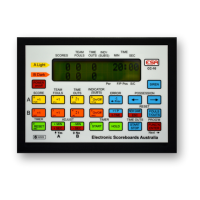

 To Next Page