Score Board Game Timer
Set Up Game Time:
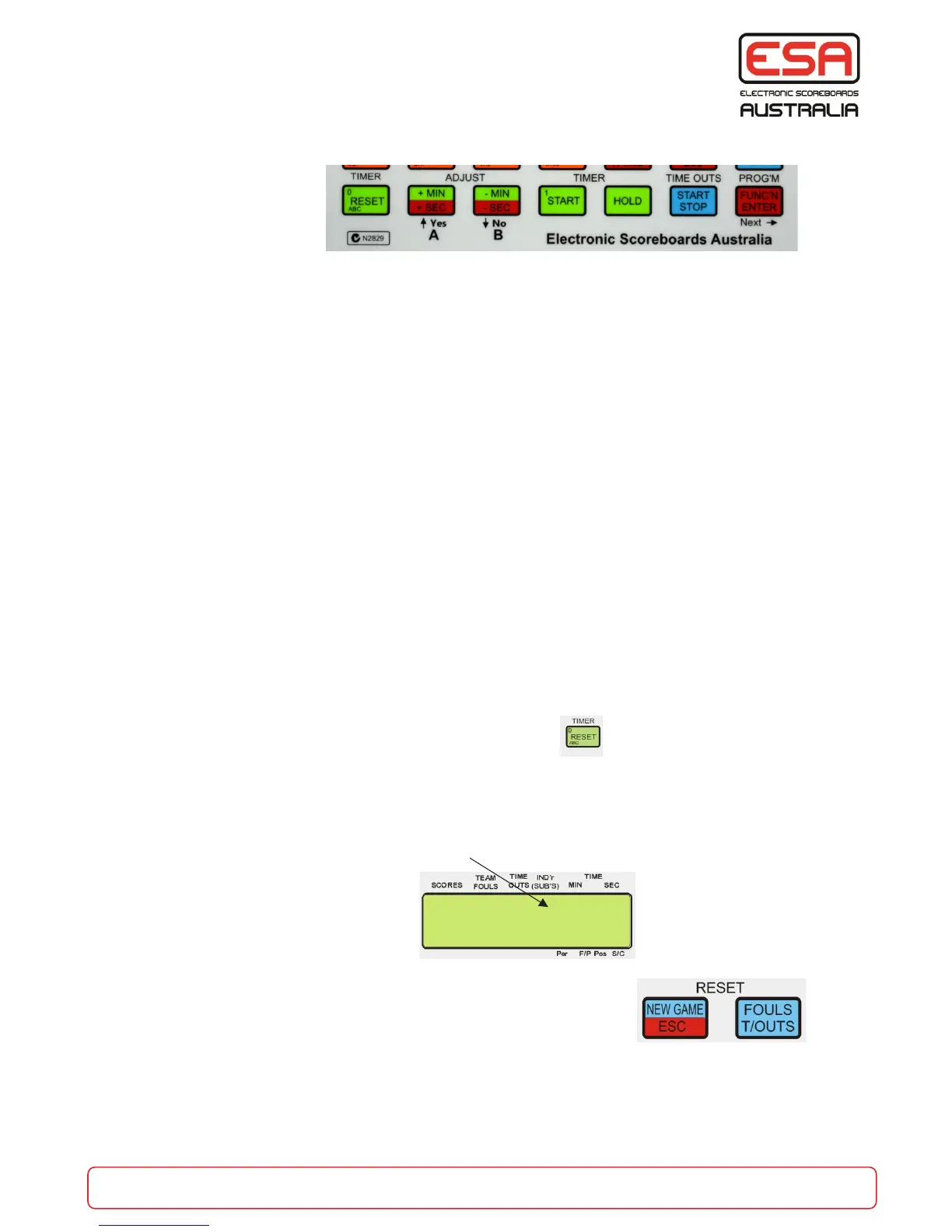
Press the ‘FUNC’N/ENTER’ button once.
Press the ‘TIMER/RESET’ button.
Type in the game time required, (refer to pages 4 & 11 for further detail) then press ENTER.
NOTE: The timer can be set for minutes and seconds. (see below)
Start Timer: Press TIMER START.
Hold Time: Press TIMER HOLD.
Reset Timer: Press TIMER/RESET (once the timer is stopped). This will reset the timer to its original
setting “NewTime”.
Adjust Timer Minutes: If a timer adjustment is required then press the ADJUST +MIN or -MIN (refer to
above figure or page 11) to add or subtract one minute from the game time.
Adjust Timer Seconds: Press the ‘FUNC’N/ENTER’ button once then press the ADJUST +SEC or -SEC
button to add or subtract one second from the game time. When done press ESC.
When the time = 00:00 more time can be placed by pressing the ADJUST buttons. eg. press the +MIN
twice to add two minutes, then press the ‘START’ button to count down this time to zero. (e.g. during a
break in the game).
Continuously Repeating Timer: The timer can be set up to time in MINUTES and SECONDS and to
continuously repeat itself. Enter program mode for the timer,
set the required minutes and seconds and then enable the repeating timer by pressing ‘Yes’.
When the repeating timer is enabled - the letter “r”
will be placed in front of the remaining time on the LCD screen.
When the repeating timer is enabled, the ‘NEW GAME’ button is also
accessible while the timer is running to allow for the next game without
stopping or resetting the timer.
p+
0 0 0 r 08:30
0 0 0
Repeating timer
is enabled
part of the game
esa.com.au 5


 To Next Page