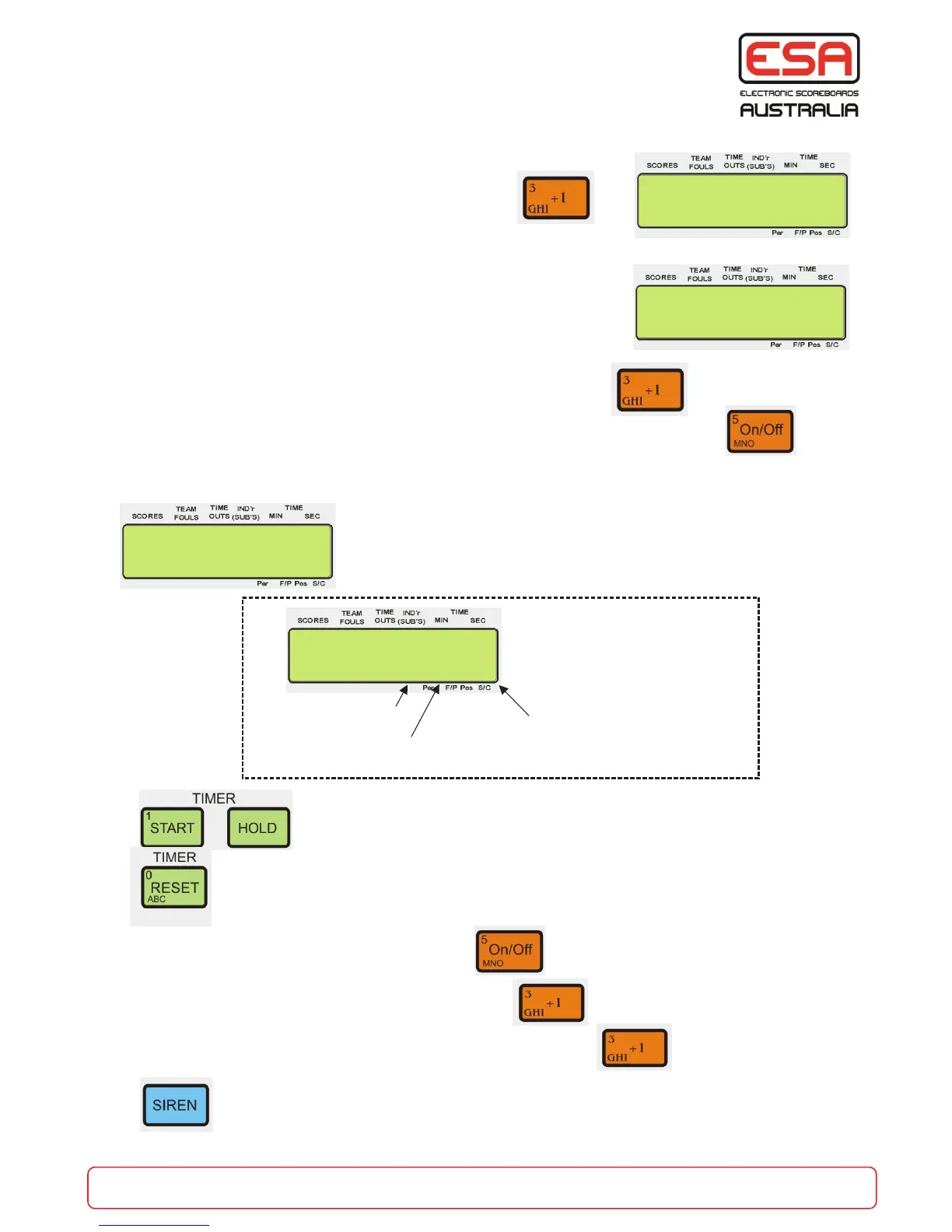
To enter into MASTER Carnival mode:
MANUAL MODE
Setting Master Mode to manual will allow for all times to be set and run
one at a time. Timer functions are the same as if the control console
was in standard mode. All timer functions are available.
Timer RESET, f + RESET for new time, All X-Times, START, HOLD,
SIREN, Reset Fouls T/Outs, and Scores.
To EXIT from master carnival MANUAL mode to any other mode
To EXIT from master carnival MANUAL mode to master carnival SEQUENCE mode
SEQUENCE MODE
To RUN a different sequence press HOLD, then
To EDIT / ENTER (program) a run time sequence
To EXIT from master carnival mode to any other mode
f+
Press START or HOLD at any time.
Press RESET to start again.
Repeat the steps above.
f+
Select the PRE-Programmed sequence you wish to run. (1-9)
CarnMaster 9:59
AutoSeq> 7 C8 t7
Main sequence
current command
Called sequence
current command
(in MASTER mode the sequence
is always display on the LCD)
Main sequence No
f+
To use the f+ or the P+ command first press HOLD and RESET
P+
Press the button at any time will sound ALL scoreboard sirens.
The siren sound programmed into the individual “slave” control consoles will be sounded.
Carnival Mode ?
Master On Y/N
Set Master Mode
To MANUAL Y/N
RunTime Sequence
Run Seq No (1-9)
>
f+
f+
part of the game
esa.com.au 28
Master Carnival Mode


 To Next Page