15
<Note>: You can directly enter Teach Page by input password “1212” and press
on Program Constant page.
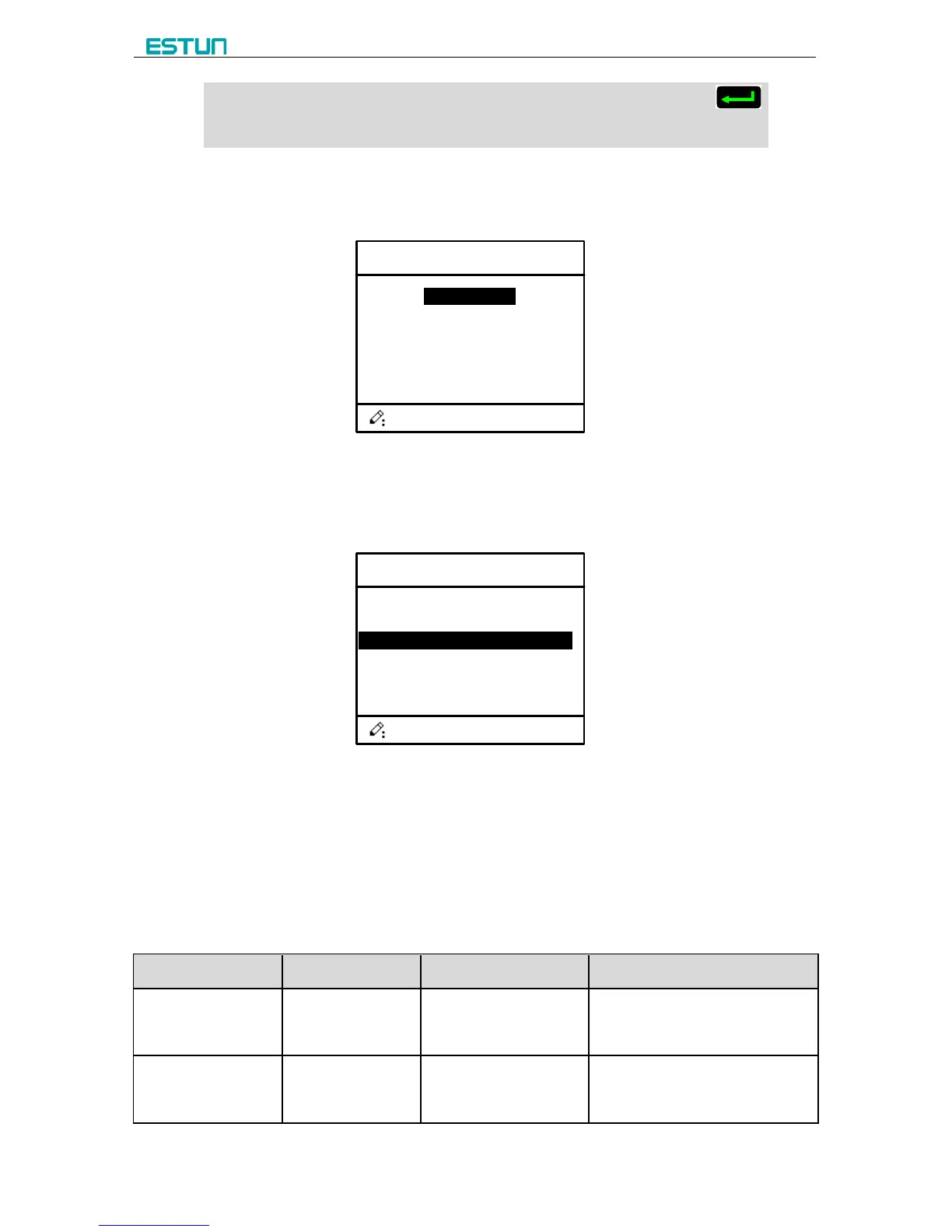
Step 4 Input password 36987 on the CONST page to enter Motor-Speed Detection page, as
shown in Figure 3-4.
1.X Motor Dec.
2.Y Motor Dec.
Figure 3-4 Motor-Speed Detection page
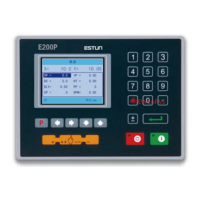
Press Up-Arrow key or Down-Arrow key to enter X-axis page or Y-axis page. For
details, see the parameter description of Motor-Speed Detection
X-Motor Det. En.: 1
X-axis V1: 9999.999
X-axis V2: 9999.999
X-axis V3: 9999.999
1/2 PG
X. Det. Time.: 9.99
Figure 3-5 X-axis Motor-Speed Detection page
----End
3.2 Parameter Description
The parameter description is as shown in Table 3-1.
Table 3-1 Parameter specification
Decimal digits indicated by X
axis parameter
Decimal digits indicated by Y
axis parameter



 To Next Page