32
Display
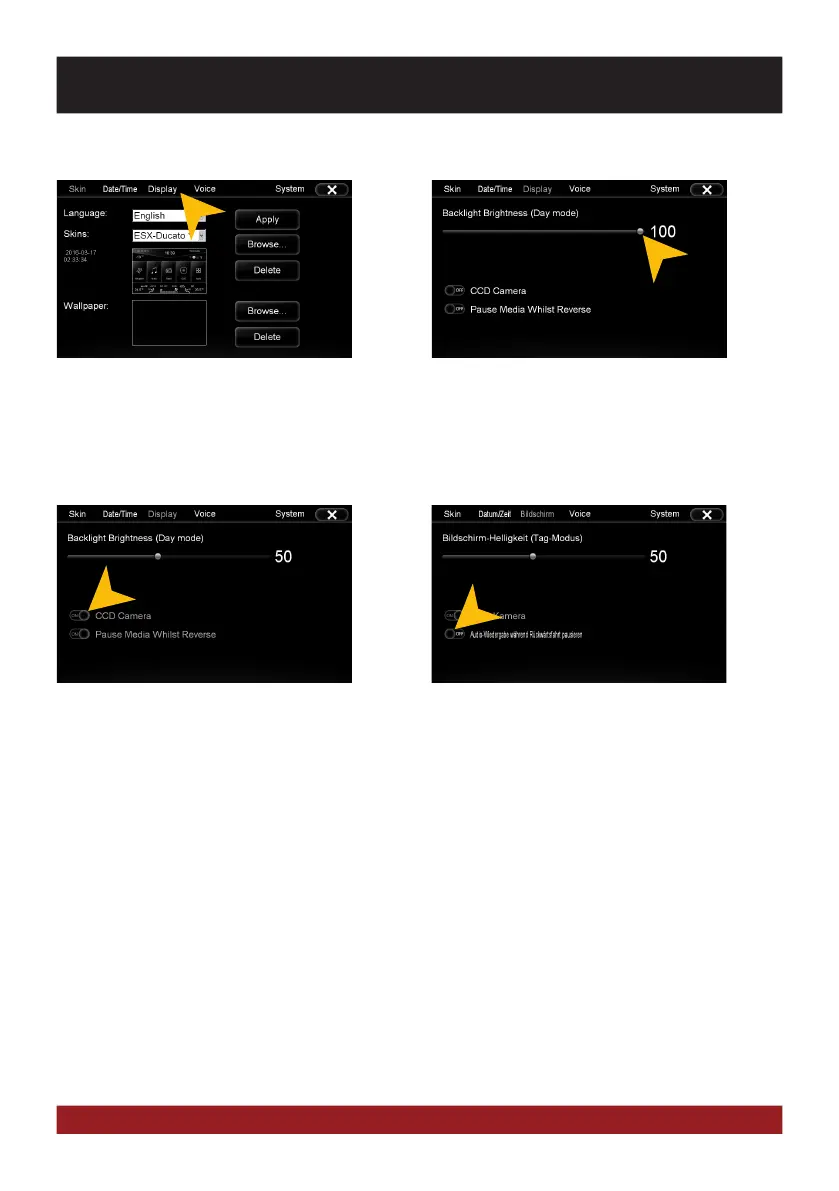
Set the desired brightness level for the dis-
play (only with vehicle headlights on).
The check box „CCD Camera“, enables the
optional rear view camera function. As soon
as reverse gear is engaged, the transmission
of the video camera is automatically dis-
played on the screen.
In addition, on the top right of the display the
optical parking system (OPS) appears in a
small size.
With the check box „Pause Media Whilst Re-
verse“, the media playback will be paused
when the reverse gear is engaged.
Please note that the volume reduction in
reverse gear „Media Volume in CCD“ only
works if the feature has been turned off here
(„OFF“). See also page 24.
Tap on „Display“.
BASIC FUNCTIONS



 To Next Page