41
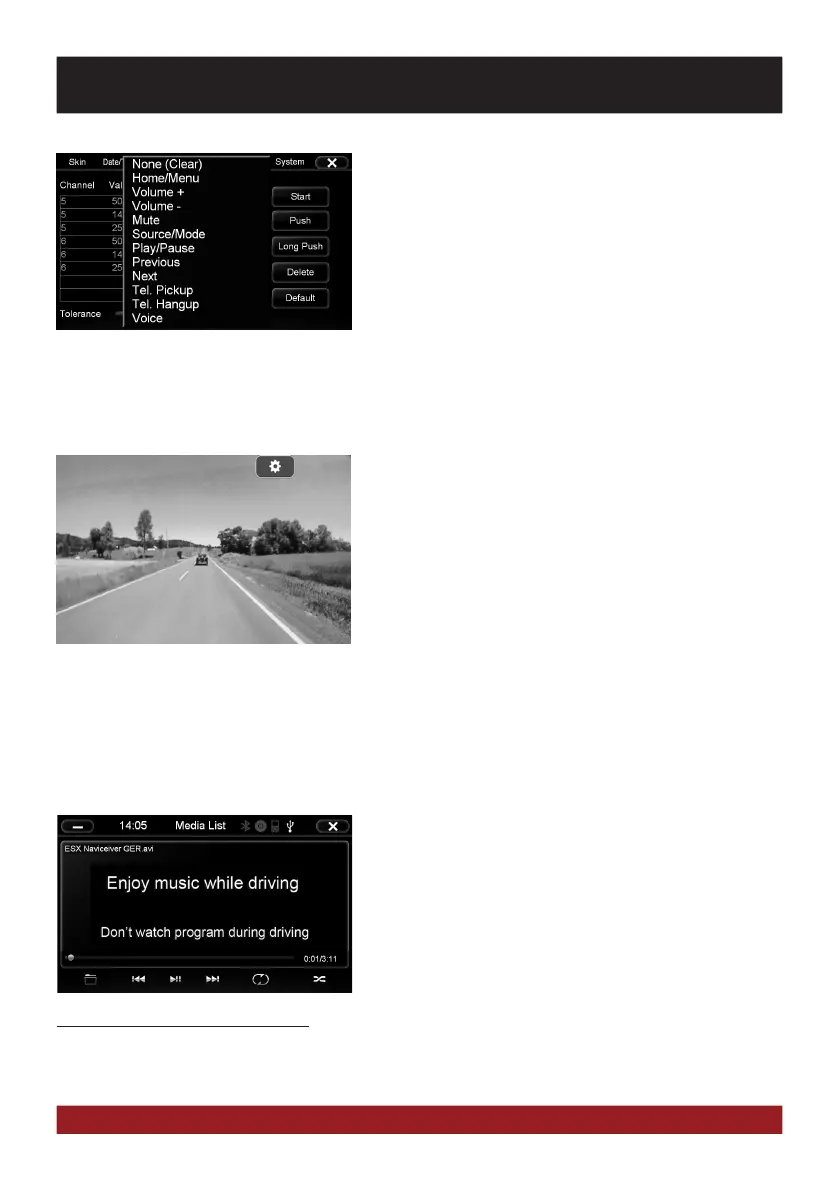
Tap „Wheel“ (Main Menu -> Option) to open the menu of
teaching function.
First press „Start“ and delete all entries. Then press any button
on the steering wheel until a value is displayed in the table and
then arrange via „Press“ the appropriate function.
If you have installed an optional rear view camera, the camera
image on the screen is automatically shown, when the reverse
gear will be engaged (Refer to page 32). This also occurs even
when the power is off. After the reverse gear will be disen-
gaged, the device restarts the previously used application or
function.
In addition, this device enables or disables the display of con-
nected rear camera by pressing the right rotary control on the
device.
OPTIONAL REAR VIEW CAMERA
LIMITED MEDIA PLAYBACK
ADVANCED OPERATIONS
For your own and your passengers safety the picture display in
DVD/Video/TV/AV applications is limited and the unit will only
playback the sound track of the medium while driving.
If you have installed additional screens in the rear, it is possible
to keep the video signal visible also during driving.
Note for other Audio/Video outputs:
By using the cable G71-MNV0011 (see installation guide) it is possible to playback audio and video signals on
other devices. The media source is always the same, which is played on ESX device.



 To Next Page