ES4440.2 Compact Failure Simulation Module - User’s Guide 29
ETAS Hardware Features
To change fuses
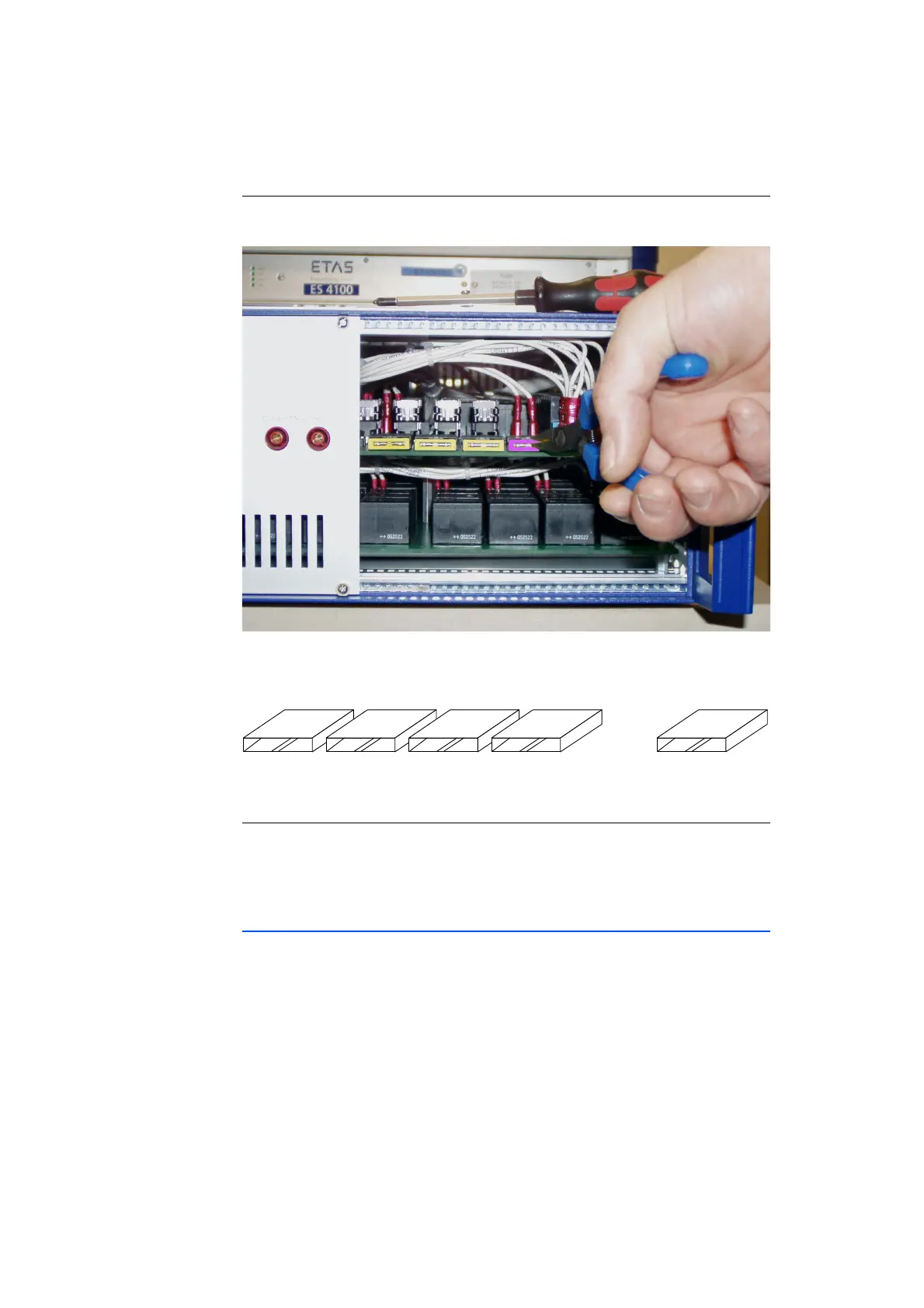
5. Use flat-nose pliers to remove the defective fuse
from its mount (see figure).
6. Slide the new fuse into the holder.
The mounting position of the fuse holders is shown
in the following figure.
To replace the right-hand front panel
7. Place the front panel cover in the position intended.
8. Now tighten the screws you removed before.
2.7.5 Changing the Mains Fuses
The mains fuses (for the specification see "Fuses" on page 51) are on the back
of the device in the IEC appliance inlet C14.
1. Remove the power cord.



 To Next Page