30 OneTrack and OneTrack Backbone Planning and Installation Manual
Troubleshooting
Loss of Power
WARNING: RISK OF ELECTRIC SHOCK! When working on electrical systems,
turn off the breakers that are powering the track as well as the wall
switches. Wall switches can be accidentally turned back on while you are
working.
AVERTISSEMENT : RISQUE DE CHOC ÉLECTRIQUE! Lorsque vous travaillez
sur des systèmes électriques, éteignez les disjoncteurs qui alimentent le rail
ainsi que les interrupteurs muraux. Les interrupteurs muraux peuvent être
accidentellement réactivés pendant que vous travaillez.
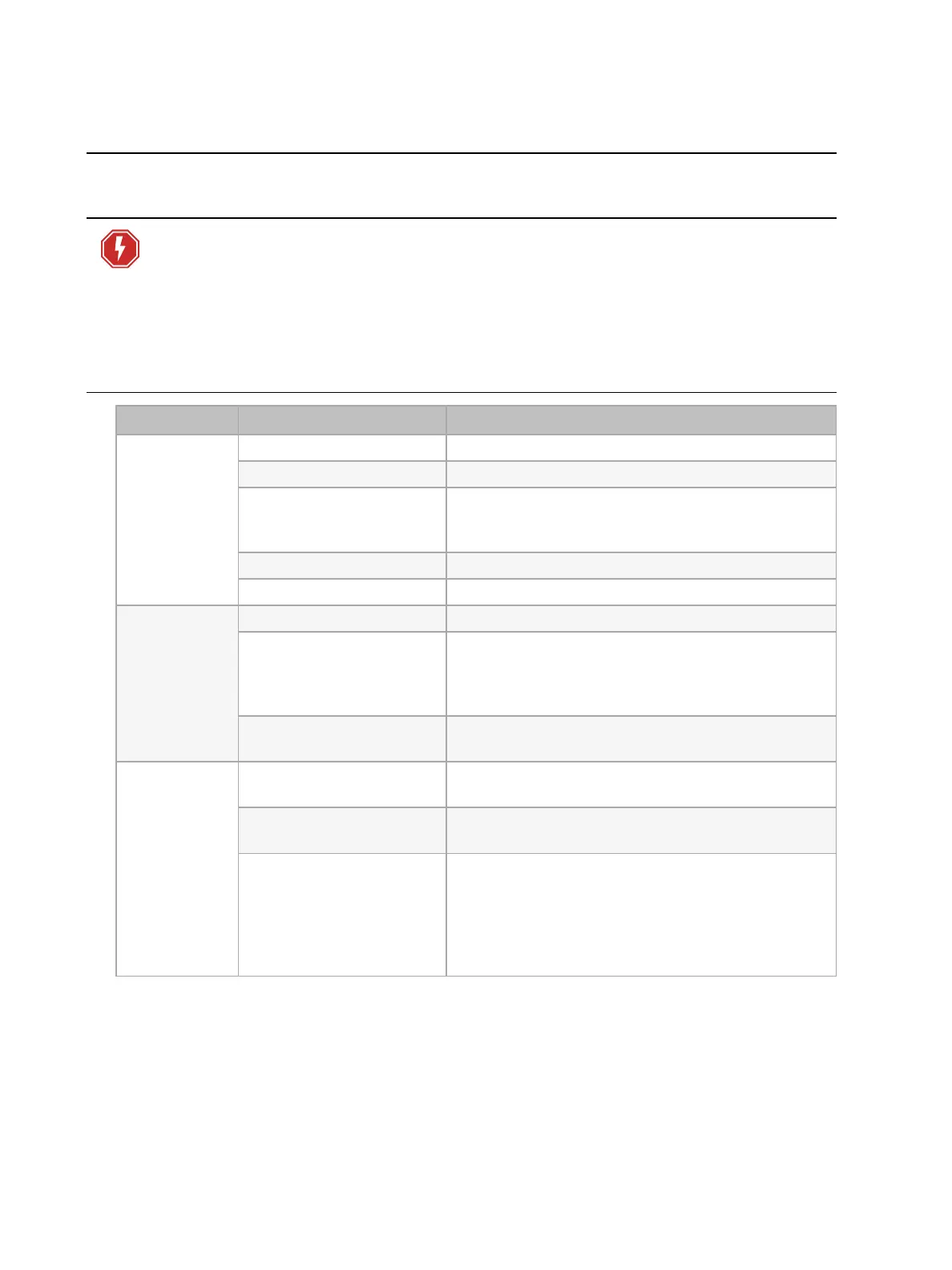
Problem Troubleshooting Remedy
Lights do not
work
Check breakers Reset breakers. Replace if required.
Check for power Ensure there is voltage to the track.
Check for proper
installation of adapter on
track
Remove adapter and clean contact points with a dry
cloth. Reinstall, making sure adapter is locked into
place properly.
Check data connection See
Data Issues on page 31
.
Check lamps Replace lamp with known good lamp and check.
Loss of power
Check breakers Reset breakers. Replace if required.
Check feed and coupler
connections
Inspect each point where an end feed or coupler
attaches to track in order to ensure that they are
installed with no gaps between the track and the
edge of the coupler body.
Check feed wiring
De-energize the track and check that the incoming
feed wiring terminations are correct and secure.
Lights
flickering
Check adapters for proper
security
Remove adapters and reinstall, making sure they are
properly secured.
Verify contacts and
adapter prongs are clean
Remove adapters and clean prongs. Reinstall.
Verify connections
between tracks are
properly installed and
secured
Verify all track sections are secured properly and
mounting surface and track sections are level. Verify
all suspended track is level and the correct number
of pendant supports is being used based on the
weight being supported. Verify all pendant clips are
properly installed over track seams.



 To Next Page