APOLLO user manual
Issue G
84
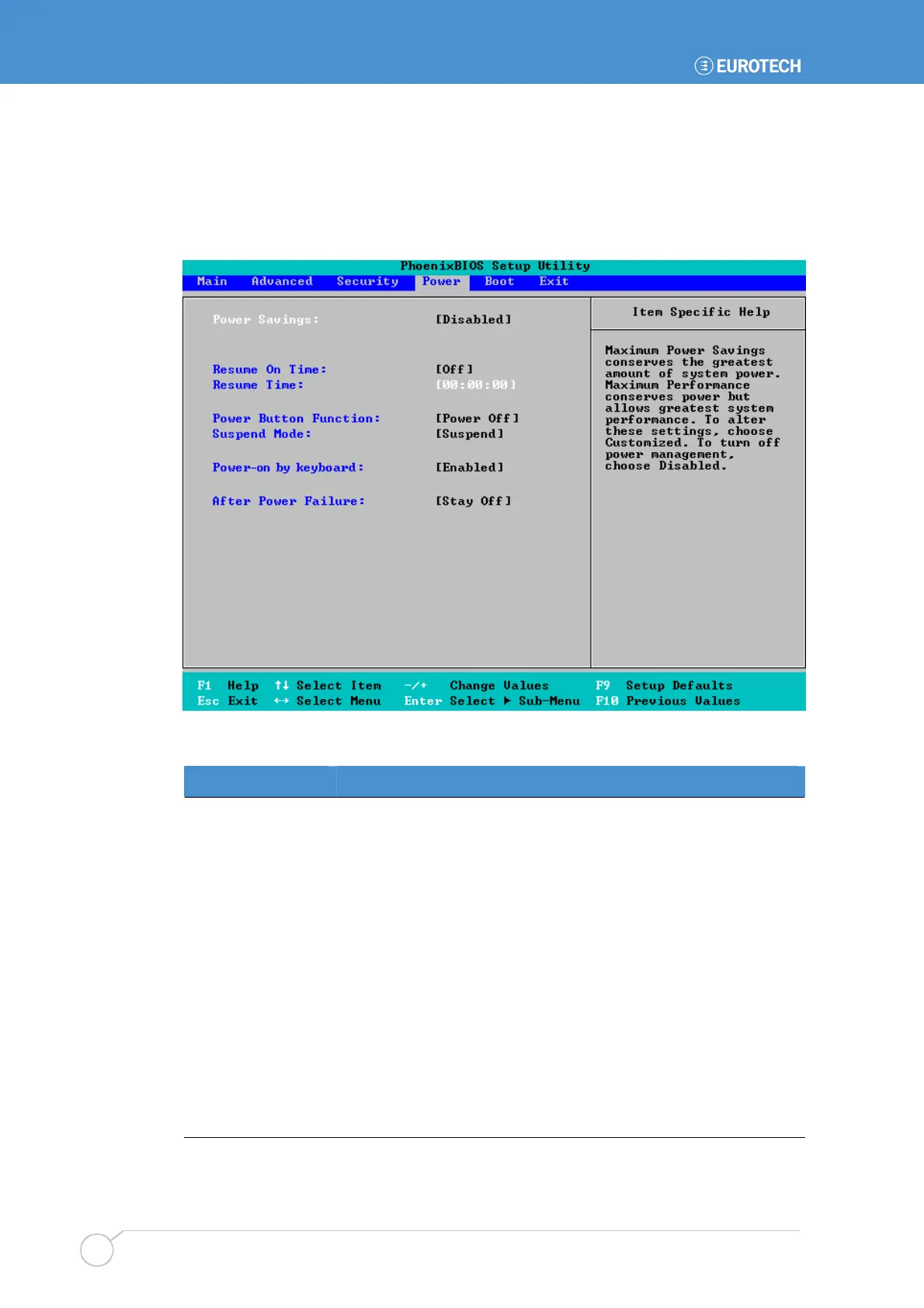
Power menu
The Power menu is used to control power management. For example, you can specify
how long the system must be idle before it goes into standby mode to conserve power.
Power management reduces the amount of energy used after periods of inactivity:
The following table explains the settings you can choose:
Field Explanation
Power Savings
Used to specify your power management requirements. The
options available are :
•
Disabled. All power management is disabled.
•
Customized. You are going to configure your own power
management settings (see below).
•
Maximum Power Savings. Pre-defined timer values are
used such that all timers are at low values, i.e. power saving
starts after a short period of time.
•
Maximum Performance. Pre-defined timer values are used
such that all timers are at high values, i.e. power saving starts
after a longer period of time.
Resume On Time,
Resume Time
Specify whether you want the system to wake up at a pre-
determined time. If you choose On, specify the time the system is
to wake up.



 To Next Page