APOLLO user manual
Issue G
88
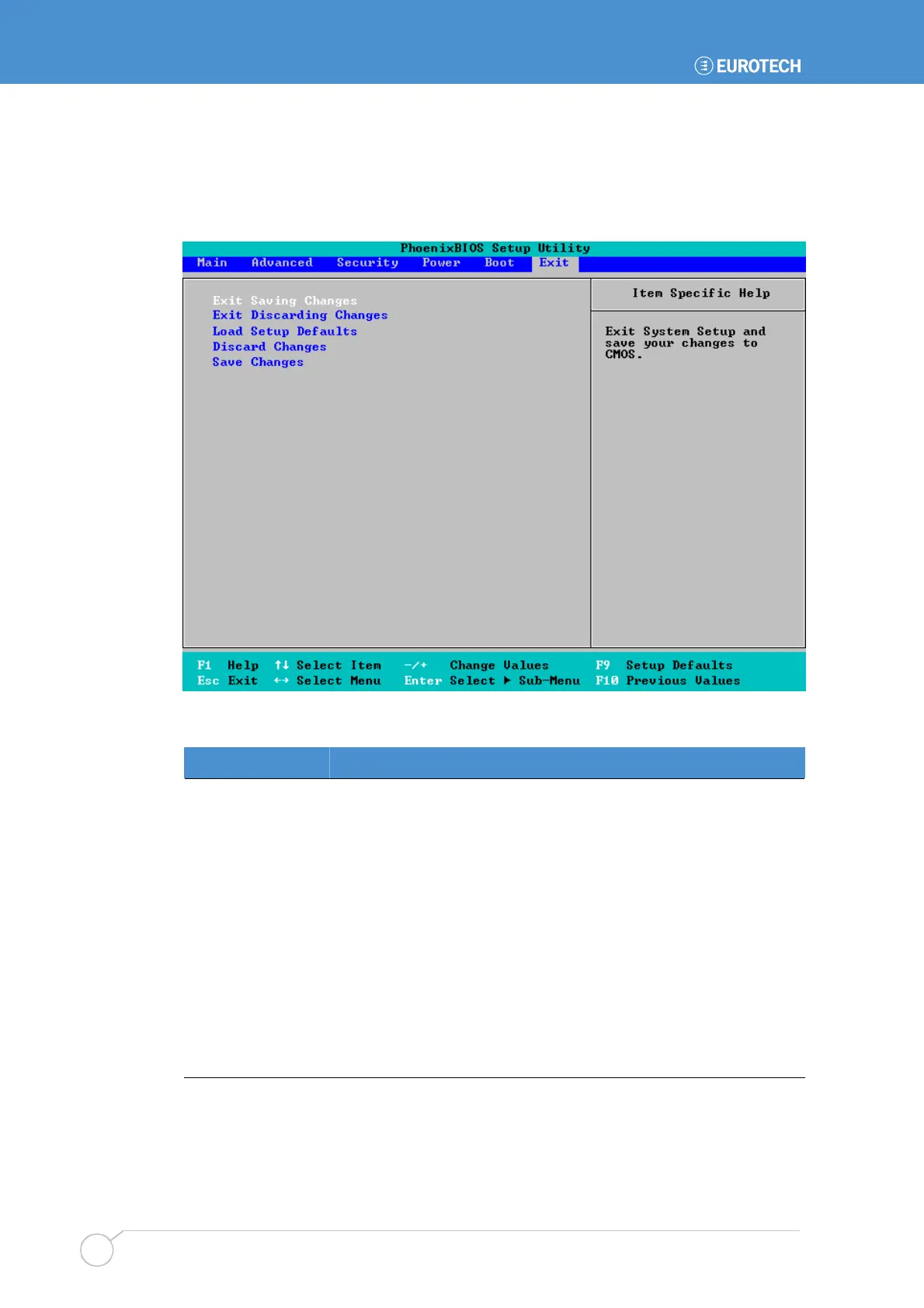
Exit menu
The Exit menu provides options for saving changes, discarding changes and exiting the
PhoenixBIOS setup program:
The following options are available:
Field Explanation
Exit Saving
Changes
Saves any changes you have made, and exits the PhoenixBIOS
setup program.
Exit Discarding
Changes
Exits the PhoenixBIOS setup program without saving any of the
changes made in the current session.
Load Setup
Defaults
Reverts to the original factory-assigned BIOS settings. These are
the most stable values for the system. Use them if the system is
performing erratically due to hardware problems.
Discard Changes
Discards any changes made in the current session. You remain in
the PhoenixBIOS setup program.
Save Changes
Saves any changes you have made so far. You remain in the
PhoenixBIOS setup program.



 To Next Page