ISIS user manual
Issue G
140
Appendix G – VGA option board
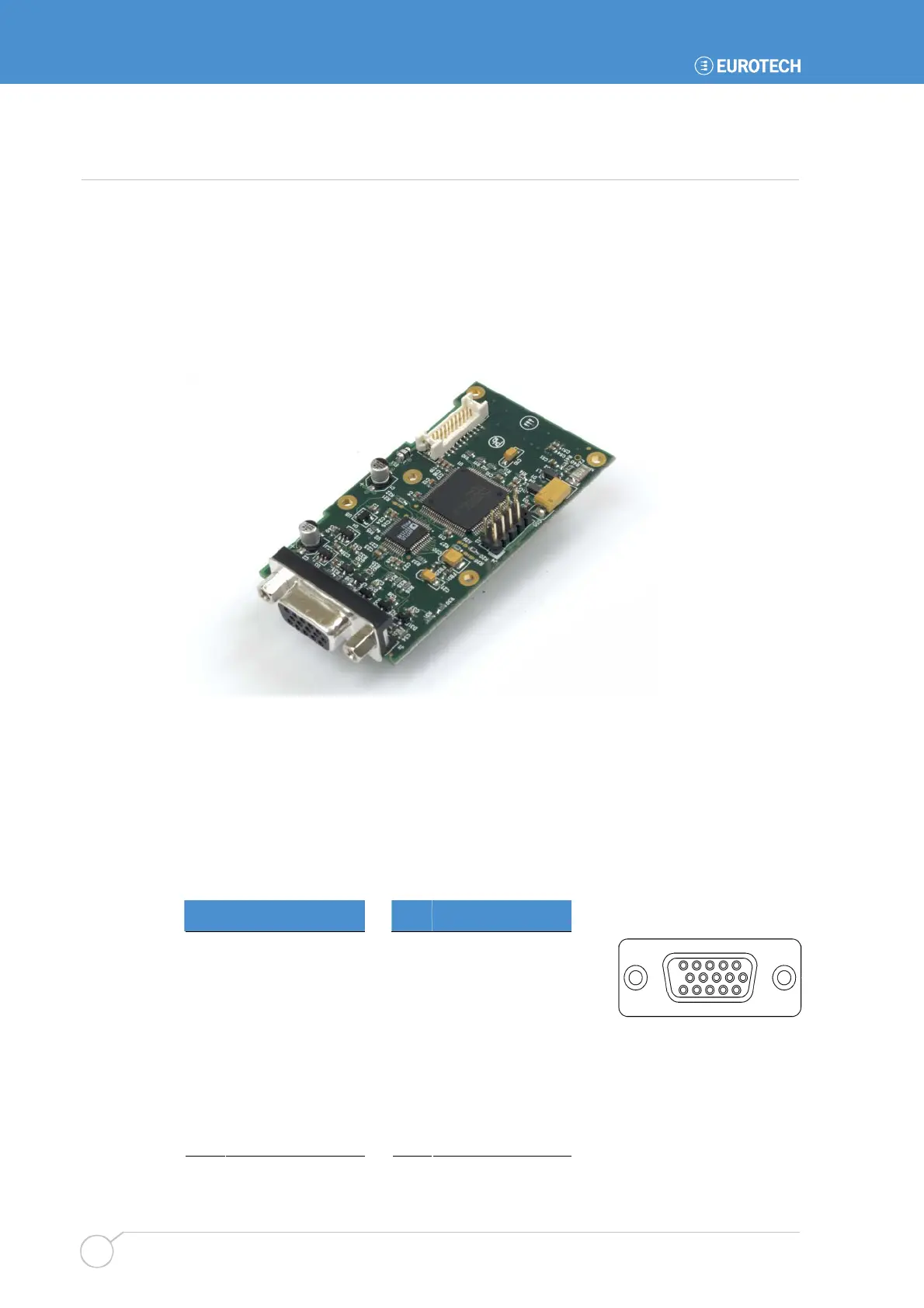
The APOLLO VGA option board provides a secondary VGA output that can be used
independently or in conjunction with the primary on board VGA output. The option board
uses the APOLLO LVDS data and converts this to a standard VGA monitor output. The
display resolutions supported are 800x600, 1024x768 and 1280x1024 at a 60Hz refresh
rate. A cable is supplied with the board to connect between the APOLLO LVDS connector
J17 and the option boards LVDS input connector J2. The option board also provides the
same USB functionality as the USB 5/6 breakout and is mounted in the same location.
The following connections refer to pinouts on the VGA option board.
BIOS Setup
To enable the operation of the VGA option board the BIOS setup option IGD – Boot Type
in the Advanced Video (Intel IGD) Control Sub-Menu should be set to the CRT+LCD
option.
J1 – VGA CRT connector
DB15 female
Pin Signal name Pin Signal name
1 Red 2 Green
3 Blue 4 No connect
5 #Ground 6 AGround
7 AGround 8 AGround
9 +5V (fused) 10 #Ground
11 No connect 12 DDC_SDA
13 HSYNC 14 VSYNC
15 DDC_SCL
5
1
15
11
10
6



 To Next Page