NexLog Recorder User Manual v2.2.0 81
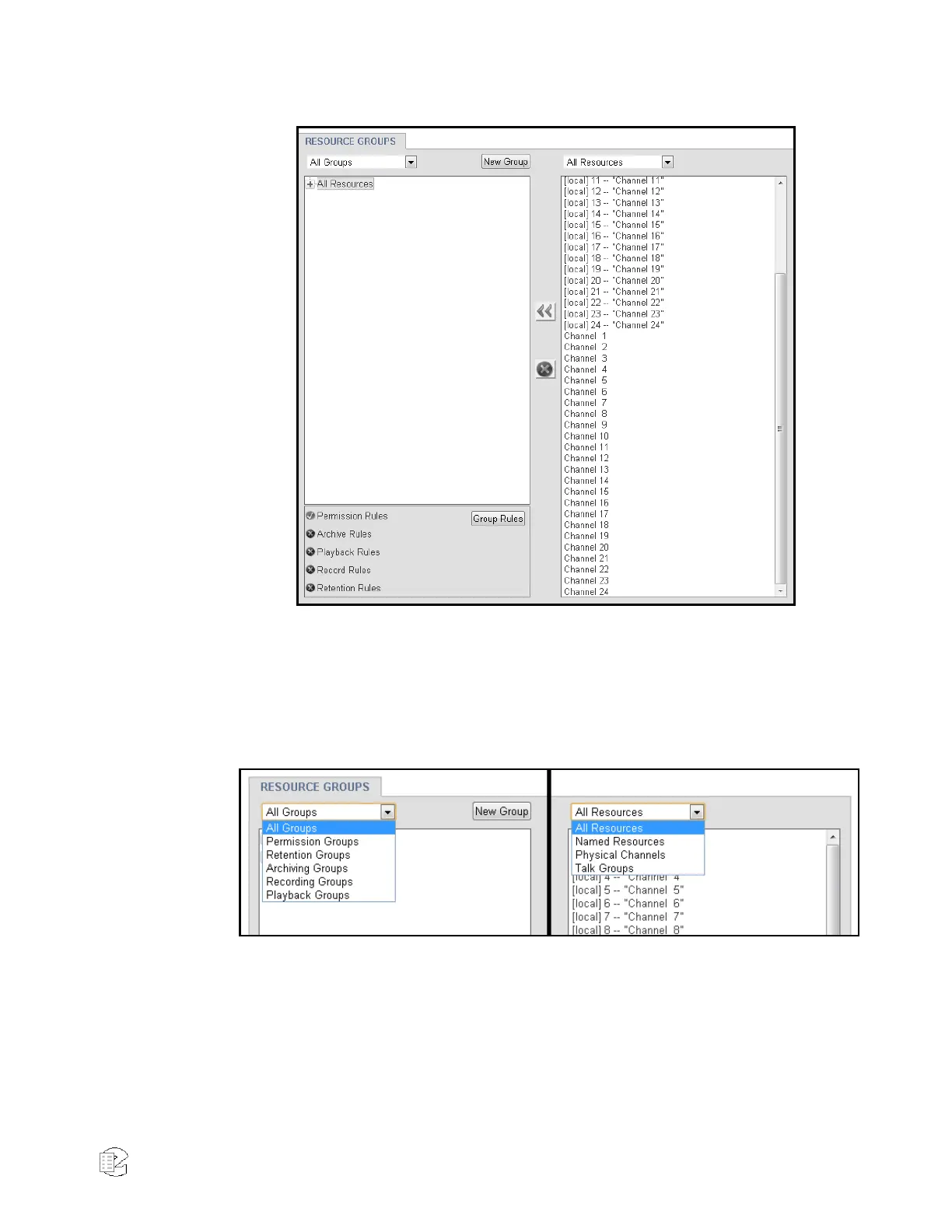
Figure 43—Resource groups
The main page is divided into two columns: the left displays all of the
configured groups, and the right shows all available resources. These lists can
be individually filtered at the top, so that you can look only at groups that have
Permission rules or Retention rules, or see only Named Resources or Physical
Channels. The full list of filters is shown below in figure 44.
Figure 44—Resource Group Filters and Resource Filters
At the bottom of the left column there is a summary of the currently selected
group, showing which rules are currently configured and active for that group:



 To Next Page