61
4
1 2
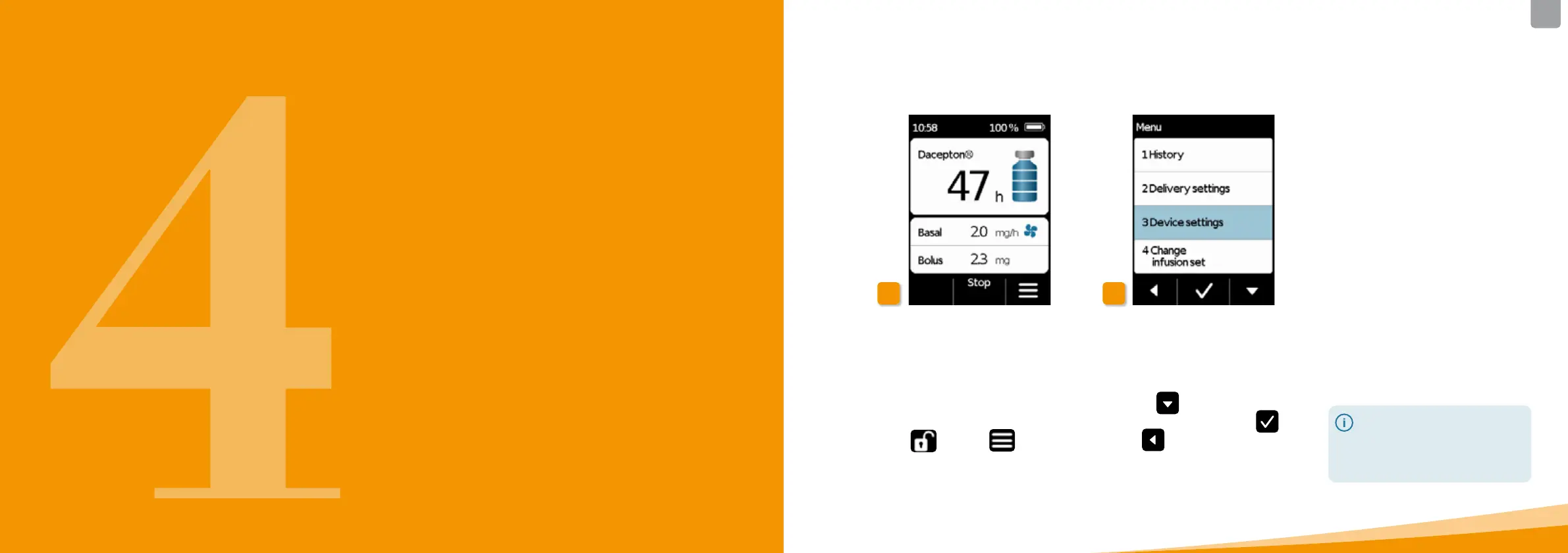
From the main screen, you can access
the function selection by unlocking
the function buttons and opening the
menu:
1 Disabling the button lock
Press
and then on the main
screen.
2 Menu navigation
The pump displays the main menu.
The selected function is always
highlighted in blue.
Use the
button to select the
desired function, then press
.
Press
to return to the main
screen.
4.1
MENU CONTROL
In the case of an alarm, drug
delivery is not possible.
I
n this case, all disabled functions
are displayed in grey in
the menu
and cannot be selected.



 To Next Page