EVERFOCUS ELECTRONICS CORPORATION
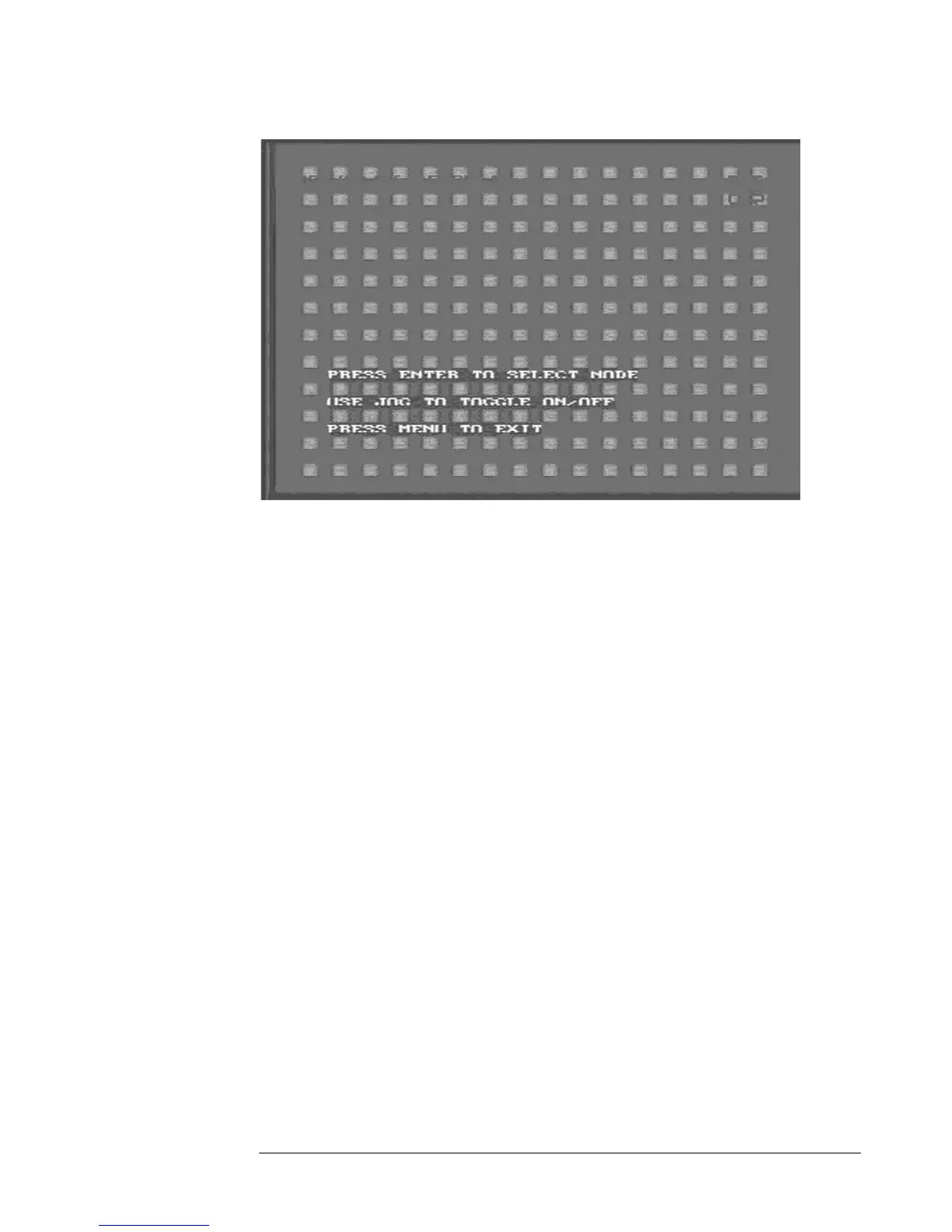
Diagram 14
Diagram 14 shows a screen shot of the manually edit screen. Use the
arrow buttons to move through the squares. Initially all the squares are
pink in color signifying that these sq
¾
uares are set up to pick up motion. To
deselect a square simply move over the square and press the ENTER
reen
button. Diagram 15 shows another screen shot of a manually edited sc
after editing has been accomplished.





 To Next Page