Customer Service 1-888-707-1880
Or email customerservice@dyaco.ca 12 Dyaco Canada Inc.©2021
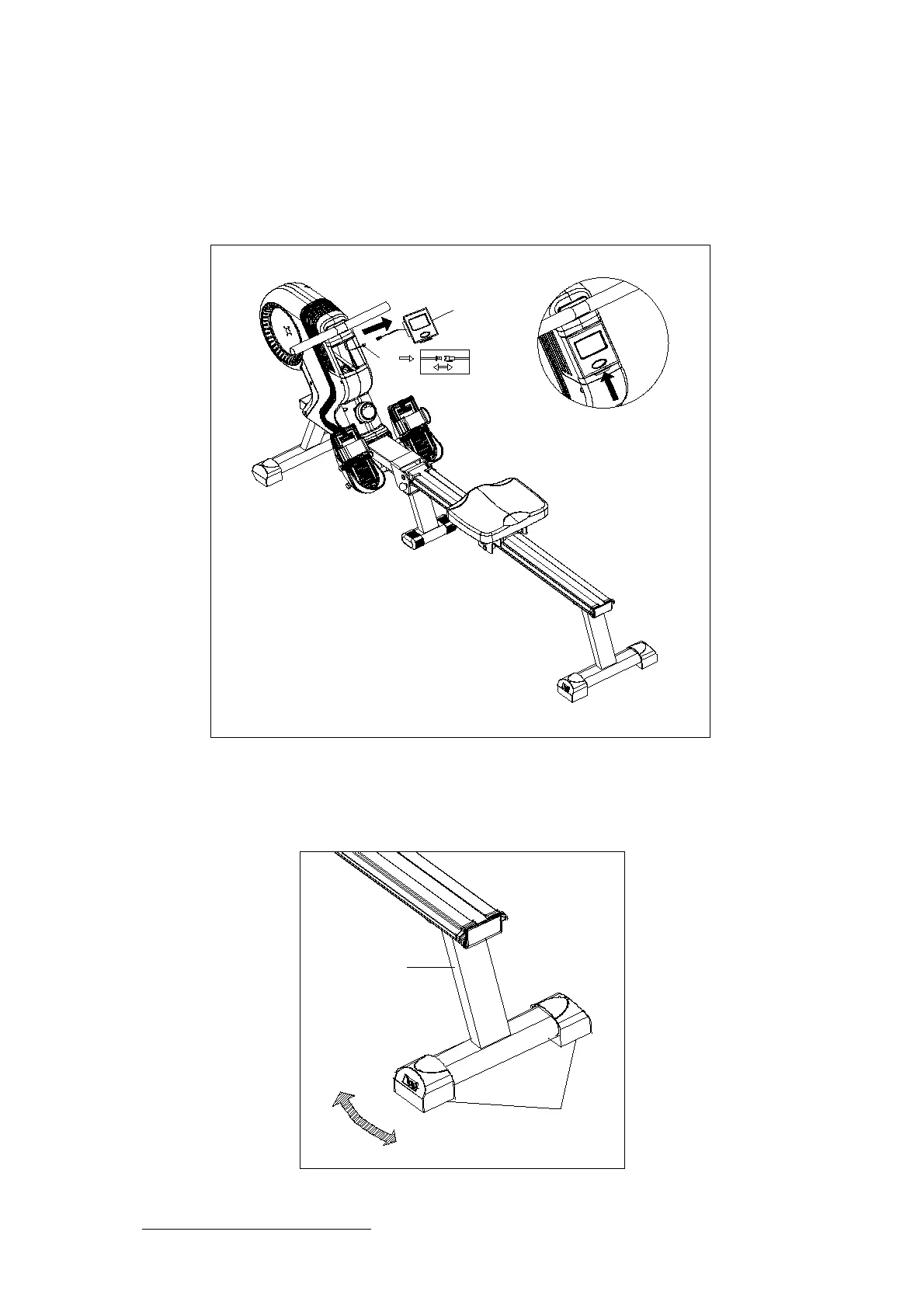
STEP 8
1. To insert/remove batteries, the Computer (95) can be removed from the Main Frame (1).
2. Pop the Computer (95) out via the hinge (shown above) and be careful not to damage the
connection wires. Unclip the wires, and the Computer (95) can be moved around freely.
Insert the 2 AA batteries to activate the Computer (95).
95
40
A
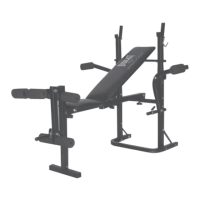
You have completed the assembly of your rower.
Your rower is equipped with adjustable end caps.
If the unit is wobbly, please turn the levelling caps on
the rear stabilizer to level the unit.
4
33



 To Next Page