28
Eversense XL CGM User Guide
3
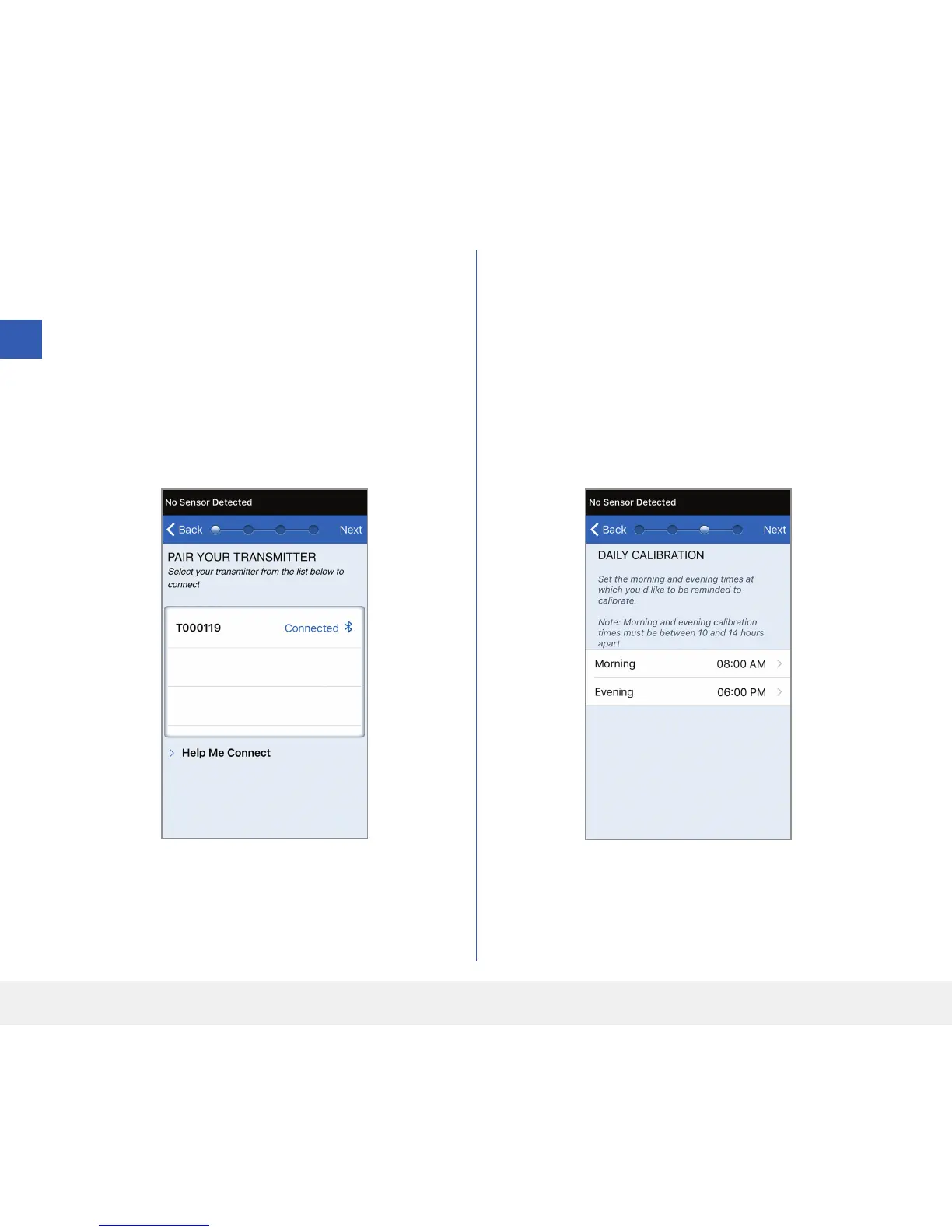
10. “Connected” appears next to the smart
transmitter ID once the pairing is complete.
The smart transmitter will provide intermittent
vibrations until the smart transmitter is linked
with the inserted sensor (see Inserting and
Linking the Sensor).
• Tap Next.
11. The DAILY CALIBRATION screen appears
for you to set your morning and evening reminder
times for your twice-a-day calibrations. You will
automatically receive a notification when it is
time to make a calibration entry.
• Tap Morning to change the time and repeat for
Evening.
• Tap Next when done.



 To Next Page