56
Eversense XL CGM User Guide
7
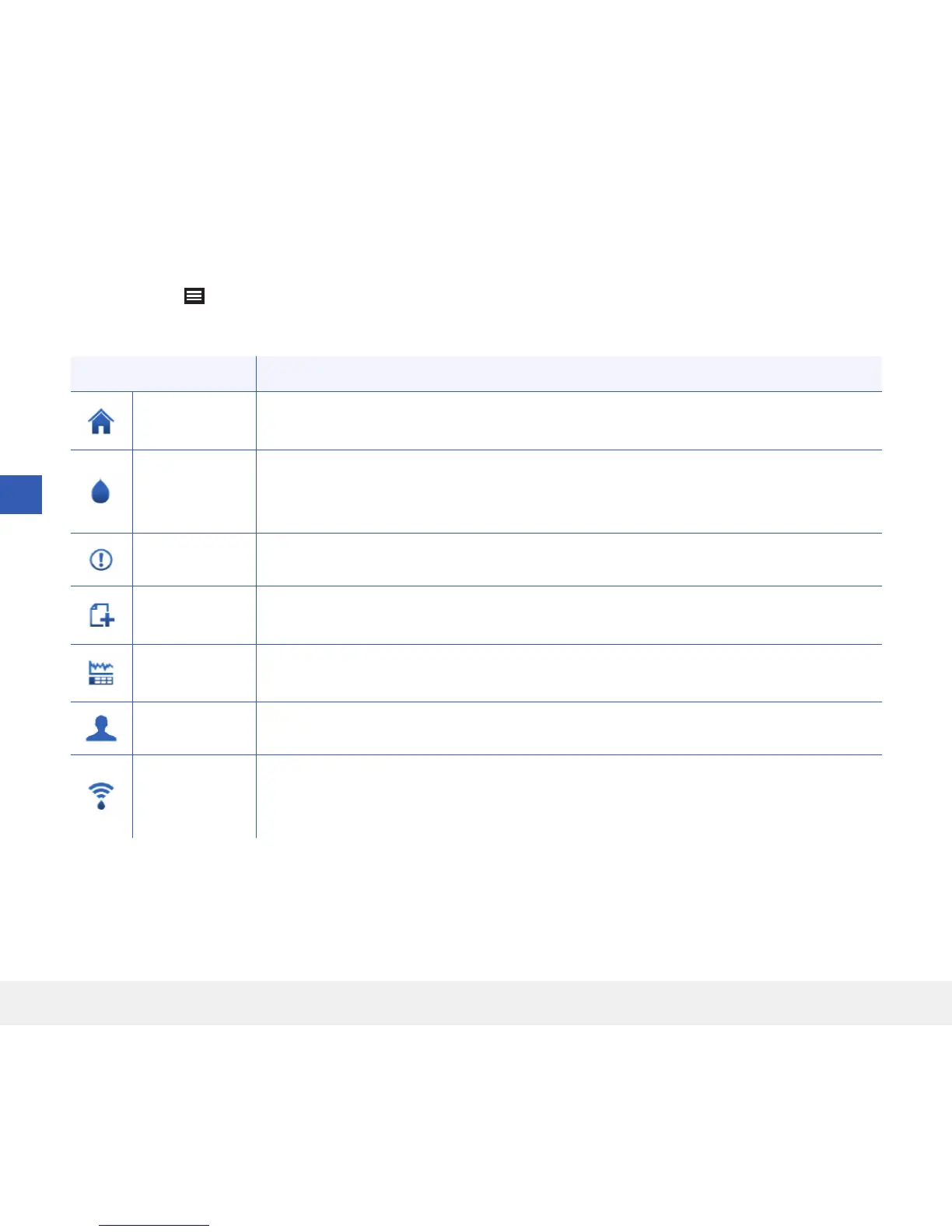
Menu Options Description
My Glucose
Main app screen that displays current CGM reading, direction and rate of change, trend
graph, events and alerts.
Calibrate
Enter calibration test values. The CALIBRATION screen automatically appears
when it is time to calibrate but you can also enter additional calibration values using this
menu option.
Alert History Review past alerts and notifications. See Alert Descriptions for more information.
Event Log
Enter information about activities such as blood glucose tests, meals, insulin, health and
exercise. See Event Log for more information.
Reports
Review a variety of reports about your CGM data. See Glucose Reports and Sharing for
more information.
Share My Data Download or export your CGM data via a .csv file.
Placement
Guide
Check the communication between the smart transmitter and sensor. Use this screen
whenever you are attaching the smart transmitter to be sure communication is
established.
Menu Options
The Menu icon ( ) appears at the top left corner of all app screens and provides easy navigation to other app
features. The following menu items are available:



 To Next Page