74
Eversense XL CGM User Guide
8
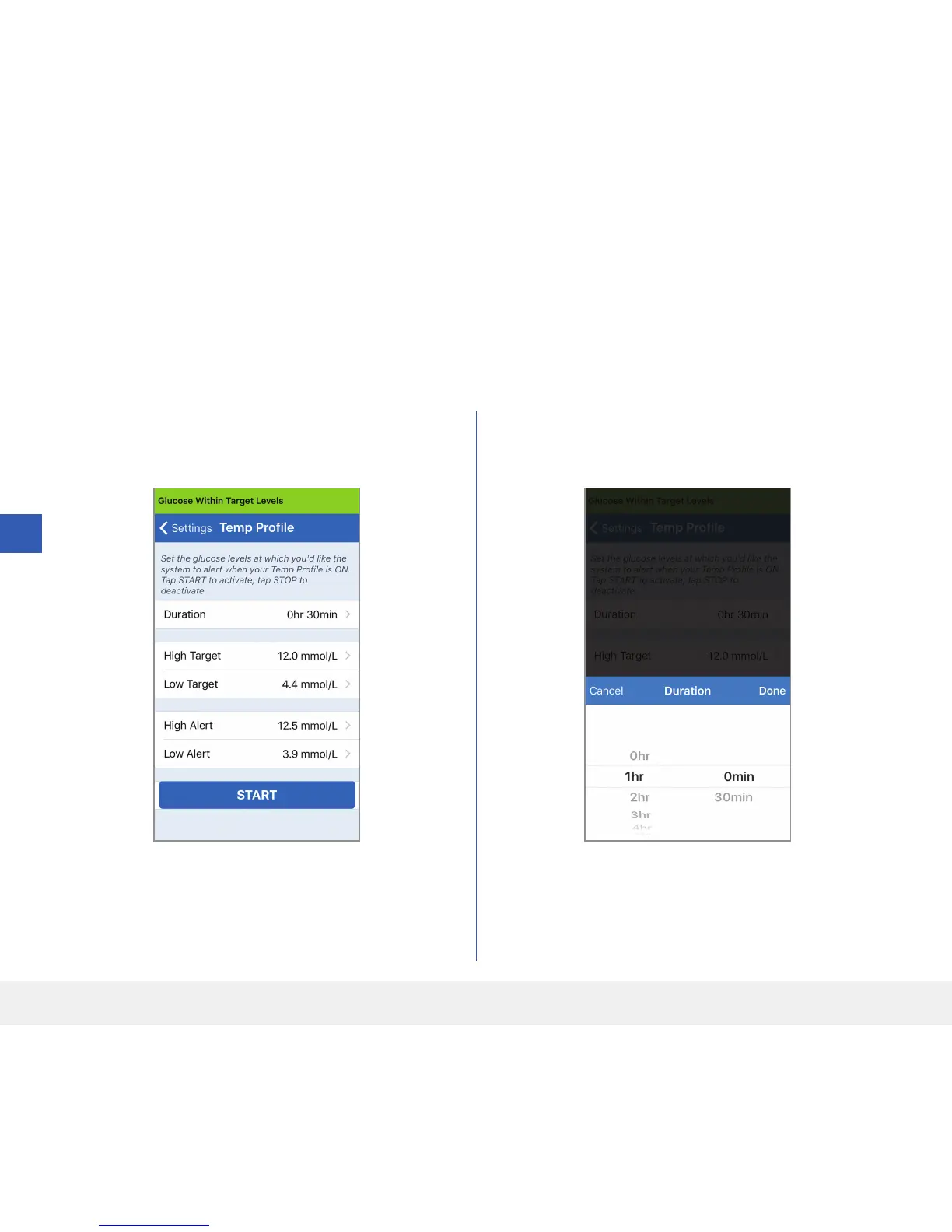
Setting Temporary Profile
During activities or conditions outside your normal routine, you may wish to temporarily use glucose settings that
are dierent from the standard glucose settings you have entered. The TEMP PROFILE screen allows you to
temporarily change glucose target and alert settings for the duration you choose. When the Temp Profile duration is
over, the standard glucose settings you entered in Settings > Glucose will automatically resume.
1. Tap Menu > Settings > Temp Prole to
display the TEMP PROFILE screen.
2. Select the duration. You can set a Temp Profile for
up to 36 hours in 30 minute increments.



 To Next Page