73
Eversense XL CGM User Guide
8
The SOUND SETTINGS screen also allows you to
enable and disable the Do Not Disturb mode.
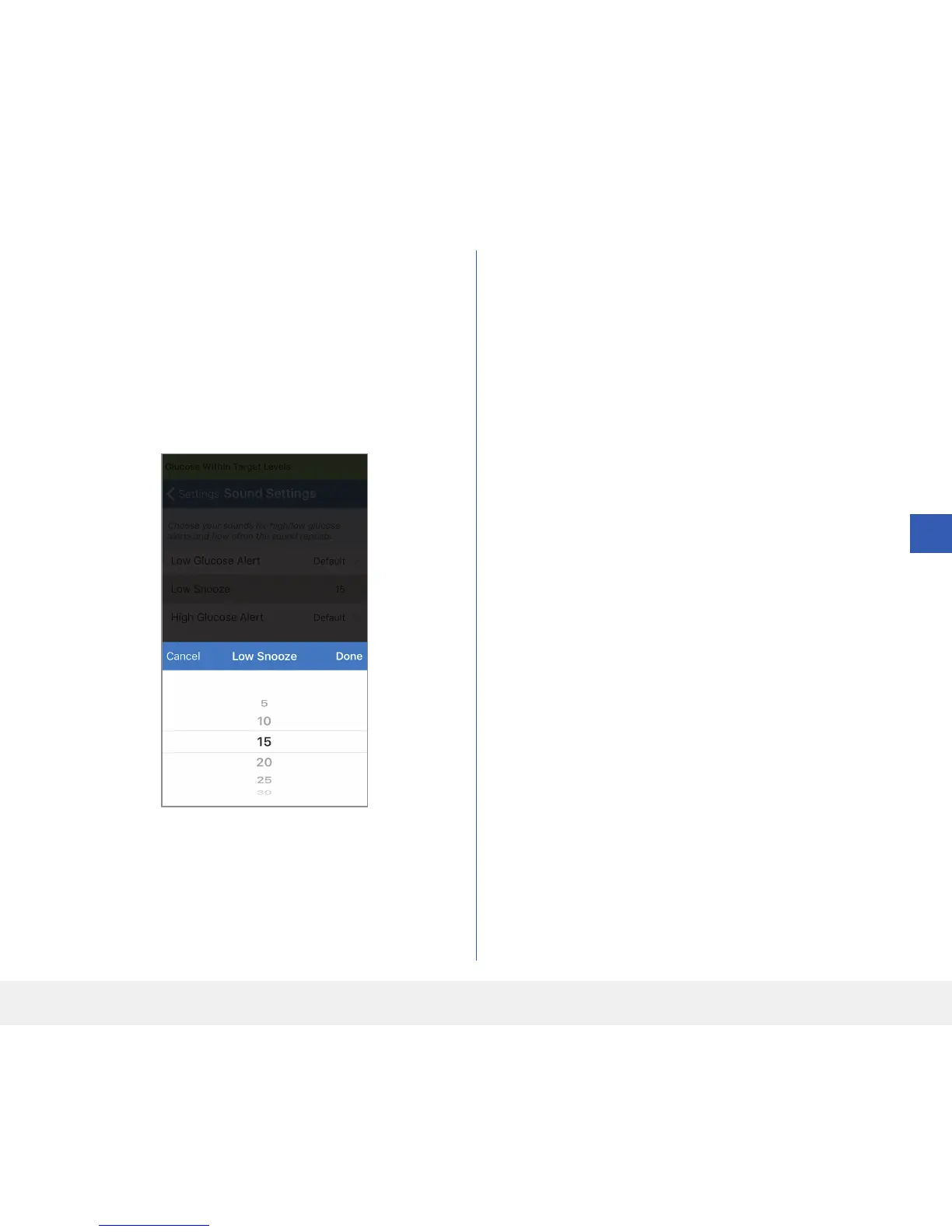
3. Tap each snooze alert to set how often the alert
repeats.
Tap Done when complete.
• Do Not Disturb. Places the smart transmitter in a
“Do Not Disturb” mode.
• OFF – ALL notifications – alerts and notifications –
regardless of critical nature will be provided
by the smart transmitter and app.
• ON – ONLY critical alerts will be provided by the
smart transmitter’s on-body vibe alerts. All
alerts will continue to be provided on the
mobile app.
Note: When you enable Do Not Disturb mode on
your mobile device you will not receive any alerts or
notifications from the Eversense App. For a list of alerts,
please see Alert Descriptions.
By setting the snooze alert, you can set how often an
alert repeats after you have received a Low Glucose and
High Glucose alert.



 To Next Page