111
Eversense XL CGM User Guide
14
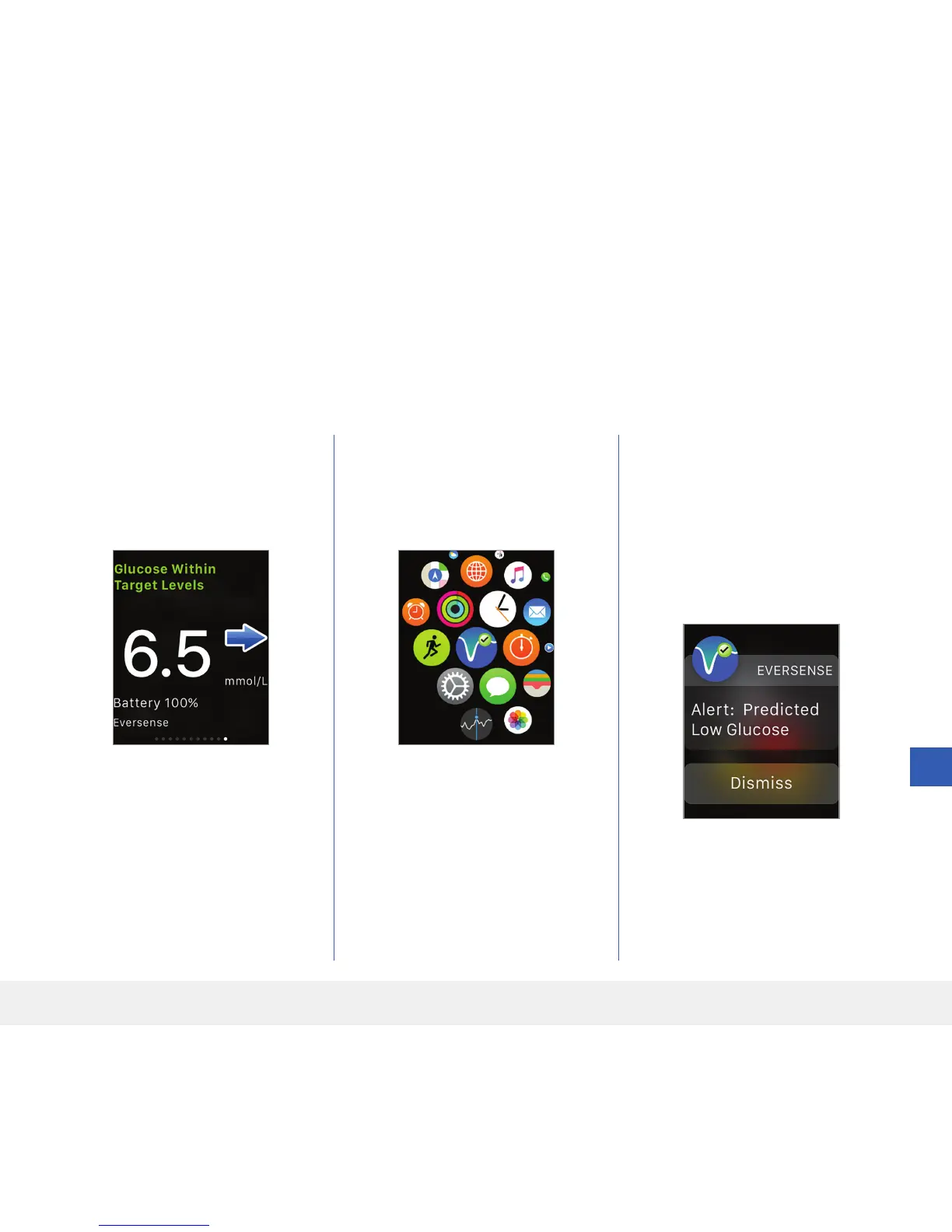
Glance View
The Eversense Apple Watch Glance is not available for Apple Watch users running watchOS 3.0 or higher.
If your Apple Watch operating system supports the Glance view, and you have already set the Eversense App on your
mobile device to Show in Glances under the Apple Watch settings, simply swipe up on the watch HOME screen to
display the Eversense App Glance View.
Status bar information, your current
glucose value with trend arrow, and
the battery life remaining in your
smart transmitter appear.
To access additional app features,
tap the Eversense icon on
your watch HOME screen to
open the app.
You can also access the MY
GLUCOSE screen if you turn on
notifications from Eversense in your
Apple Watch settings. When you
receive a notification, you can also
tap on the message to see the MY
GLUCOSE screen.



 To Next Page