71
Eversense XL CGM User Guide
8
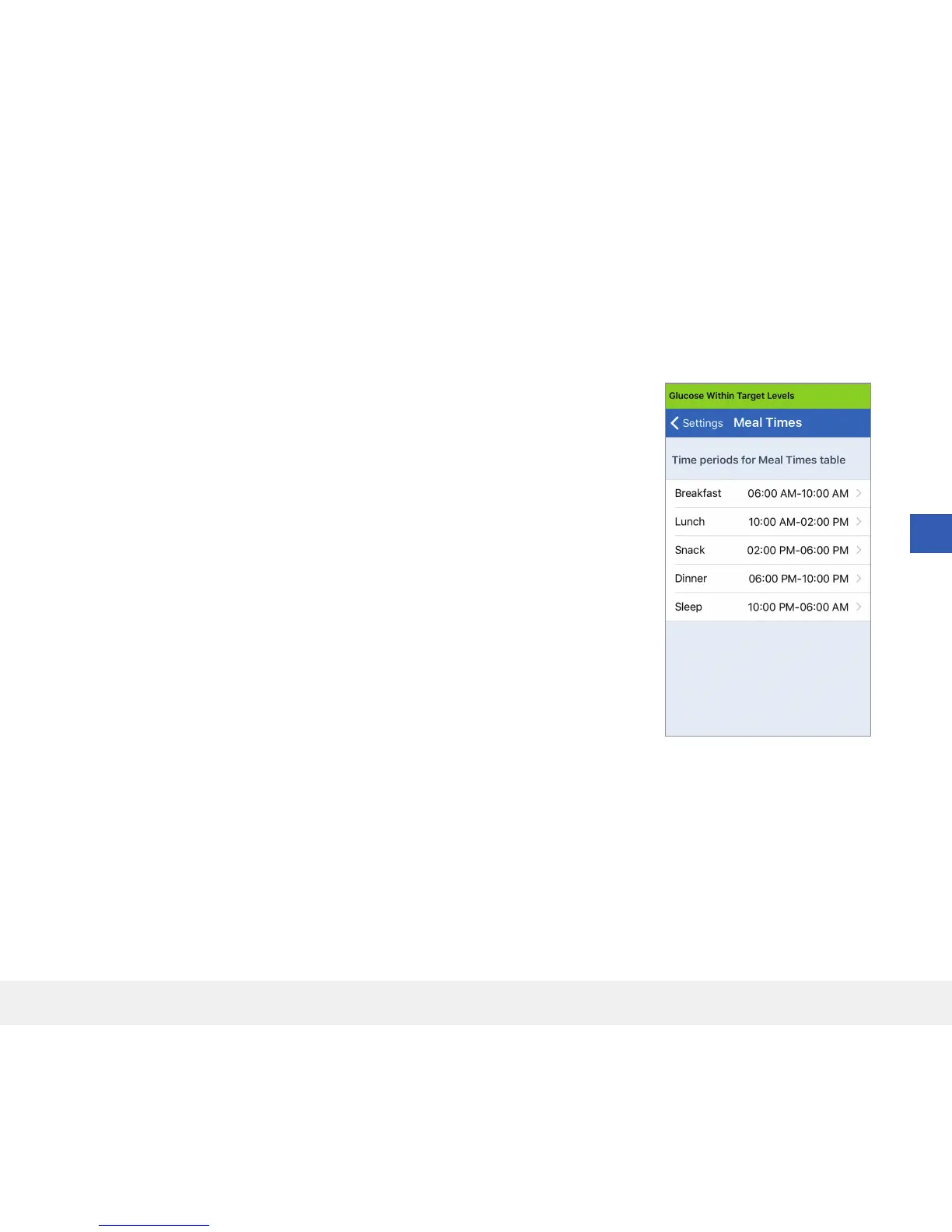
Setting Mealtimes Schedule
The MEAL TIMES screen displays the time slots for your Breakfast, Lunch, Snack, Dinner and Sleep times. The
time intervals set in the MEAL TIMES screen are used on the Reports graph view to indicate the high, low and
average CGM values during each mealtime interval.
1. Tap Menu > Settings > Meal Times to display the MEAL TIMES
screen.
2. Tap each meal time listed, then tap Start and End to set a beginning
and end mealtime.



 To Next Page