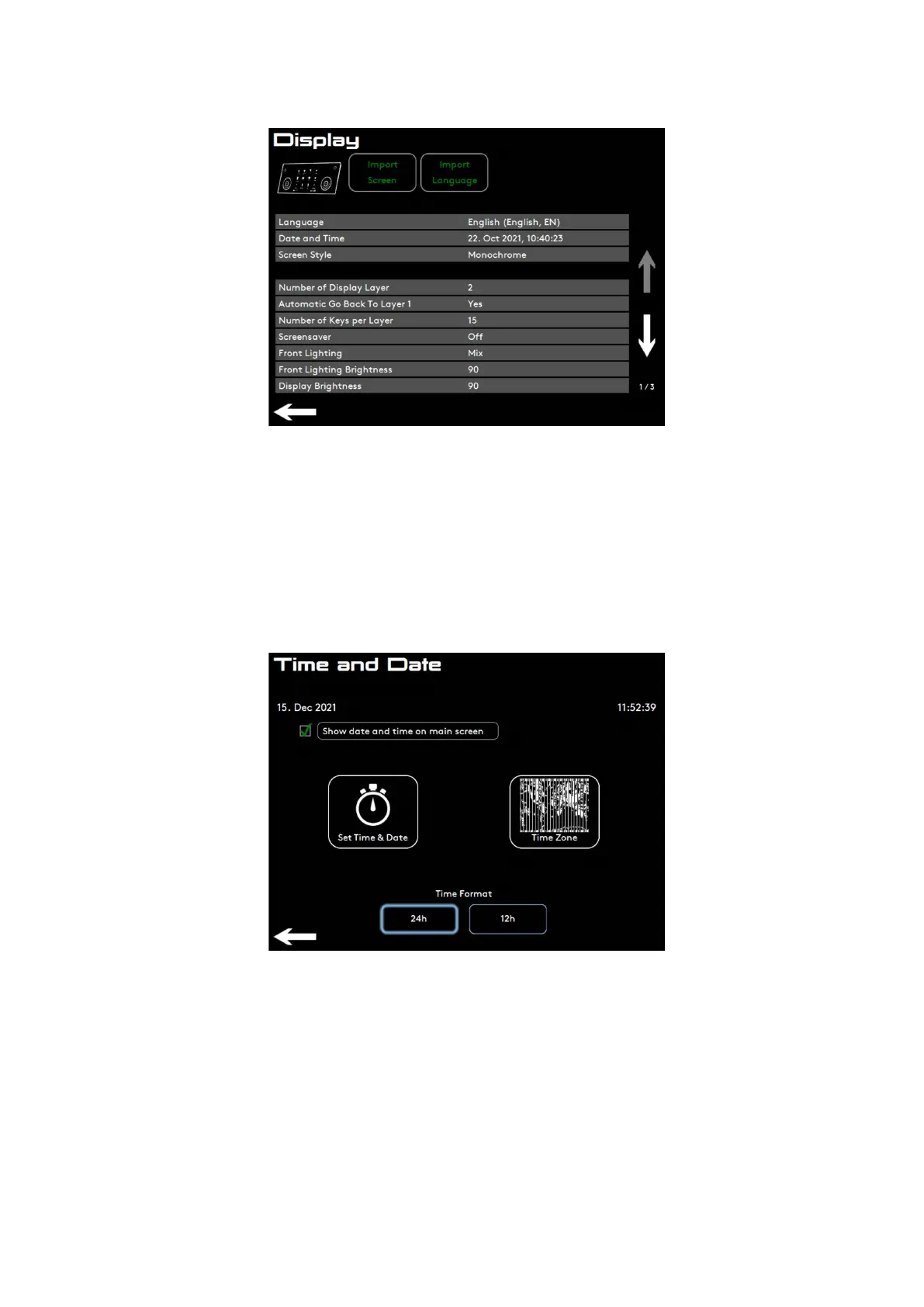
6.5.1. Set time and date
Follow the screen instruction. Set time and date if needed.
6.5.2. Time zone
Choose time zone to get correct daylight saving time.
6.5.3. Front lighting
• O: no decorative light under front panel.
• Select colour: xed colour under front panel.
• Mix: complete colour spectrum within 3 minutes.
Settings Menu
02.01.2023 Page 63 of 150 © Eversys S.A.











 To Next Page