HD9084 HDTV Caption Encoder Manual
Page 3-10 OPERATION
U:>>later on channel 6 news..the one
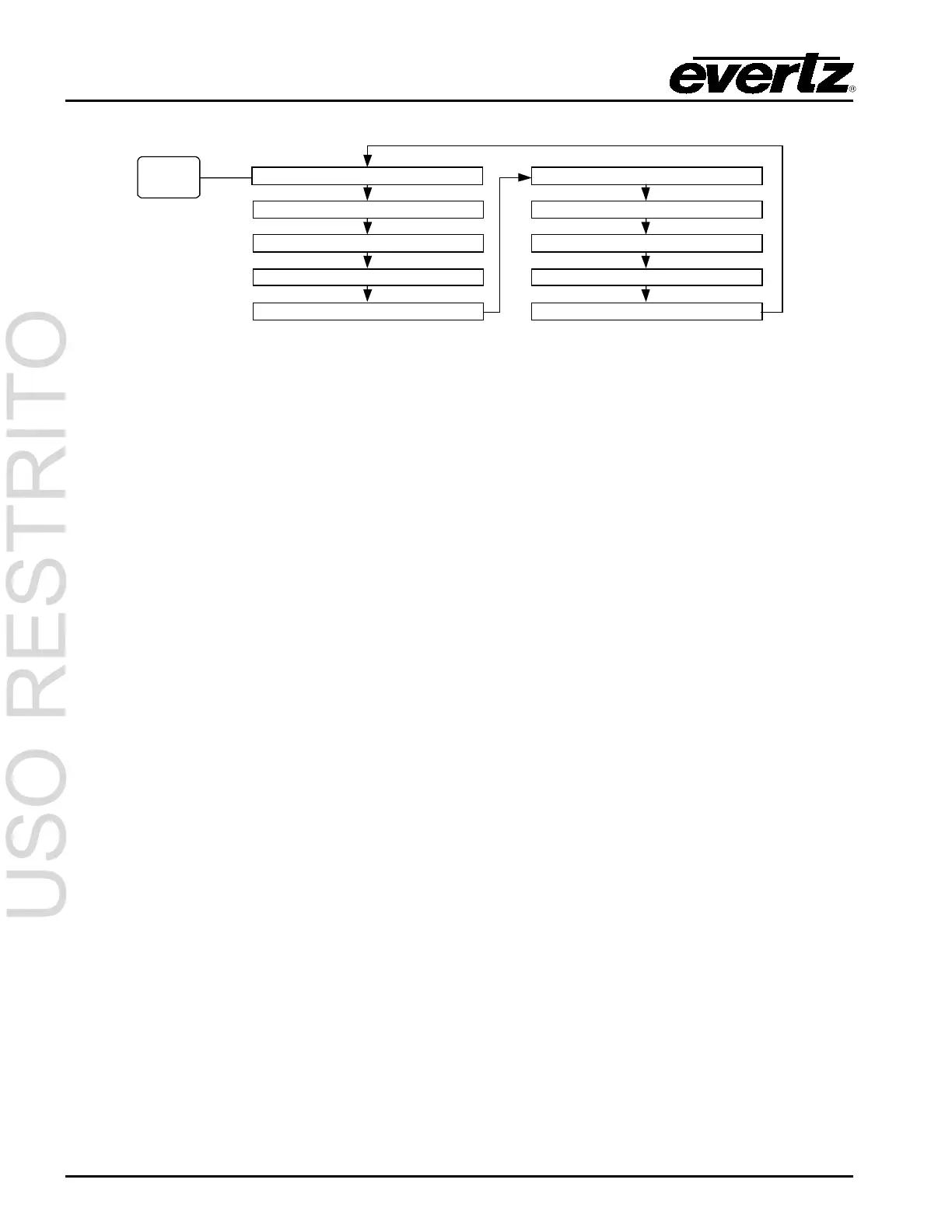
Push the DECODE
button to cycle
through different
decode display
options.
U1: Displays the decoded 608 caption data from upstream field 1, before any caption processing is
performed by the HD9084. This display is useful to determine if any captions are valid and present in
field 1 on the upstream video source.
U2: Displays the decoded 608 caption data from upstream field 2 before, any caption processing is
performed by the HD9084. This display is useful to determine if any captions are valid and present in
field 2 on the upstream video source.
D1: Displays the decoded 608 caption data from downstream field 1, after caption processing is
performed by the HD9084. This display is useful to determine if any captions have been encoded
properly in field 1 post caption processing.
D2: Displays the decoded 608 caption data from downstream field 2, after caption processing is
performed by the HD9084. This display is useful to determine if any captions have been encoded
properly in field 2 post caption processing.
PA, PB, PC, PD, PE, and PF: Displays data received from the respective communications port. This
is useful to verify port settings and connections. Ports PA, PB and PC are used to display data
received from the serial ports. Ports PD and PE are used to display data received from the modem
ports. Port F is used to display data received from the Ethernet port.



 To Next Page