HD9084 HDTV Caption Encoder Manual
OPERATION Page 3-9
3.2. FRONT PANEL DISPLAYS
The front panel of the HD9084 can show a variety of informative diagnostic displays. These are used
to quickly diagnose any problems with the captioning system.
To cycle through different display options, press one of the five Menu & Display pushbuttons (VIDEO,
DECODE, PORTS, TIME, GENERAL). The front panel is at the Display Level when the operator is not
navigating the menu systems (MENU LED is off).
When at the Display level, other informative or fault reporting messages may also appear occasionally.
These are covered in section 3.9.
3.2.1. Video Display
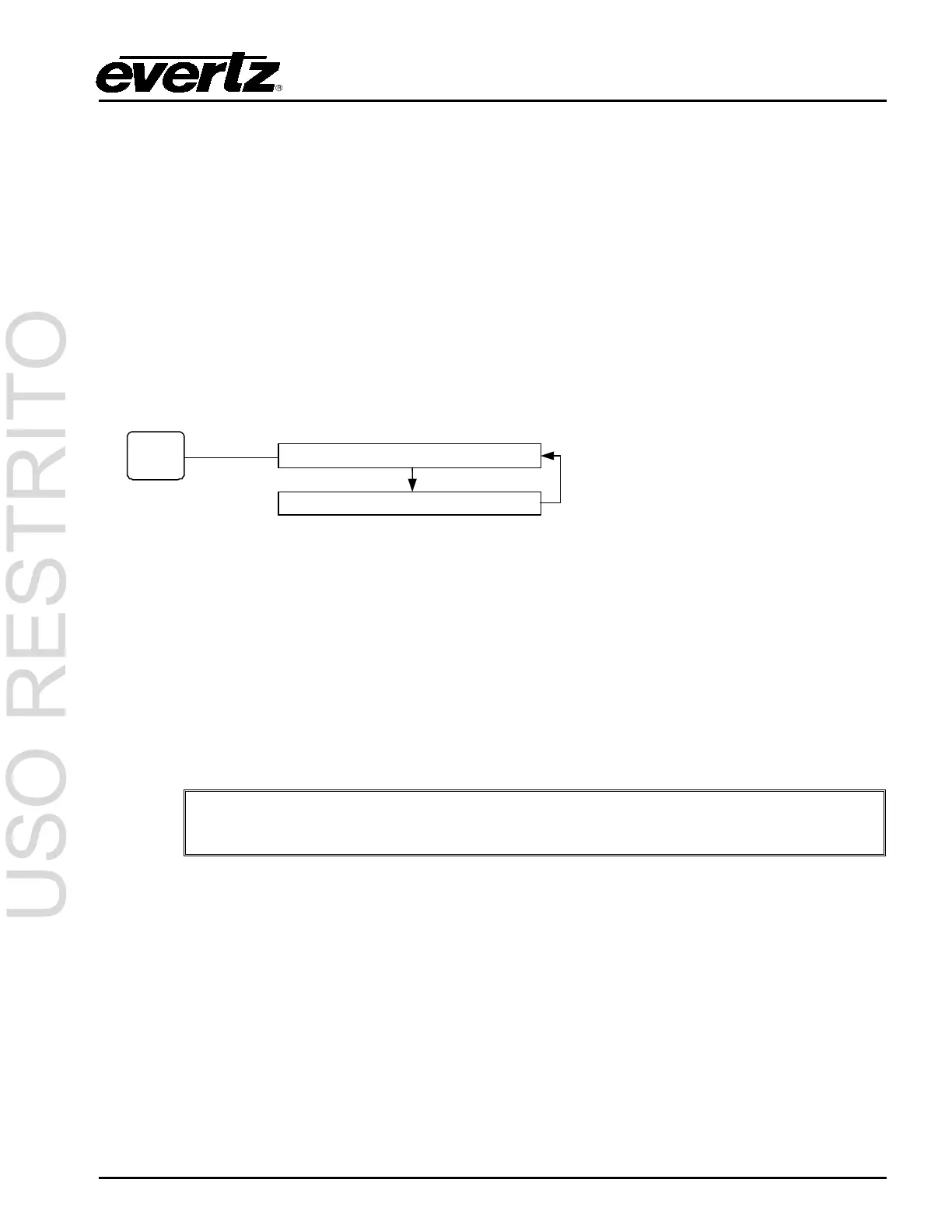
Press VIDEO repeatedly to cycle through the Video front panel displays.
Push the VIDEO button
to cycle through
different video display
options.
C---- T---- - (default setting)
Indicates the state of CEA-608 services in the video. The characters following the ‘C’ represent
services CC1 through CC4. The four characters following the ‘T’ represent services Text1 through
Text4. The last character by itself represents the XDS service. Possible states for each service are:
A dash (-): No activity
A number, or ‘E’ for XDS: Upstream data is present
‘D’: HD9084 is inserting captions in Direct Entry State
‘R’: HD9084 is inserting captions in Realtime State
‘X’: Upstream data is being blocked
It is also possible to see which communications port is inserting or blocking
captions. See section 3.2.3: Ports Display.
Example display: C1R-4 TX23- E
The example shows CC1 and CC4, Text2 and Text3, and XDS are present in the upstream SD-SDI
video. Also, Realtime captions are being inserted onto CC2, and Text1 is blocked.
Line NTSC or PAL=21 HD=9
Indicates the line number captions are encoded on the downstream video. The encoded SD-SDI line
number will be displayed next to “SD=”, and the encoded HD-SDI line number will be displayed next to
“HD=”. To configure these settings, please refer to section 3.4.1.
3.2.2. Decode Display
Press the DECODE button repeatedly to cycle through the Decode front panel displays.



 To Next Page