HD9084 HDTV Caption Encoder Manual
Page 3-12 OPERATION
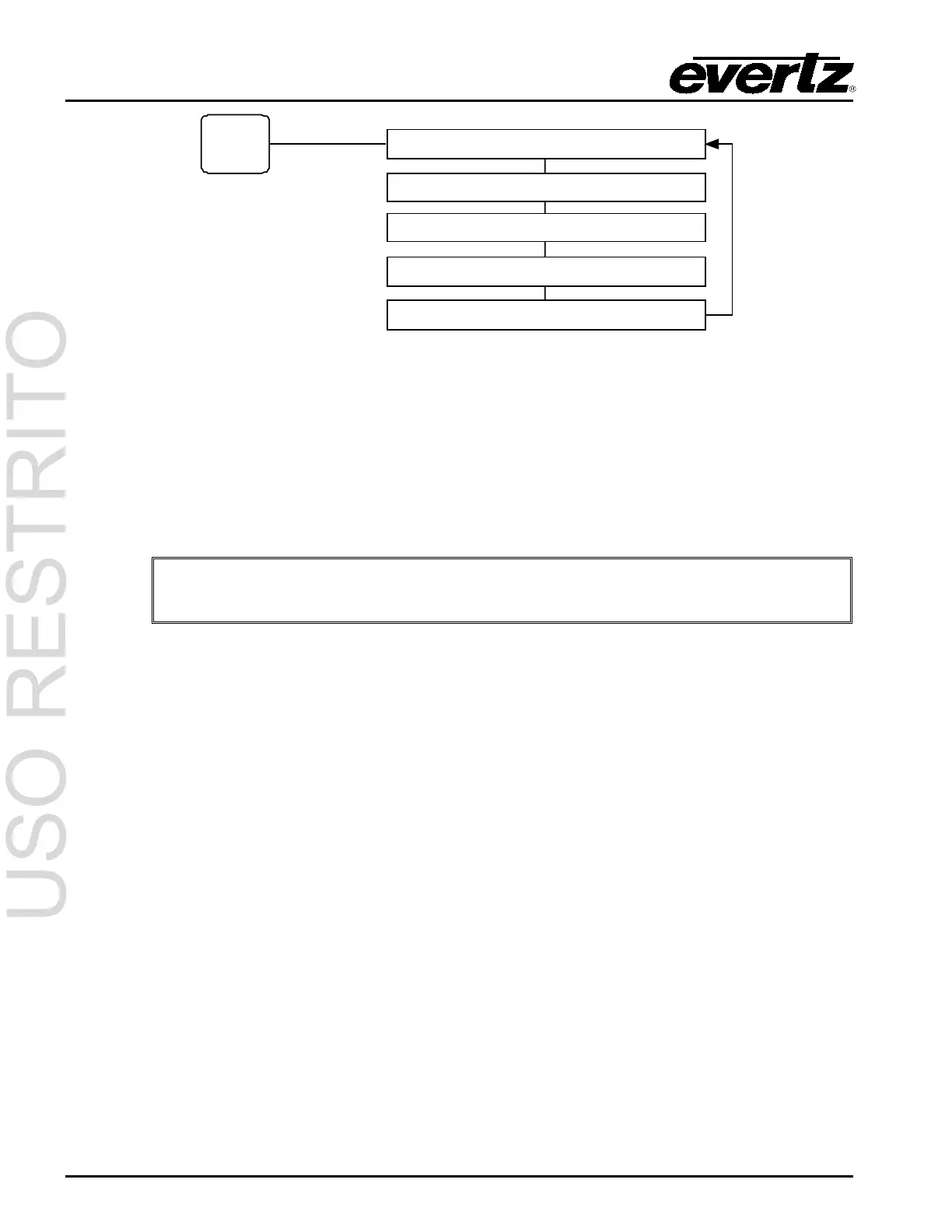
Push the TIME
button to cycle
through the
display options.
Local 12:08:49 (example display)
Indicates local time. To configure local time, please refer to section 3.7.
UTC 13:15:38 (example display)
Indicates the universal coordinated time. To configure UTC time, please refer to section 3.7.
LTC IN TIME
Indicates whether the time input to the LTC Reader port is Local or UTC time.
Please note: Currently, the LTC Reader option is is not available.
01/01/2001 Thu (example display)
Indicates month/day/year and calendar day. To configure the date display, please refer to section 3.7.
TZ=00:00 DST DSO
Indicates the time zone offset and whether the DST and DSO are enabled or disabled. If DSO or DST
is displayed in uppercase letters, the function is ON/True. If the function is displayed in lower case
letters, the function is OFF/False. To configure time zone, DST and DSO, please refer to section 3.7.1.
CDP in 15:56:30 (example display)
Displays the CDP time received from upstream CDP packets contained in the VANC space of the HD-
SDI video bitstream. The acronym “CDP” will be displayed in uppercase letters if the time source is
present, and in lowercase letters if the time source is not present.
3.2.5. General Display
Press GENERAL repeatedly to cycle through the General front panel displays.



 To Next Page