HD9084 HDTV Caption Encoder Manual
OPERATION Page 3-13
GENERAL
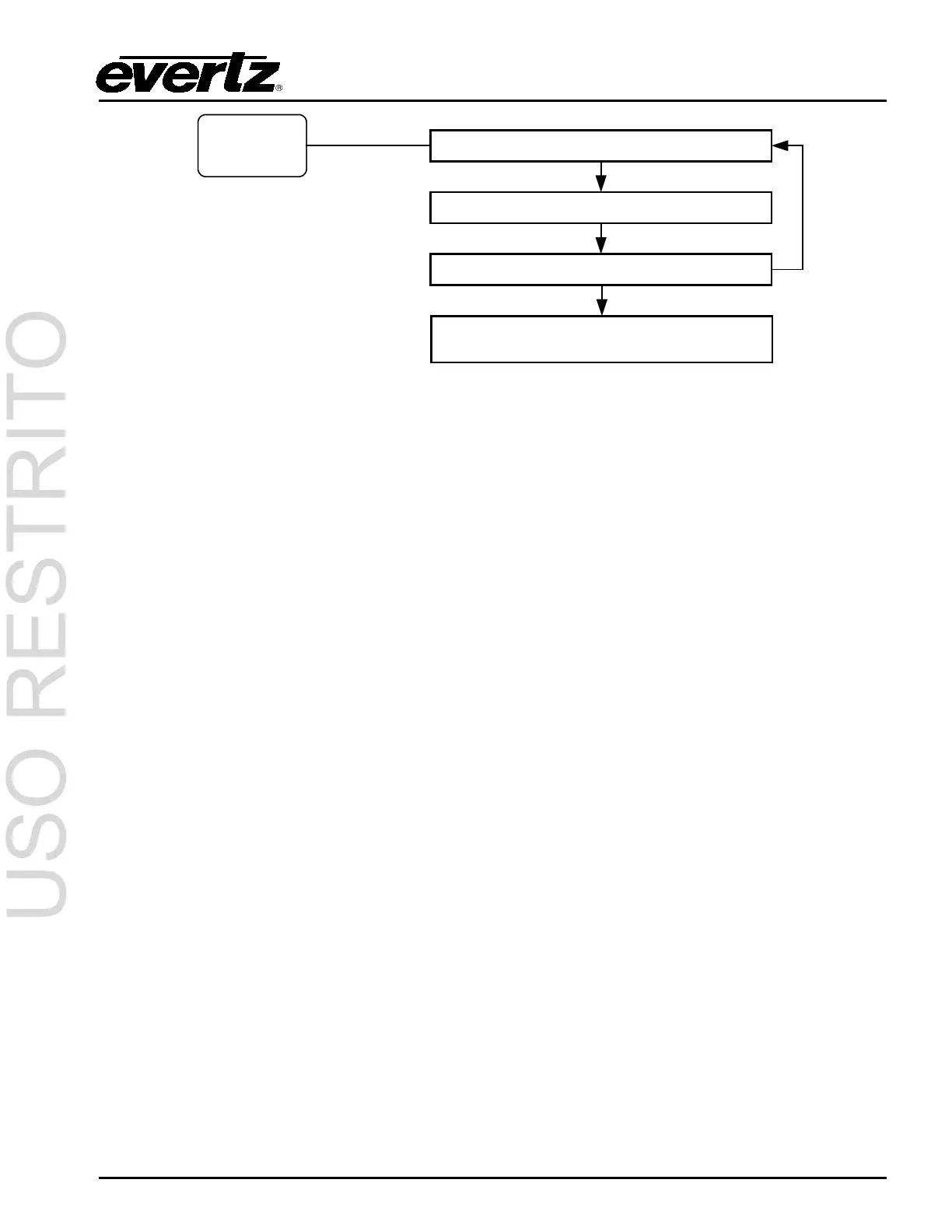
Push the GENERAL
button to cycle
through different
general display
options.
V: 1.10 build 3
Example Display
PLD: 1.1 1.2 1.0
Example Display
IP: 255.255.10.8
Example Display
MdmD: default / model # /none
MdmE: default / model # /none
Example Display
V: 1.10 build 3 (example display)
Indicates Firmware version and build number.
PLD: 1.1 1.5 1.0 (example Display)
The PLD display provides version numbers on the Programmable Logic Devices in the HD9084. The
PLD information might be required during troubleshooting procedures when calling into the factory.
IP: 192.168.9.99 (example display)
Indicates the IP address that is currently set.
Serial Number Display
Displays the serial number hard-coded into the memory of the HD9084. Note that this is not the same
serial number as found on the underside of the chassis.
3.2.5.1. Modem D or Modem E Cycling
Indicates the current installed modems. If a modem is not detected, then the display will show a value
of “none”.



 To Next Page