TIP:
l
Operate the screw (LOCK) (E) and screw (CENTERING) (D) when adjusting parfocality. Set the C-mount camera
adapter to an appropriate direction so that the screw (CENTERING) is easy to operate.
l
Be sure to adjust parfocality between the C-mount camera adapter and the eyepiece. Otherwise, either the
image through the eyepiece or that of the camera may not stay in focus. Please refer to the instruction manual
of the C-mount camera adapter you are using for the parfocal adjustment method.
l
If the orientation of the camera is not correct, the orientation of the image seen through the eyepiece and that
of the camera image will not match. After completing the hardware installation, compare the image seen
through the eyepiece with the live image from the camera and rotate the C-mount camera adapter until the
images match.
l
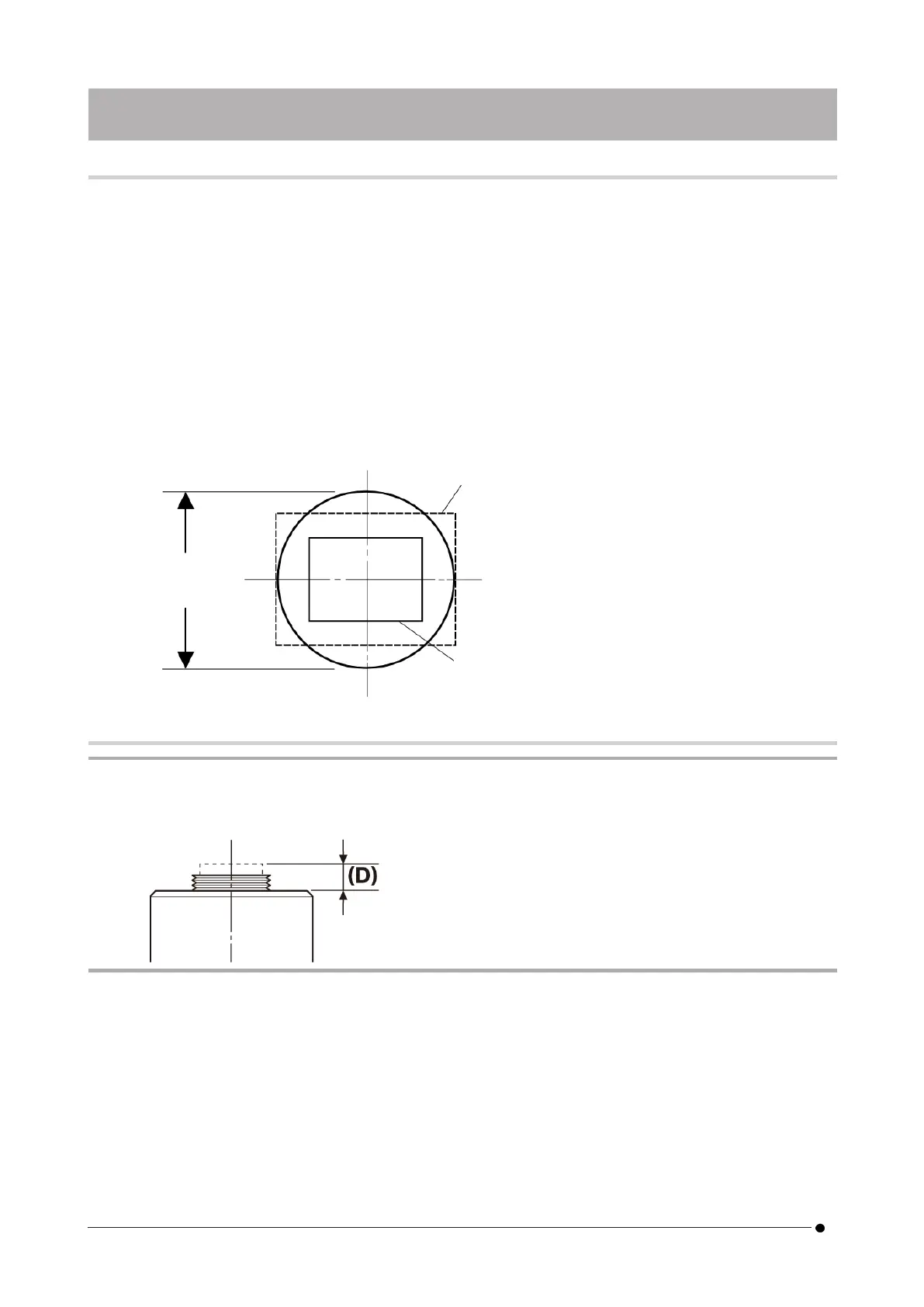
The figure is a rough viewing range. Before use, check the actual viewing range by using a sample with a scale
function.
l
When using a third-party C-mount camera adapter, full optical performance may not be obtained.
NOTE:
l
Do not use C-mount camera adapters made by other companies that have a thread part dimension (D) of 4.5
mm or more, as they will collide with and damage the components inside the camera head.
Field number
22
0.63 x
(Diagonal length: Equivalent to 27.8 fields)
1 x
(Diagonal length: Equivalent to 17.5 fields)
16
6. Assembly 6.2 Mounting the camera head



 To Next Page