DP75
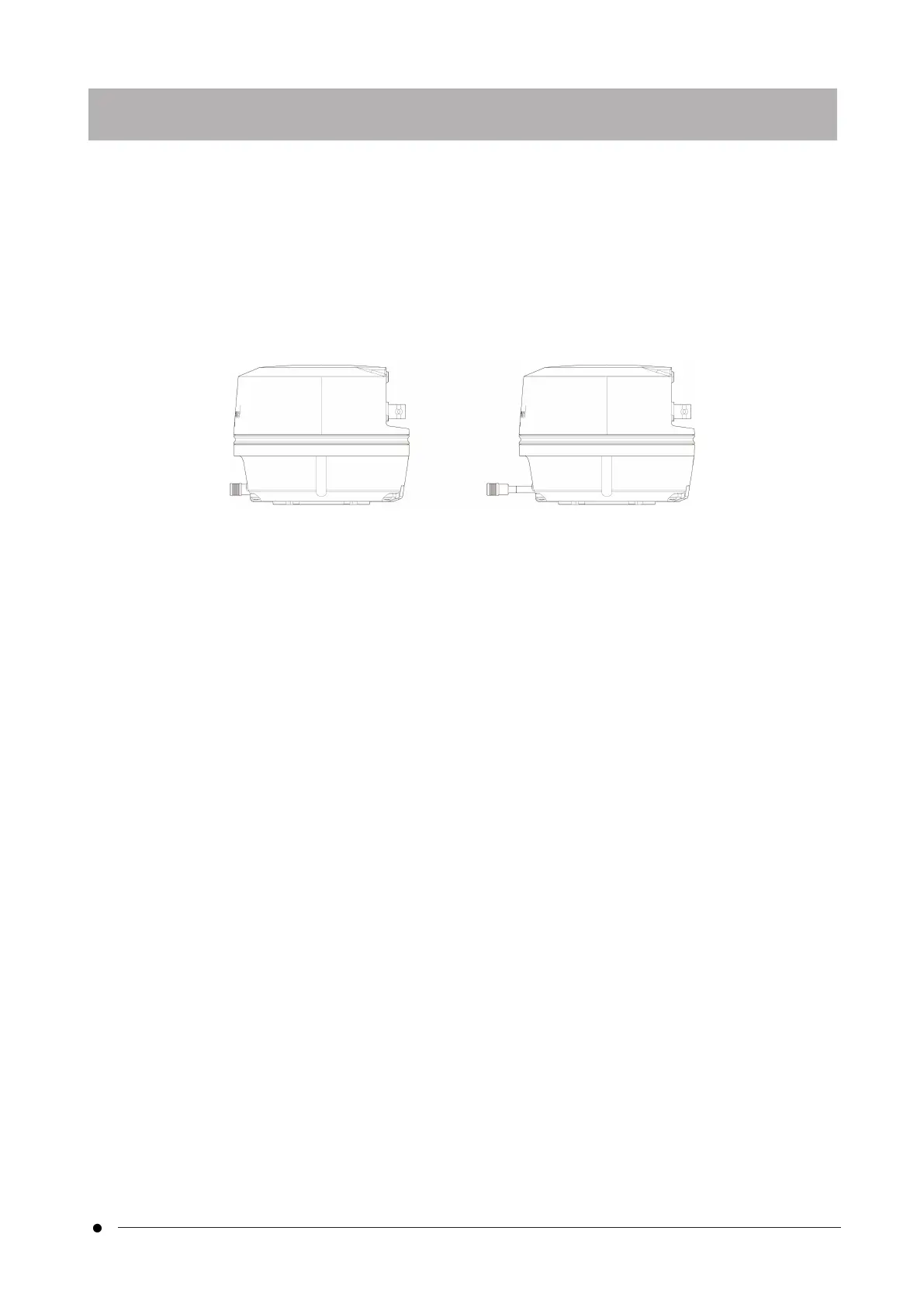
In the DP75, by pulling the IR cut filter insertion/removal knob, the IR cut filter can be removed from the optical
path and observation images at long wavelengths (up to approximately 1,000 nm) can be acquired. Do not stop
pulling out the insertion/removal knob in the middle, and pull it until it cannot be pulled out anymore.
To insert the IR cut filter in the optical path, push the insertion/removal knob all the way to the end.
The diagram showing the
insertion/extraction knob fully pushed in
The diagram showing the
insertion/extraction knob fully pulled out
9. IR cut filter insertion/removal function
23
9. IR cut filter insertion/removal function



 To Next Page