29
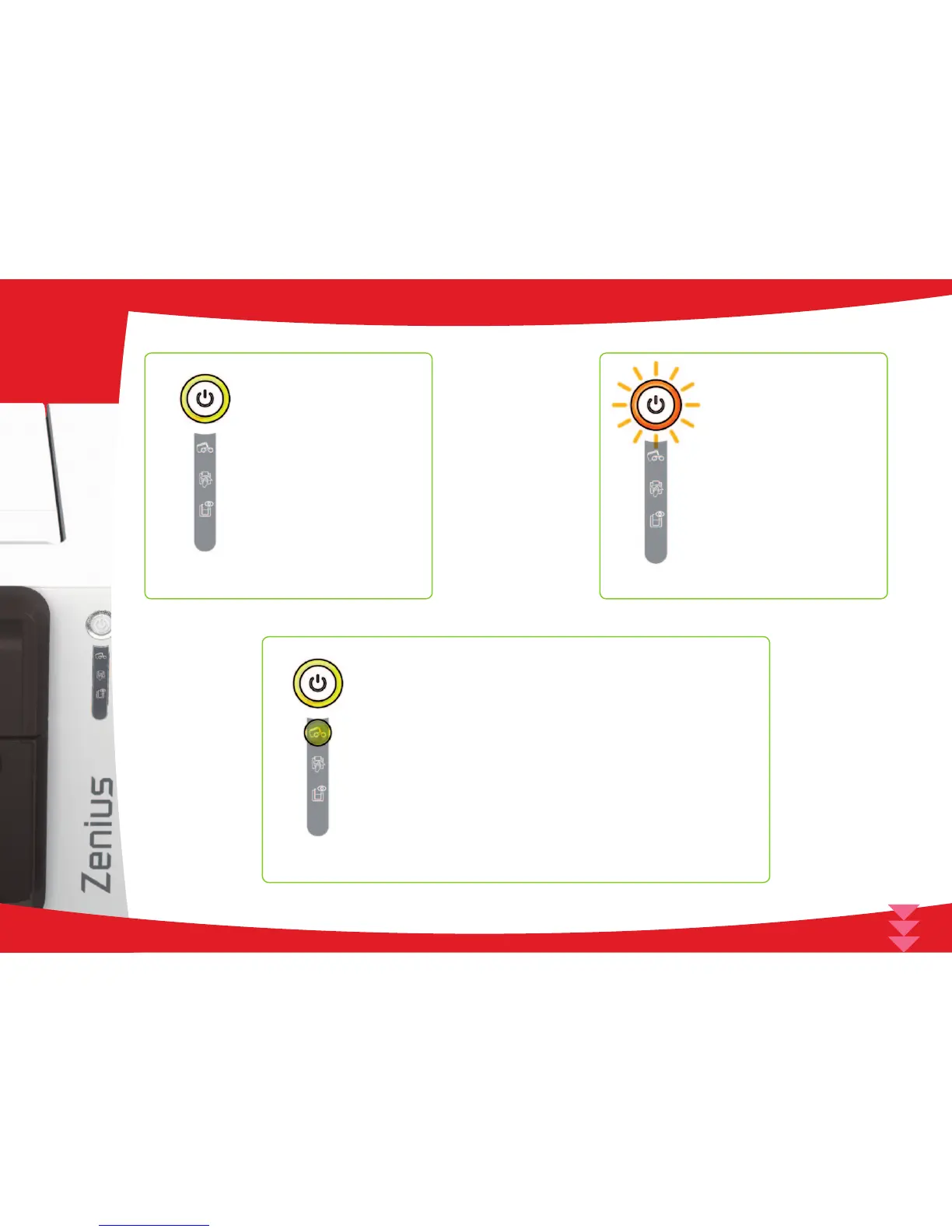
n The printer is ready to
receive data.
n No ribbon in the printer.
l End of ribbon.
n The ribbon is not correctly
tted.
n The ribbon is torn.
n The ribbon is not
recognized.
Check the condition of the
ribbon in the printer. If you
have a print job in progress,
this restarts with a new card.
n The printer is receiving
data.
n No cards in the card
feeder.
Put cards back into the
feeder - the process starts
again.
PRINTER READY
RIBBON
PROCESSING
CARDS
n Card loading error.
Check cards have been
loaded. For any other problem
contact your Evolis dealer.
31
4



 To Next Page