Evolution Digital
EVO-SUP-DMS2002HD-U-001-v1r0 Page 74
1. Hold the 7 button until the Diagnostic screen appears.
2. Press the Info button to access the hidden Test Menu
3. The only option available in the Test Menu is Reset to Factory Defaults so just press the OK button and the
box will be cleared and reset.
After the last step, the DTA will clear its NVRAM to the default state and reset itself, entering Boot Mode then Hunt
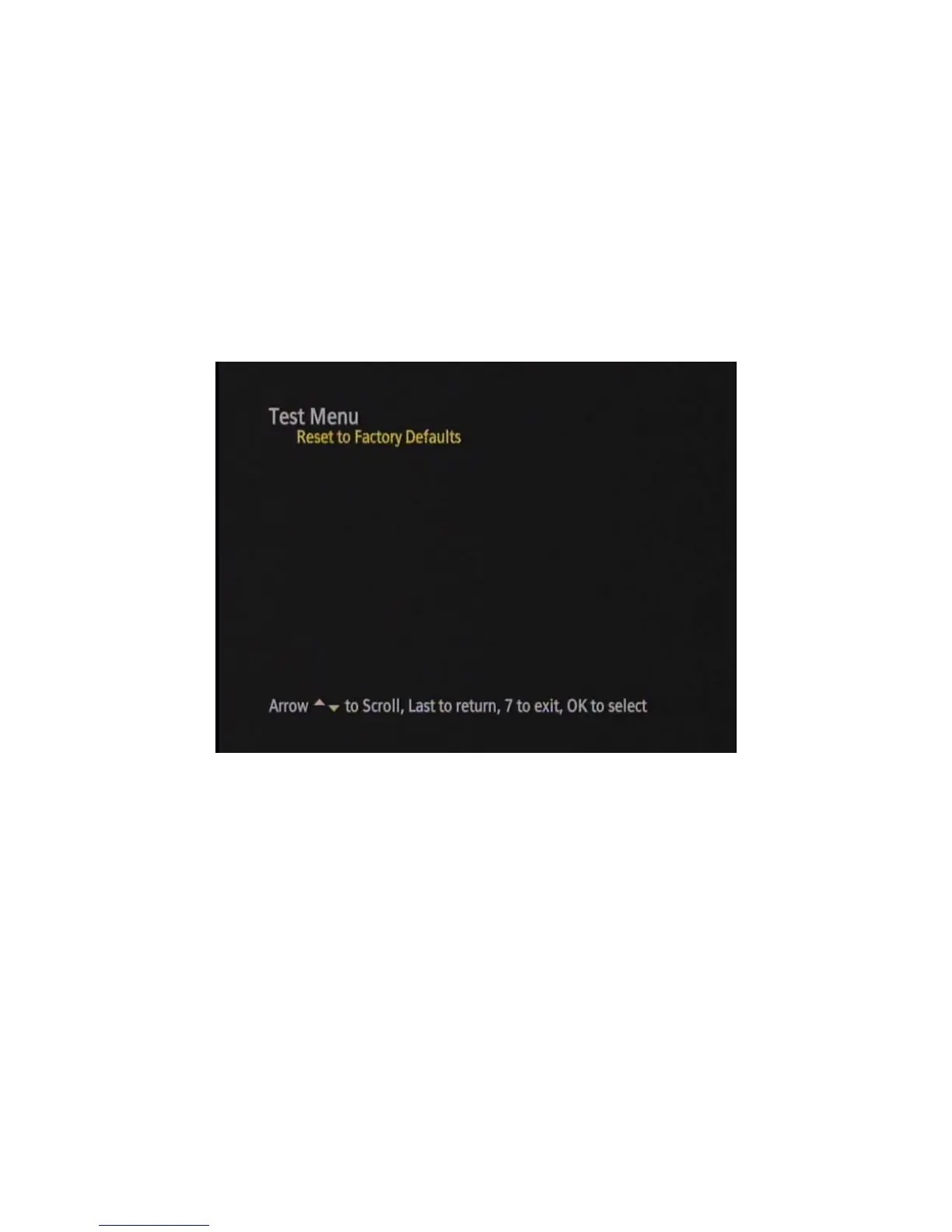
Mode (if it successfully exits Boot Mode). Figure 43 shows an example of the hidden Test Menu as presented on
the DTA.
Figure 46 Test Menu
This manual clear process can be used while in the any of the following modes:
• Hunt
• Pending Initialization
• Normal Operations
• Code Download


 To Next Page