Evolution Digital
EVO-SUP-DMS2002HD-U-001-v1r0 Page 22
• Site Code
In addition to setting the parameters listed above, the headend will assign the DTA to a VCT ID. The DTA will
transition to Normal Operations mode once it has received the headend messaging to configure and activate the
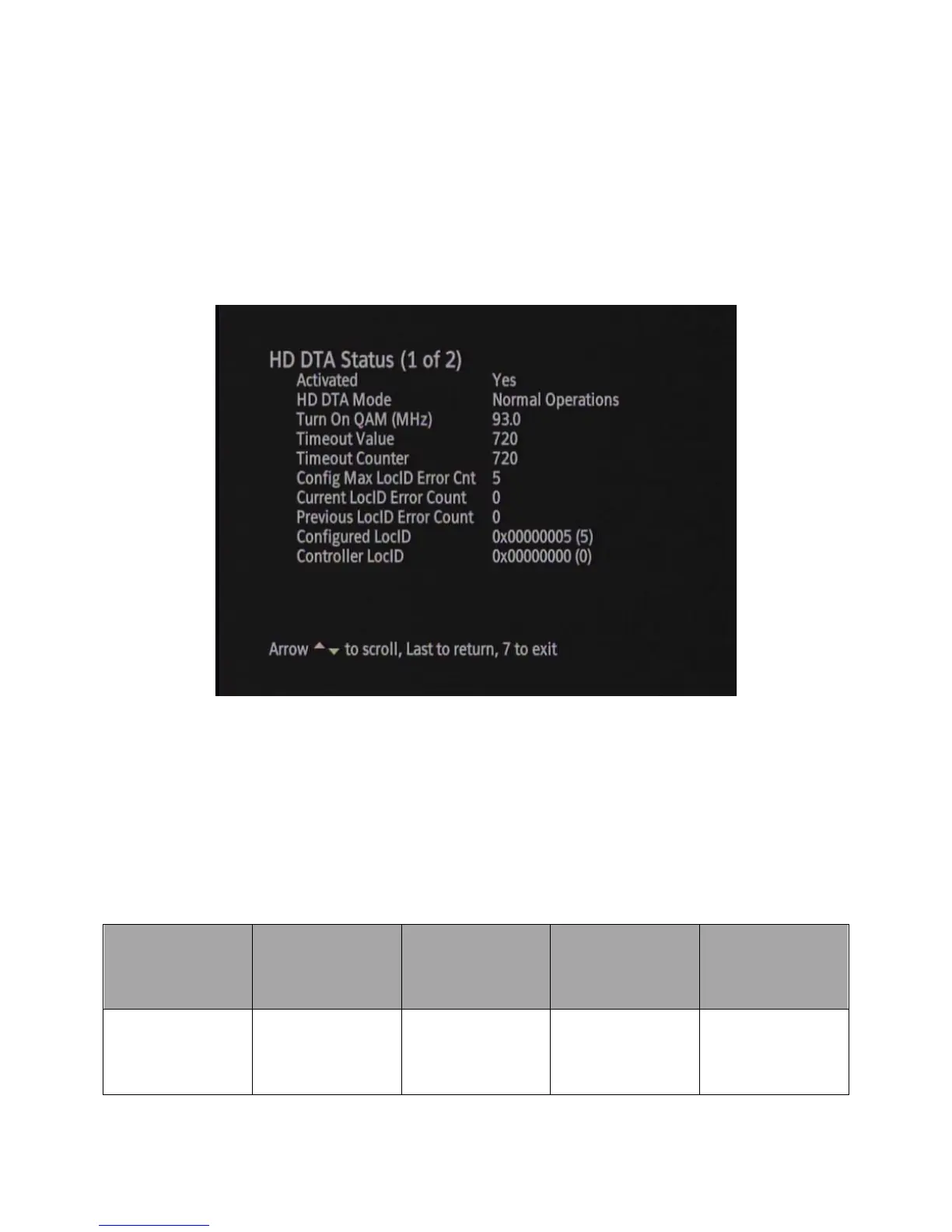
DTA and the DTA has fully downloaded and loaded the virtual channel map. Section 2.4.2.1 discusses how the
DTA transitions to Normal Operations. Figure 8 below shows an example of the DTA Status screen when the DTA
is in Normal Operations mode.
Figure 8 DTA Status Screen – Normal Operations
2.4.2.1 Transition to Normal Operations
Table 6 below details the condition that must be met in order for the DTA to transition to Normal Operations Mode
and the combination of states and conditions that keep the DTA in Pending Initialization Mode.
Table 6 DTA Transition to Normal Operations



 To Next Page