Evolution Digital
EVO-SUP-DMS2002HD-U-001-v1r0 Page 45
CVT messages that contain a change in Configuration Count. At the end of the force tune, the DTA will return to
the previously tuned to channel.
6.0 Diagnostic Menu
The DTA provides a diagnostic menu that is accessible by holding the 7 button on the remote for a minimum of 4
seconds. The remainder of this section details the DTA diagnostic menu.
6.1 Navigating the Diagnostic Menu
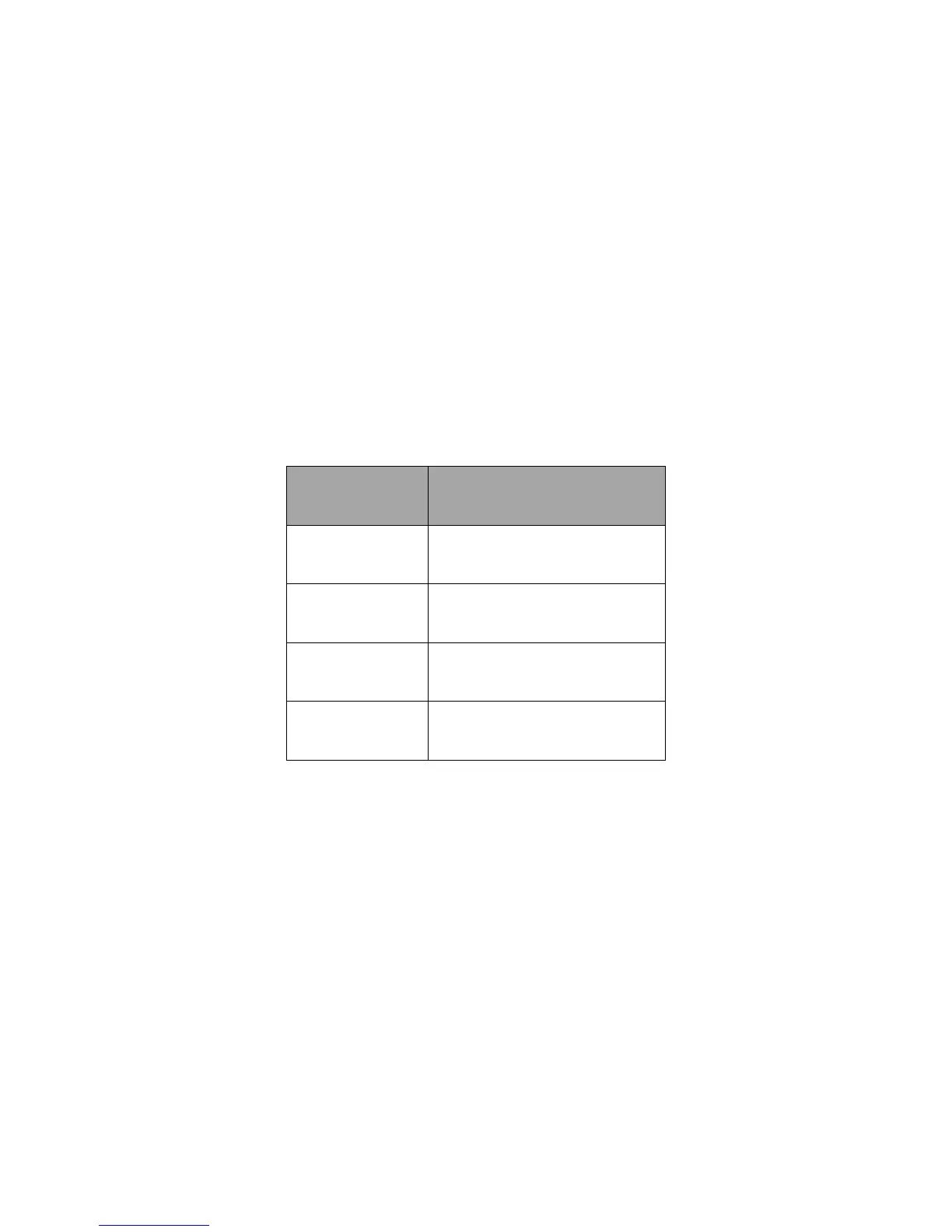
Table 12 shows the list of useable remote button while in the Diagnostic Menu. Buttons not shown in Table 12 are
not useable in anyway while in the Diagnostic Menu.
Table 12 Useable Remote Buttons While In Diagnostic Menu
Please note that throughout the remainder of this section, screen shots will be used as illustrations of the various
diagnostic screens. These are just examples and are used as illustrations of what is presented by the DTA on
screen. These figures do not represent exactly what you will see when viewing your DTA.
6.2 Main Diagnostic Screen
From the Diagnostic Main Menu, the user can select from any one of the following menu items.
• General Info
• DTA Status
• MSO Info
• Tuner Status
• Current Channel Status


 To Next Page