8/13/12
© 2013 Evolution Digital, LLC. All Rights Reserved. Confidential information.!
Factory Reset
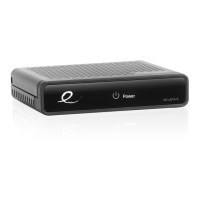
• The DTA can be manually reset to its factory
default settings by taking the following steps
(note that the currently loaded SW will
remain the same but all other values including
the channel map and activation status of the
DTA will be reset):
• Enter the diagnostics menu by holding 7 on
the remote control


 To Next Page