FCC Information
This equipment has been tested and found to comply with the limits
for a Class B digital device, pursuant to Part 15 of the FCC Rules.
These limits are designed to provide reasonable protection against
harmful interference in a residential installation.
This equipment generates, uses and can radiate radio frequency
energy and, if not installed and used in accordance with the instruc-
tions, may cause harmful interference to radio communications.
However, there is no guarantee that interference will not occur in a
particular installation.
If this equipment does cause harmful interference to radio or
television reception which can be determined by turning the
equipment off and on, the user is encouraged to try to correct the
interference by one or more of the following measures:
• Increase the separation between the equipment and receiver.
• Connecttheequipmentintoanoutletonacircuitdifferent
from that to which the receiver is connected.
• Consult the dealer or an experienced radio/TV technician for help.
• Onlyshieldedinterfacecableshouldbeused.
Finally, any changes or modifications to the equipment by the
user not expressly approved by the grantee or manufacturer could
void the user’s authority to operate such equipment.
Disconnection Device
Disconnect the main plug from the apparatus, if it’s defective. And please call a repair man in your location.
When used outside of the U.S., it may be used HAR code with fittings of an approved agency is employed.
CAUTION
These servicing instructions are for use by qualified service personnel only. To reduce the risk of electric shock do not
perform any servicing other than that contained in the operating instructions unless you are qualified to do so.
Manufactured under license from Dolby Laboratories. Dolby and the double-D symbol are trademarks of Dolby Laboratories.
6 7
Getting Set Up
Thank You for choosing the Evolution Digital High-
Definition Set-Top Box (HD STB). You can now enjoy
viewing Standard-Definition (SD) or High-Definition
(HD) programming on an analog or digital television
set. When connecting the Set-Top Box with an HDMI
cable to your HDTV, you will be able to view HD
programming with easy-to-use on-screen menus
and navigation.
In the user guide ê
Cable Connections 8
Activation 9
Remote Control 10
Pair your remote control 11
Remove remote control pairing 11
Menu 12
FAQs 14
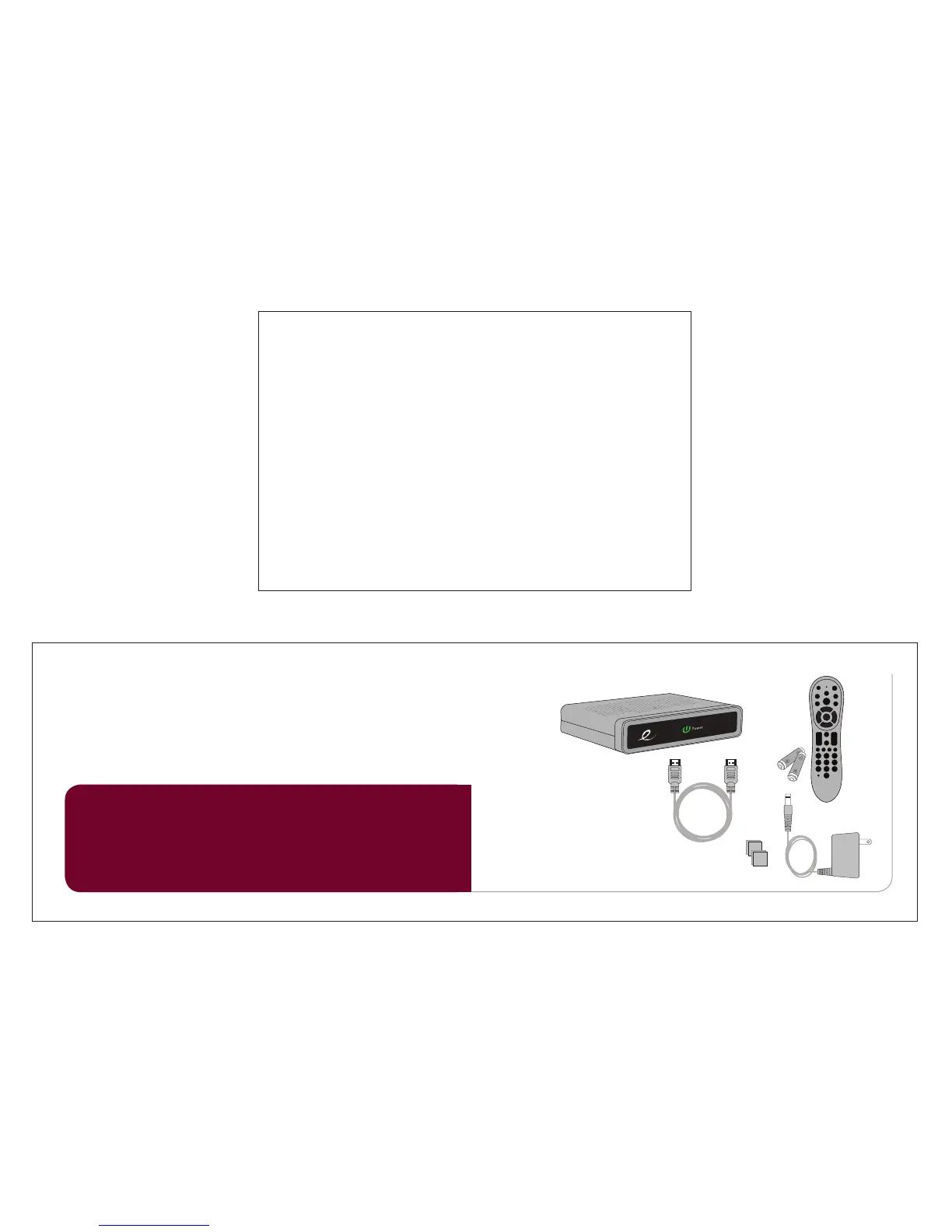
In the box ê
HD Set-Top Box
Power Cord
Adhesive
Velcro
Remote with
Batteries
HDMI Cable
Setup your HD STB by
following the connection
diagrams on page 8.
Activate your HD STB
by calling your cable
provider or going online
(if available).
Pair your remote with your
HD STB and TV by following
the directions on page 11.
1 setup 2 activate 3 pair remote
Let’s get started! è
TV
M enu
Exit
Last
Pg
Pg
Info
VOL
CH


 To Next Page