MV4
The connectors on the MV4 board are described from top to down, and from left to right.
Connectors Function
GbE #1
(left)
The GbE #1 connector (RJ45) is not used.
GbE #2
(right)
The GbE #2 connector (RJ45) is connected to the green cable coming
from the GbE #2 connector on the H3XP board.
IN1-6 The connectors IN1 to IN6 of the multiviewer board are connected to the
J2 connectors from the CODEC modules of the the V4X board.
IN7-8 The connectors IN7 and IN8 of the multiviewer board are connected to the
Multiviewer I1 and I2 connectors IN on the rear panel of the server.
OUT1-4 The OUT1 connector of the multiviewer board is connected to the
Multiviewer O1 connector on the rear panel of the server, and so on for the
other connectors.
HS873 Motherboard
Connectors Function
VGA The VGA connector is connected to the VGA connector on the rear panel.
GbE #1
(left)
The GbE #1 connector (RJ45) is connected to the red cable coming from
the GbE #1 connector on the H3XP board.
GbE #2
(right)
The GbE #2 connector (RJ45) is not used.
LED Information
Internal EVS information
Board Configuration
HPOL, VPOL and ENVS are used to configure the composite sync generator used in LSM
TV mode (no effect if theserver is only used with a VGA monitor).
The HPOL jumper can be used to invert or not the VGA HS signal (Horizontal Sync) to
generate the composite output signal (TV mode)
The VPOL jumper can be used to invert or not the VGA VS signal (Vertical Sync) to
generate the composite output signal (TV mode)
The ENVS jumper can be used to enable or not the presence of the VGA VS signal
(Vertical Sync) in the composite output signal (TV mode)
80 6. Boards Description
EVS Broadcast Equipment SA Issue 15.2.A- June 2017


 To Next Page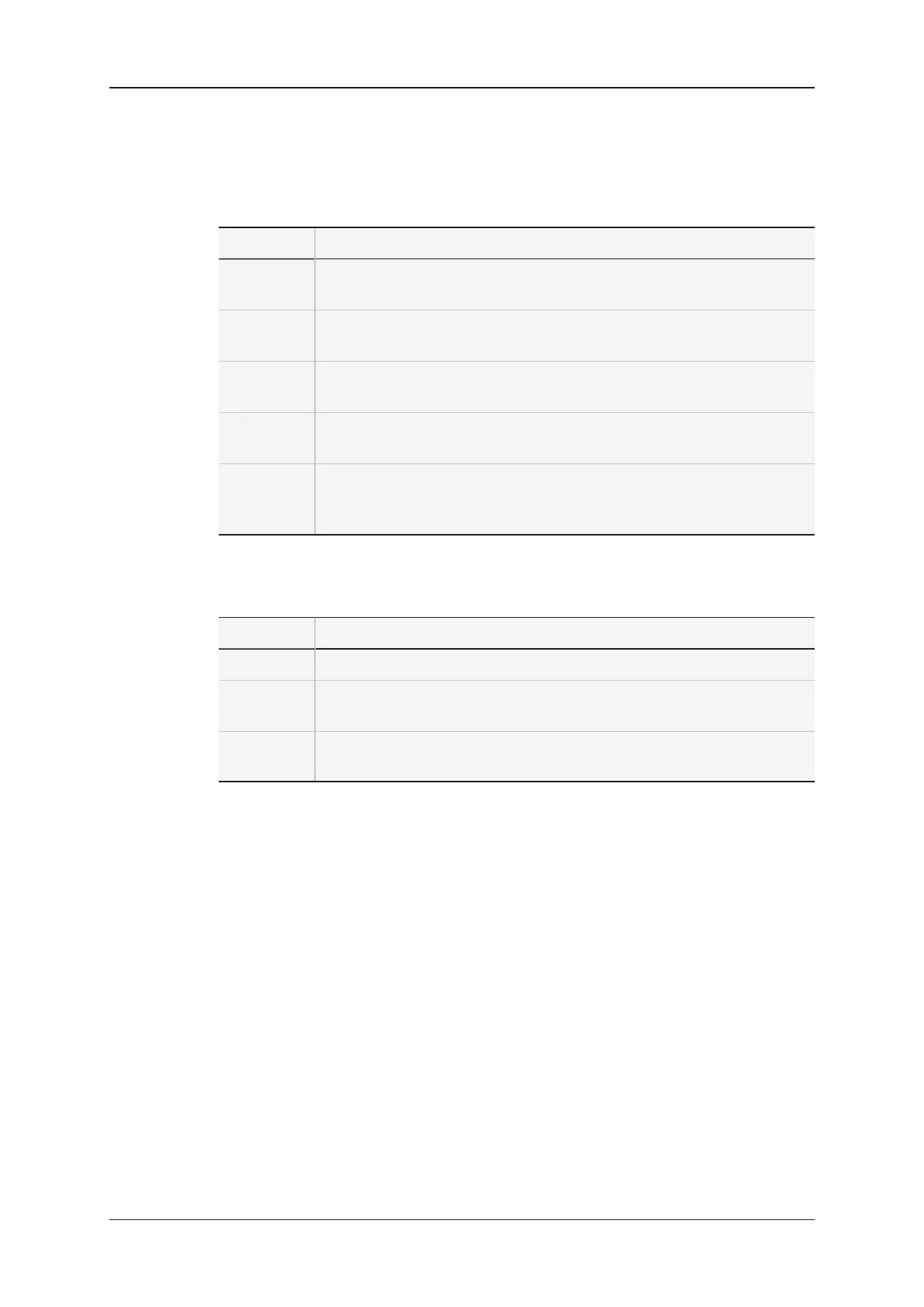
![Preview: EVS XT[2]](https://data.easymanua.ls/products/617905/200x200/evs-xt-2.webp)