Operating the Optical Switch
36 Optical Switch
Connecting RTUe-9110 External Switches to the RTU-2 Unit
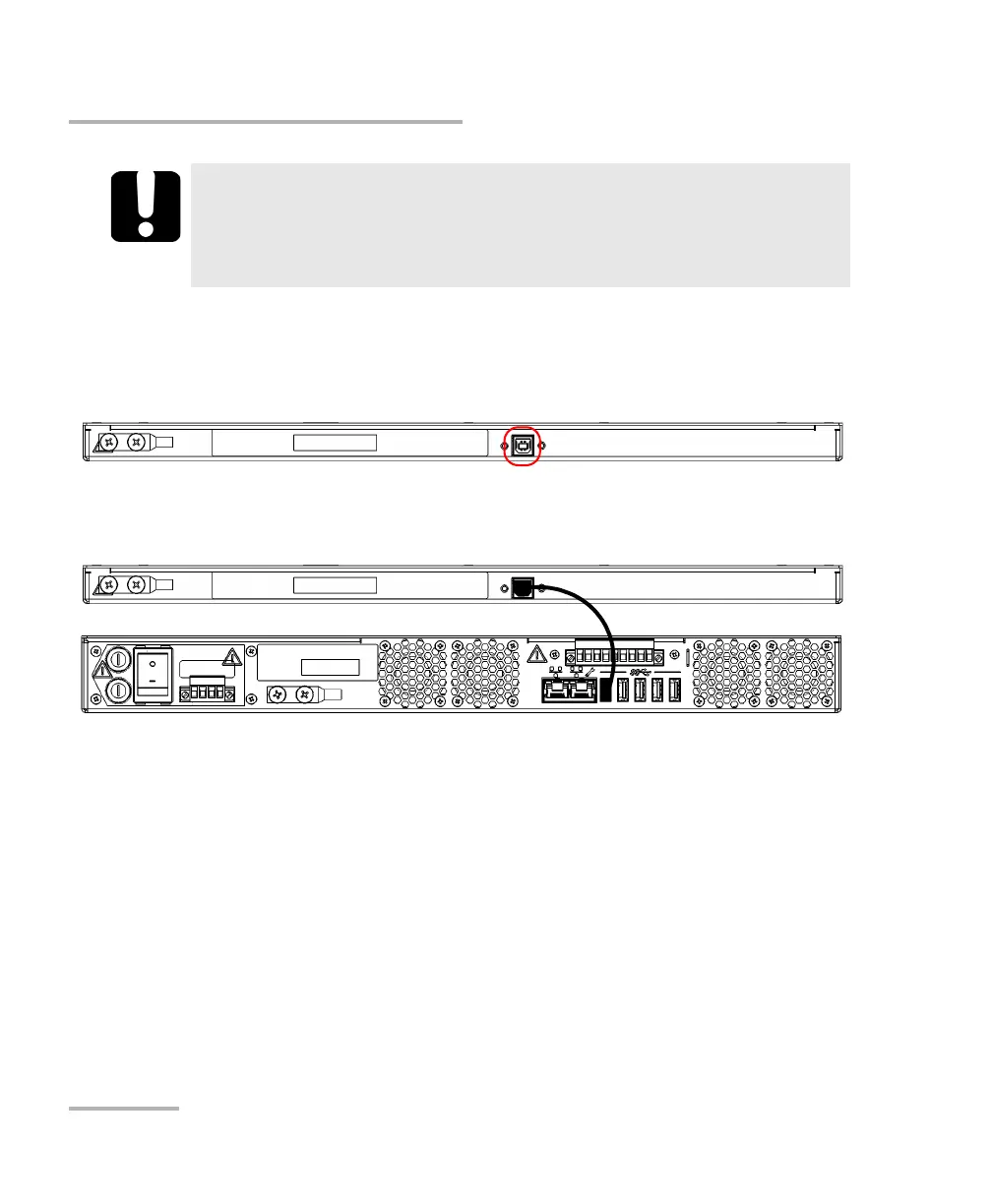
To connect a single RTUs-9110 switch to your RTU-2 unit:
1. Connect the provided USB cable to the USB port (B type) located on
the back panel of the switch.
2. Connect the other end of the USB cable to one of the USB ports located
on the back panel of the RTU-2 unit.
IMPORTANT
To let the front USB and management ports free for potential
maintenance, EXFO recommends to keep all non-optical
connections to the back of the unit.



 To Next Page