Operating the Optical Switch
38 Optical Switch
Connecting RTUe-9110 External Switches to the RTU-2 Unit
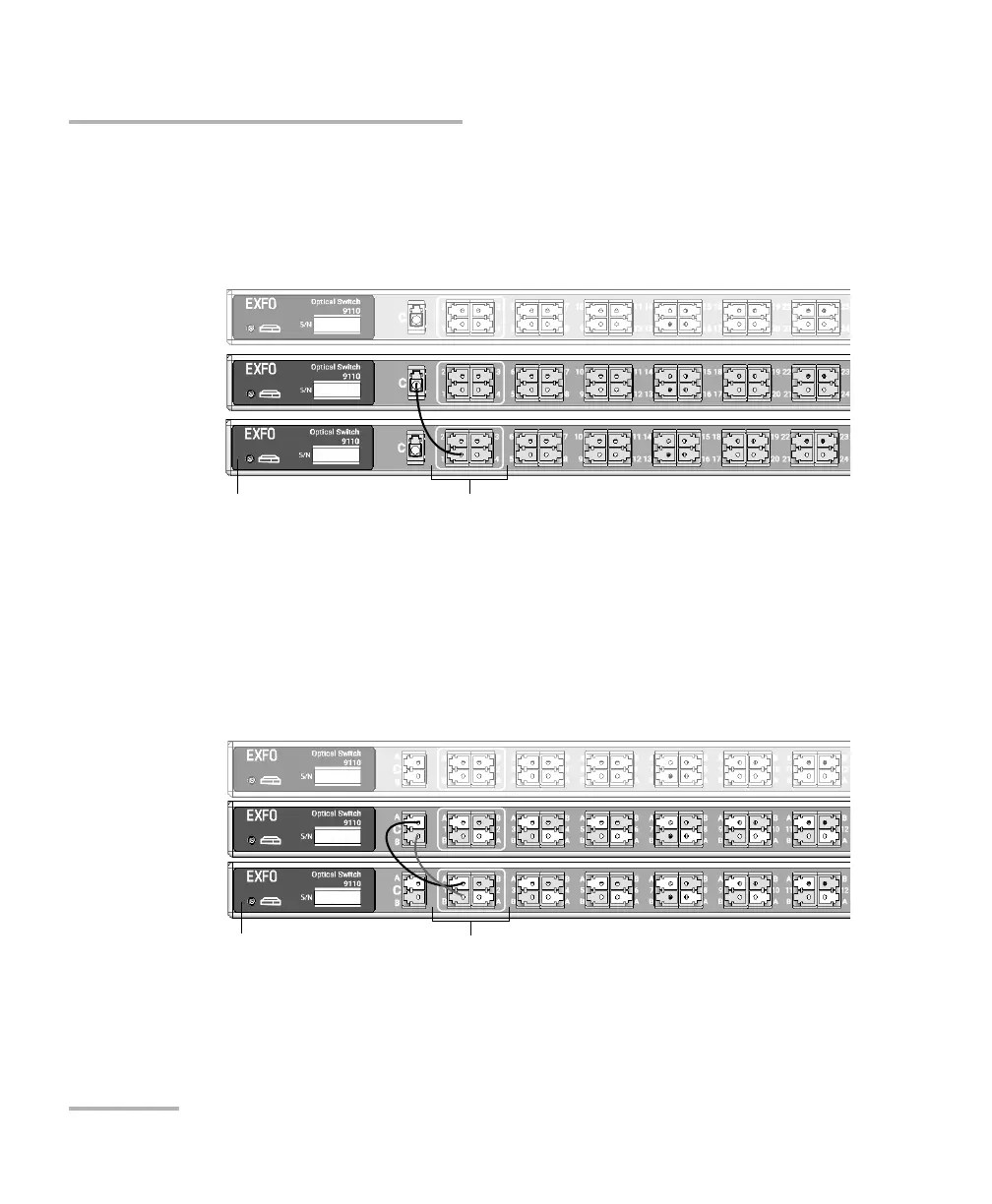
4. If you are working with switches having a single channel width,
connect the first upgrade port of the primary switch to the common
port of the second switch.
OR
If you are working with switches having a double channel width,
connect the first A and B upgrade ports of the primary switch to the
corresponding common ports of the second switch. Ensure that you
link ports with the same letter (A-A and B-B).
Note: The common port(s) of the primary switch are used to receive the signal
from a test module.
Single-channel-width switches (52-port model shown)
Upgrade portsPrimary switch
Double-channel-width switches
Primary switch Upgrade ports



 To Next Page