Operating the Optical Switch
Optical Switch 41
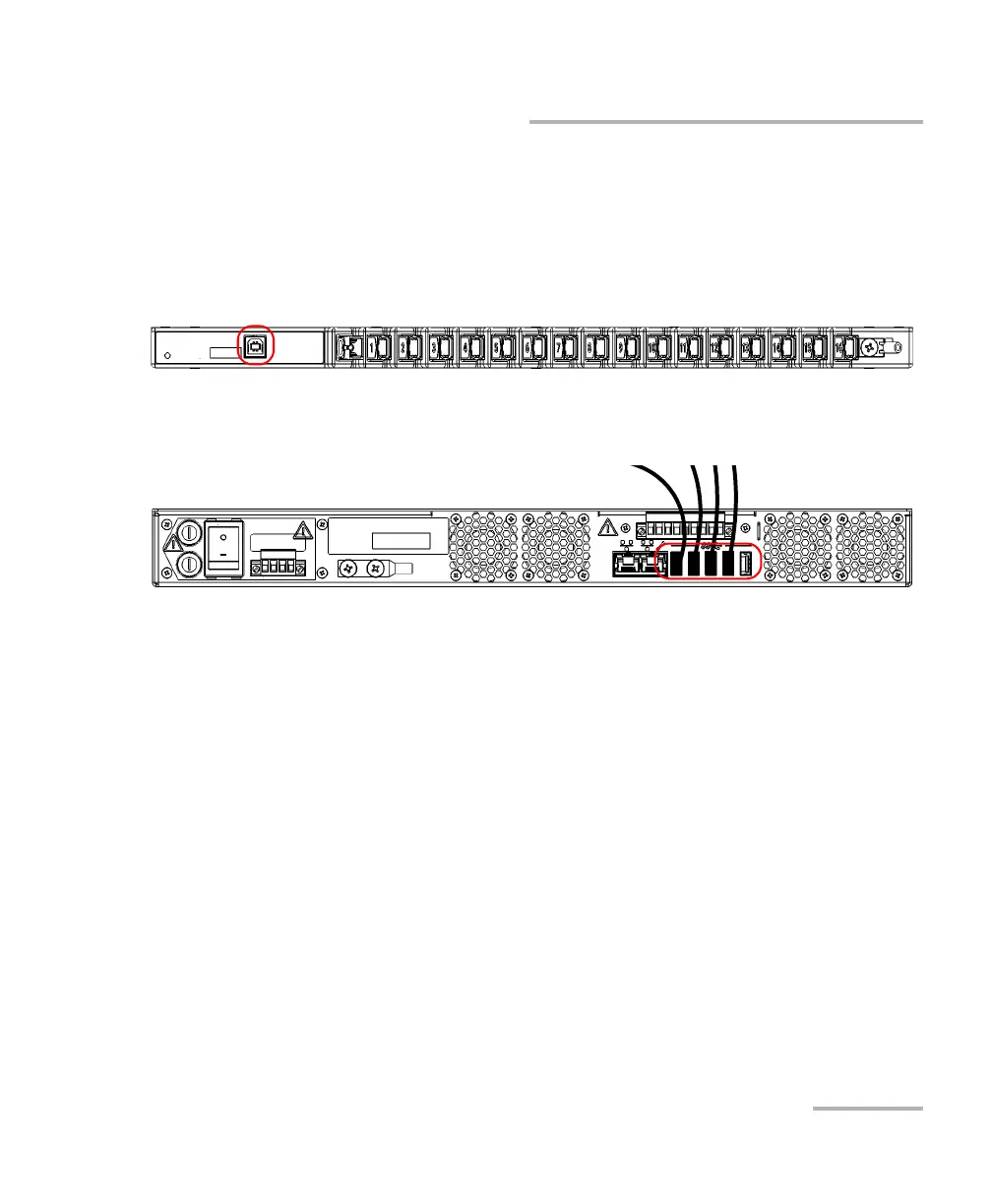
Connecting RTUe-9120 External Switches to the RTU-2 Unit
To connect several RTUe-9120 switches to your RTU-2 unit:
1. Ensure that all the switches are connected to the RTU-2 unit with the
provided USB cables as follows:
1a. Connect the provided USB cables to the USB ports (B type)
located on the front panel of each switch that you want to use.
1b. Connect the other end of the USB cables to one of the USB ports
located on the back panel of the RTU-2 unit.



 To Next Page