Operating the Optical Switch
42 Optical Switch
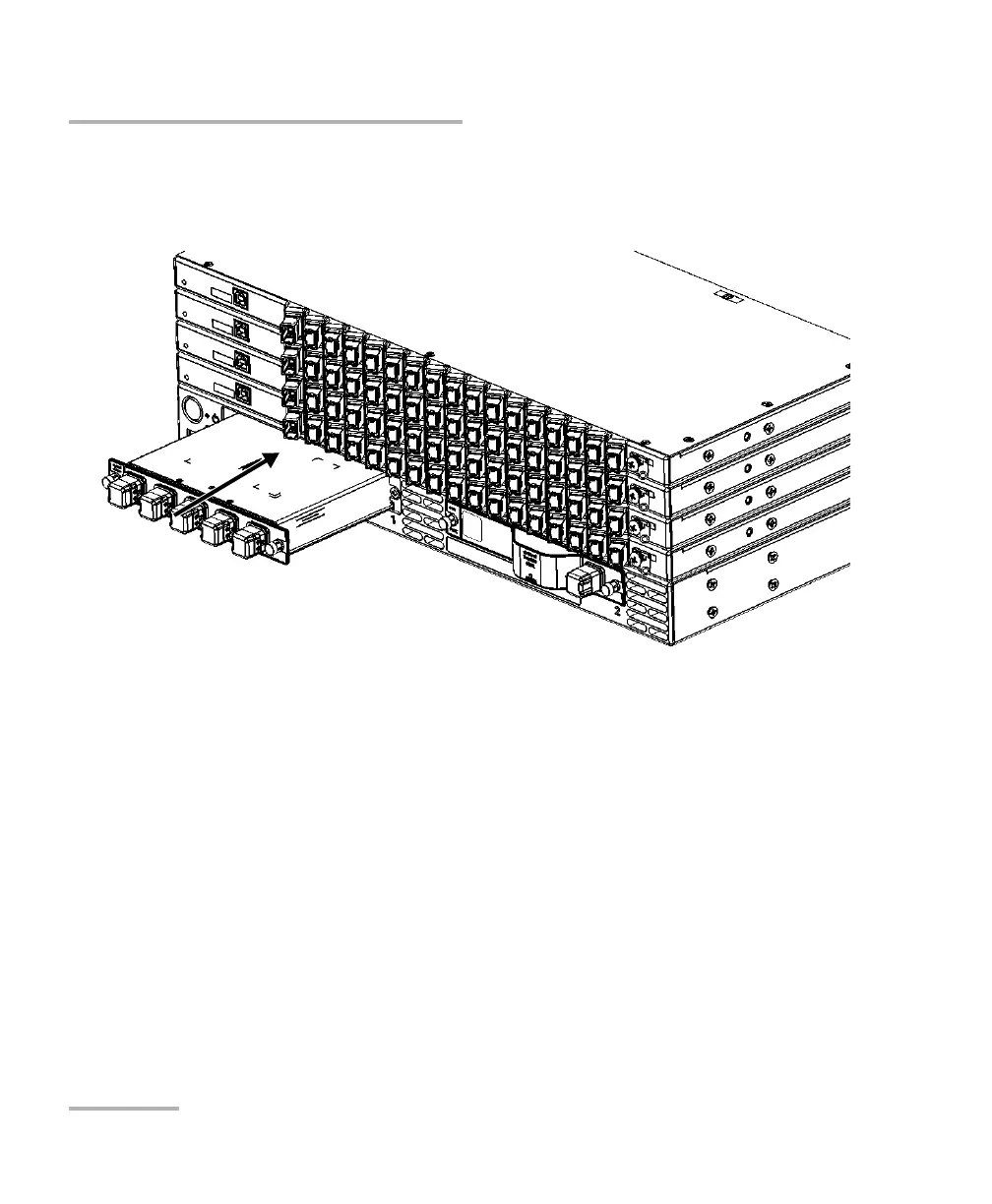
Connecting RTUe-9120 External Switches to the RTU-2 Unit
2. Insert the FTBx switch in any module slot of the RTU-2 unit. For more
information on module insertion and removal, refer to the RTU-2 user
guide.
Note: The common port of the FTBx switch is used to receive the signal from a
test module such as an OTDR that would be inserted in the other slot of the
RTU-2 unit.
3. Clean and inspect the patchcords that you will be using to connect the
FTBx switch to the RTUe-9120 switches.
4. Clean and inspect the ports (connectors) of the RTUe-9120 switches.
For more information, see Cleaning and Inspecting MPO-Type
Connectors on page 69.
5. Clean and inspect the ports (connectors) of the FTBx switch. For more
information, see the section related to the type of connector of your
switch in this user documentation.



 To Next Page