Operating the Optical Switch
60 Optical Switch
Managing Configurations
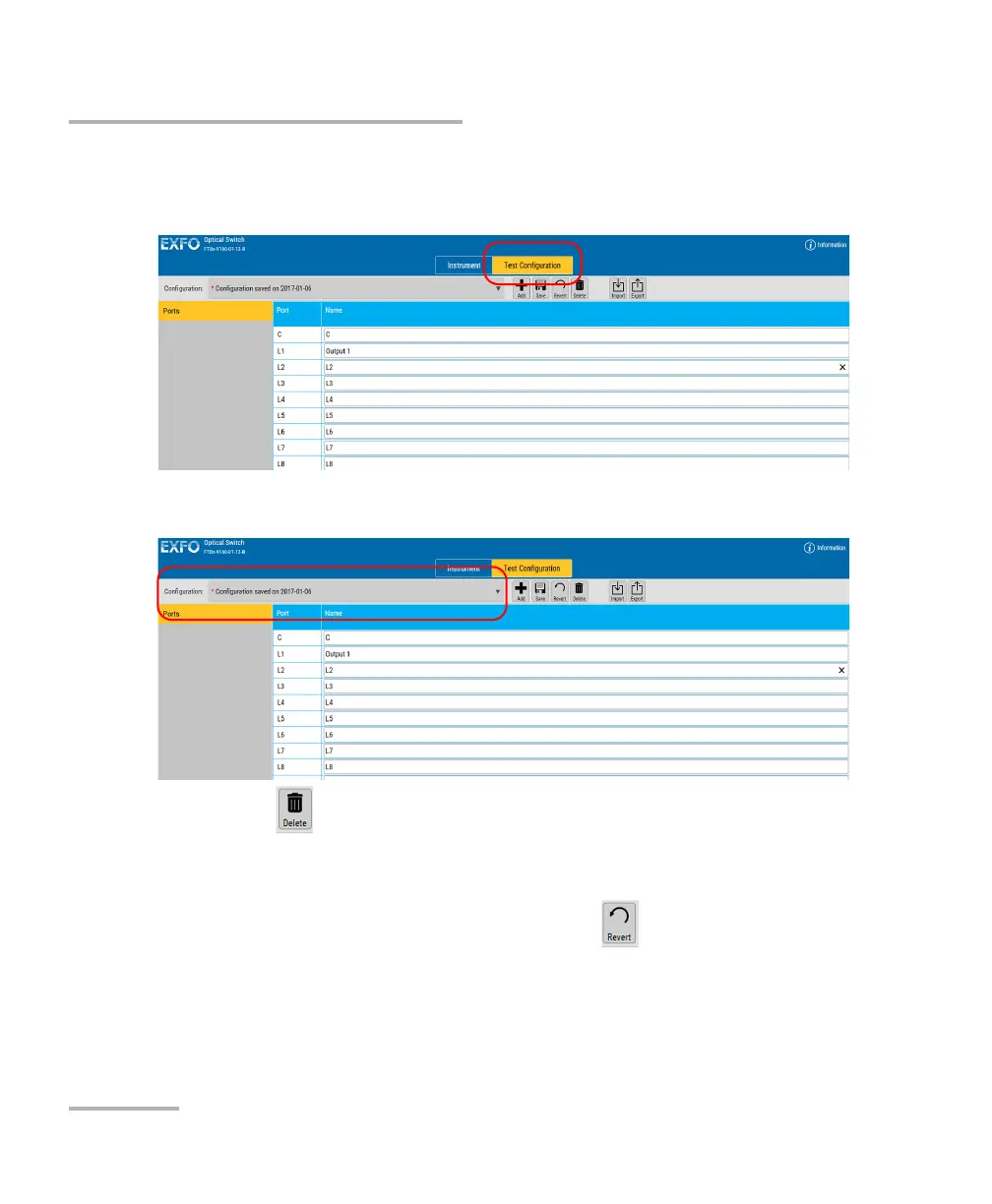
To delete a configuration:
1. Select the Test Configuration tab.
2. Select the configuration you want to delete.
3. Click .
4. Confirm your choice.
To revert to the current configuration and erase changes:
1. While in the Test Configuration tab, click .
2. Confirm your choice.



 To Next Page