Operating the Optical Switch
Optical Switch 61
Managing Configurations
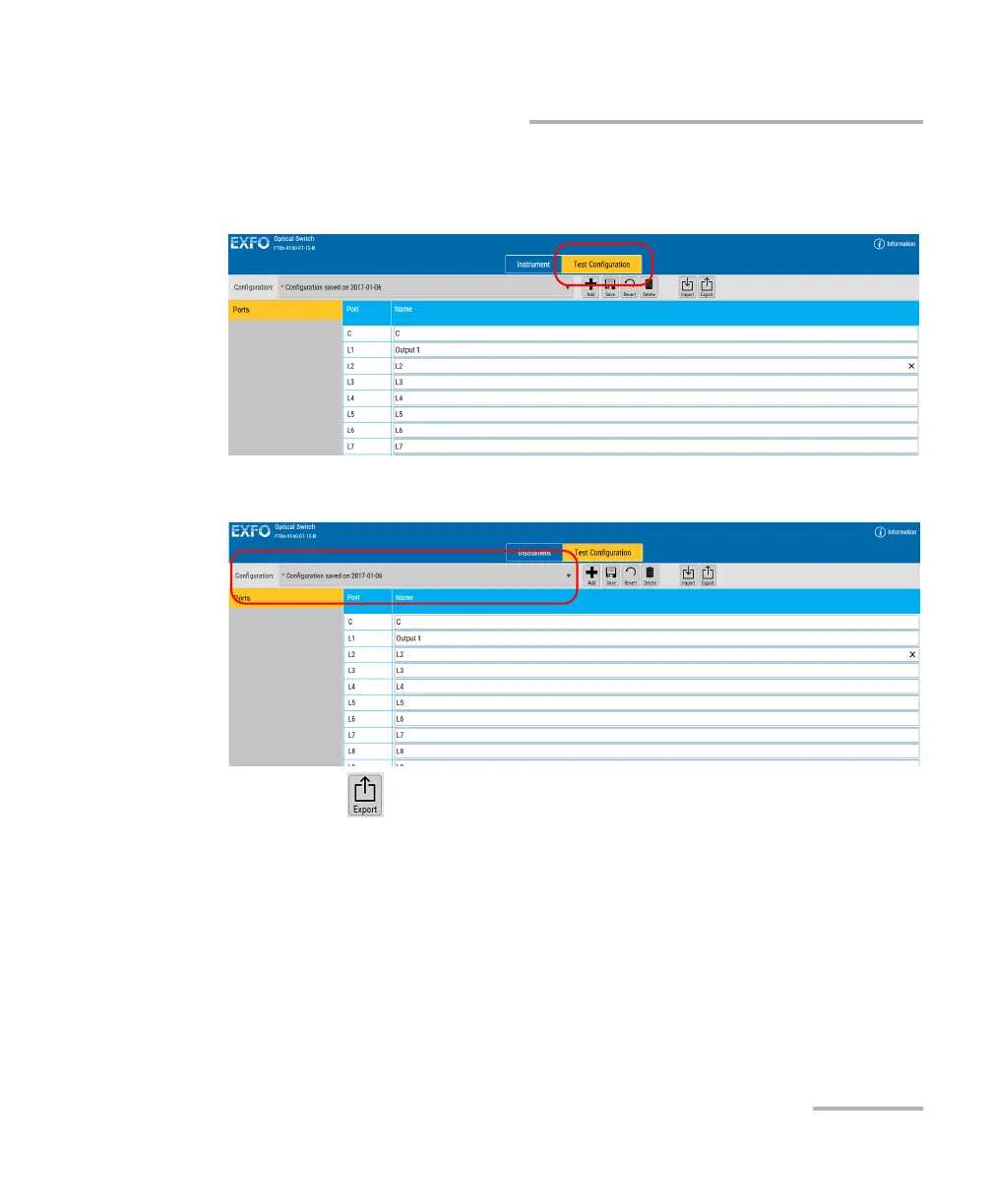
To export a configuration:
1. Select the Test Configuration tab.
2. Select the configuration you want to export.
3. Click .
4. Select the location for the file and change the name if needed.
5. If you have changed the name or location, click Save to confirm the
export operation.



 To Next Page