Getting Started with Your Unit
Optical Test Head 23
Working With an SFP Transceiver Module
Working With an SFP Transceiver Module
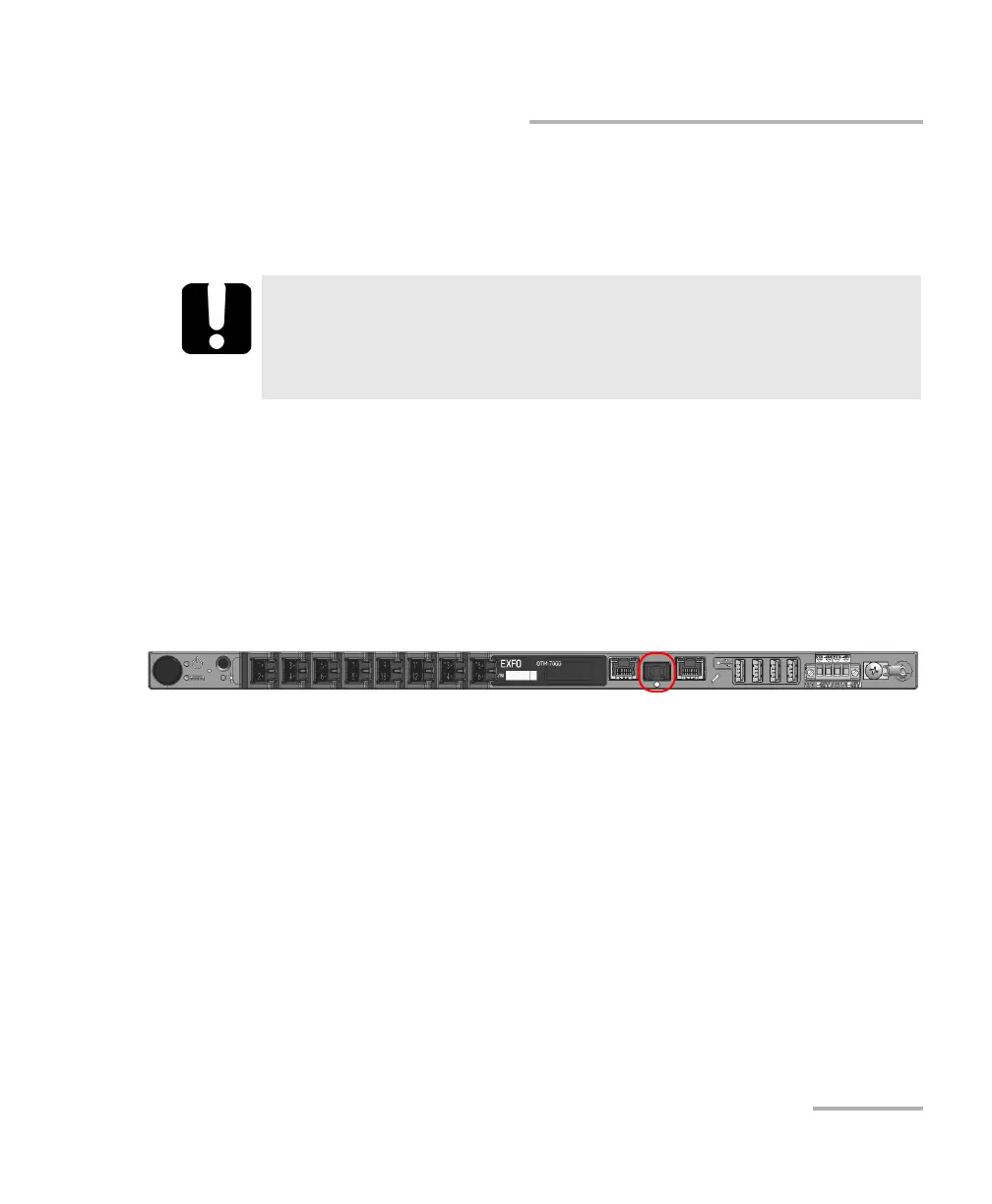
You can connect an SFP transceiver module to your unit using the
corresponding port located on the front of your unit.
Note: You will be able to configure the related settings such as the network
addresses from the Nova Fiber application (see Working With Your Unit for
the First Time on page 33).
To insert an SFP transceiver module into your unit:
1. Ensure that your unit is off.
2. Slide the transceiver module into the corresponding port.
IMPORTANT
Ensure that your unit is off before inserting the SFP transceiver
module. Otherwise, the transceiver module will not be recognized
and you will have to restart your unit to force its detection.













 To Next Page