Getting Started with Your Unit
30 OTH-7000
Turning on Your Unit
Turning on Your Unit
Before you turn on the unit for the very first time, EXFO recommends that
you read the safety and installation instructions, including how to connect
the unit to AC or DC power.
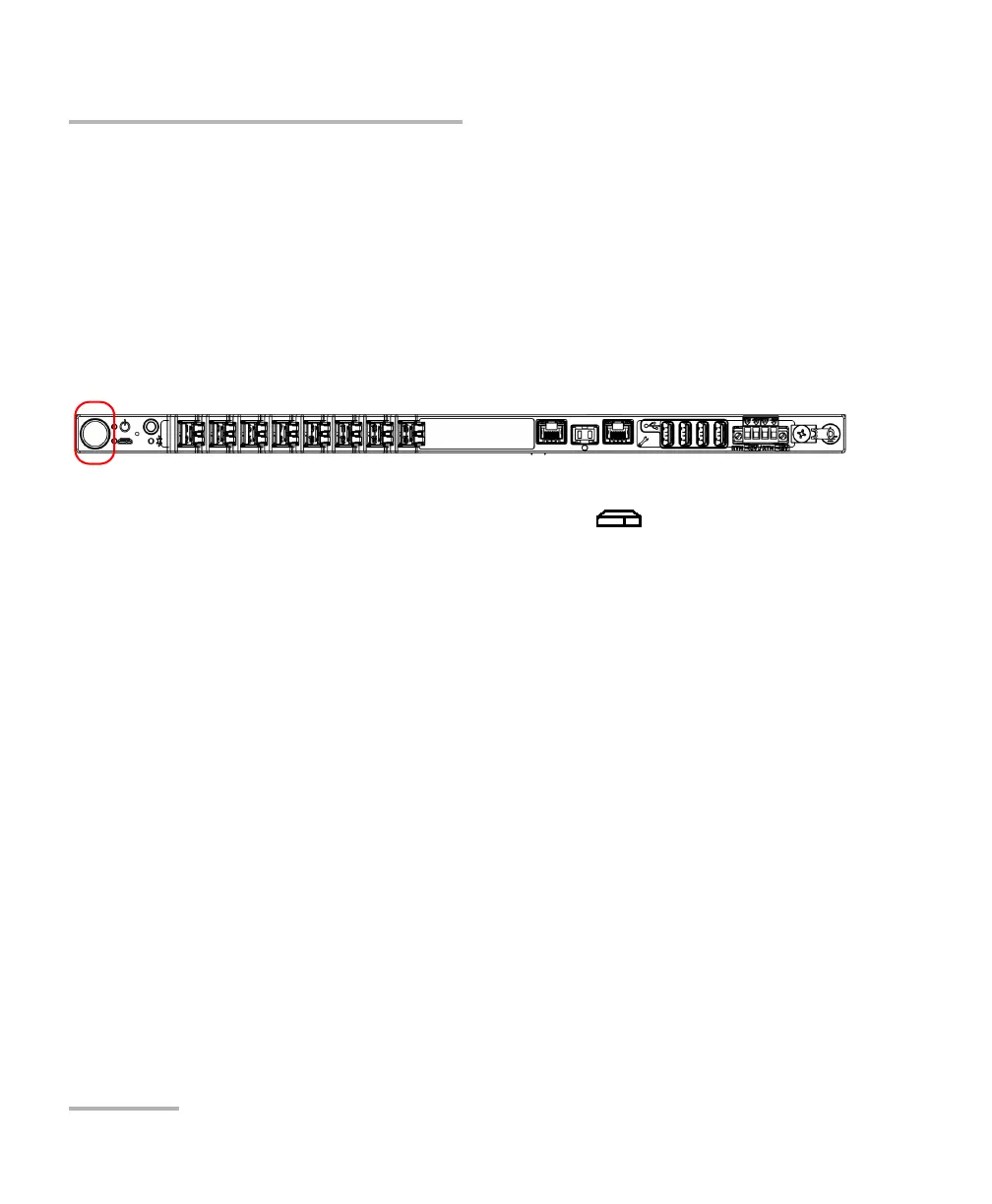
To turn on the unit:
Press the on/off button. For more information about working with your unit
for the very first time, see the corresponding section in this documentation.
Note: You will know that your unit is ready when its (System) LED is steady
green. The complete startup process may take a few minutes to complete.













 To Next Page