Troubleshooting
Optical Test Head 57
Retrieving Logs
Retrieving Logs
There are two types of logs that you can retrieve from the Nova Fiber Web
application:
³ The audit log that lists events and changes that occurred on the
OTH-7000 unit.
³ The system log that provides special information that you can send to
the technical support team at EXFO for further analysis.
To retrieve logs:
1. Connect one end of a network cable to the management port of your
unit and the other end to an Ethernet port on the computer.
2. From your computer, open a Web browser and type 169.254.10.10 in
the address bar to access the Nova Fiber application.
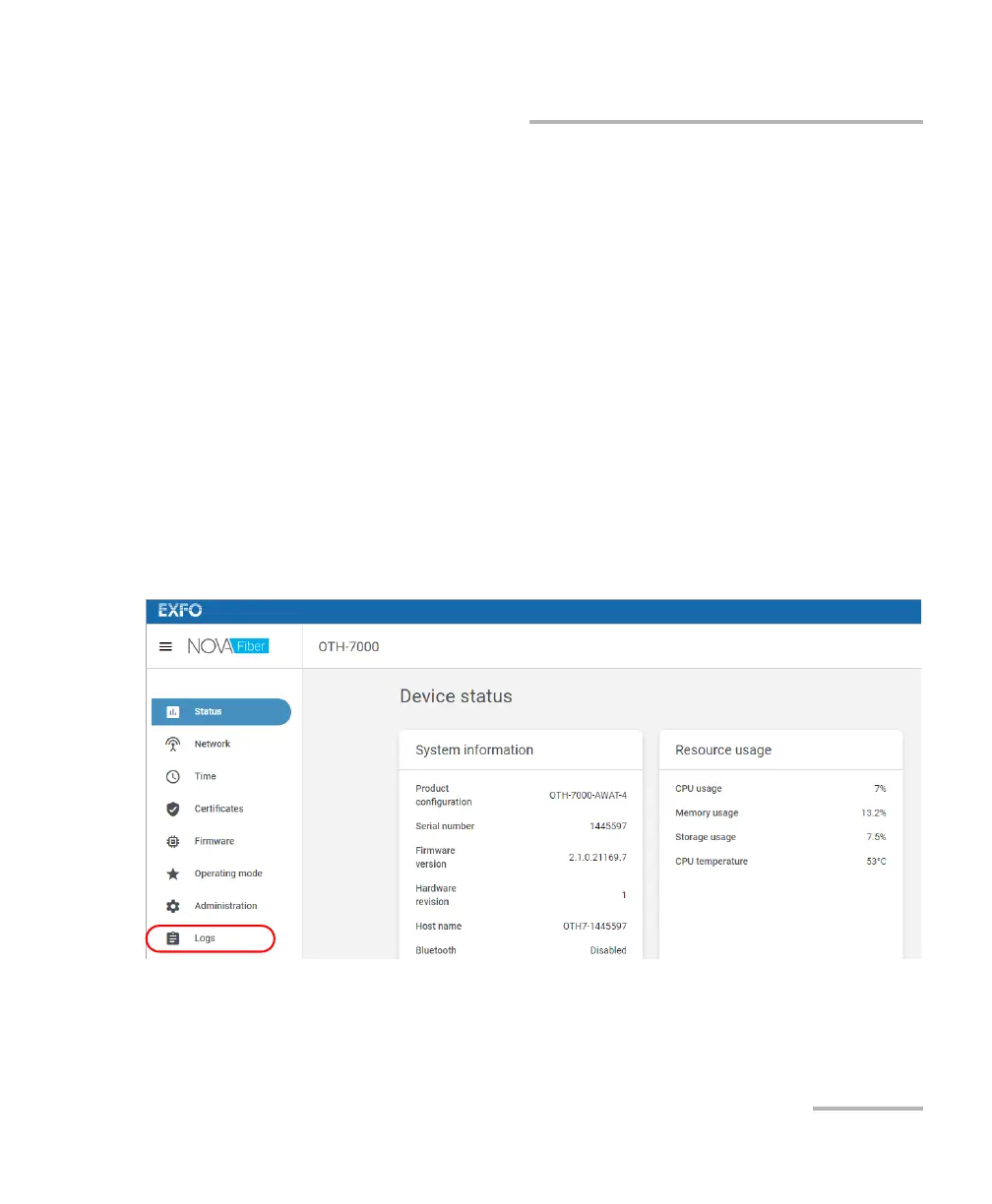
3. From the Nova Fiber Web application, go to the Logs page.













 To Next Page