Troubleshooting
58 OTH-7000
Retrieving Logs
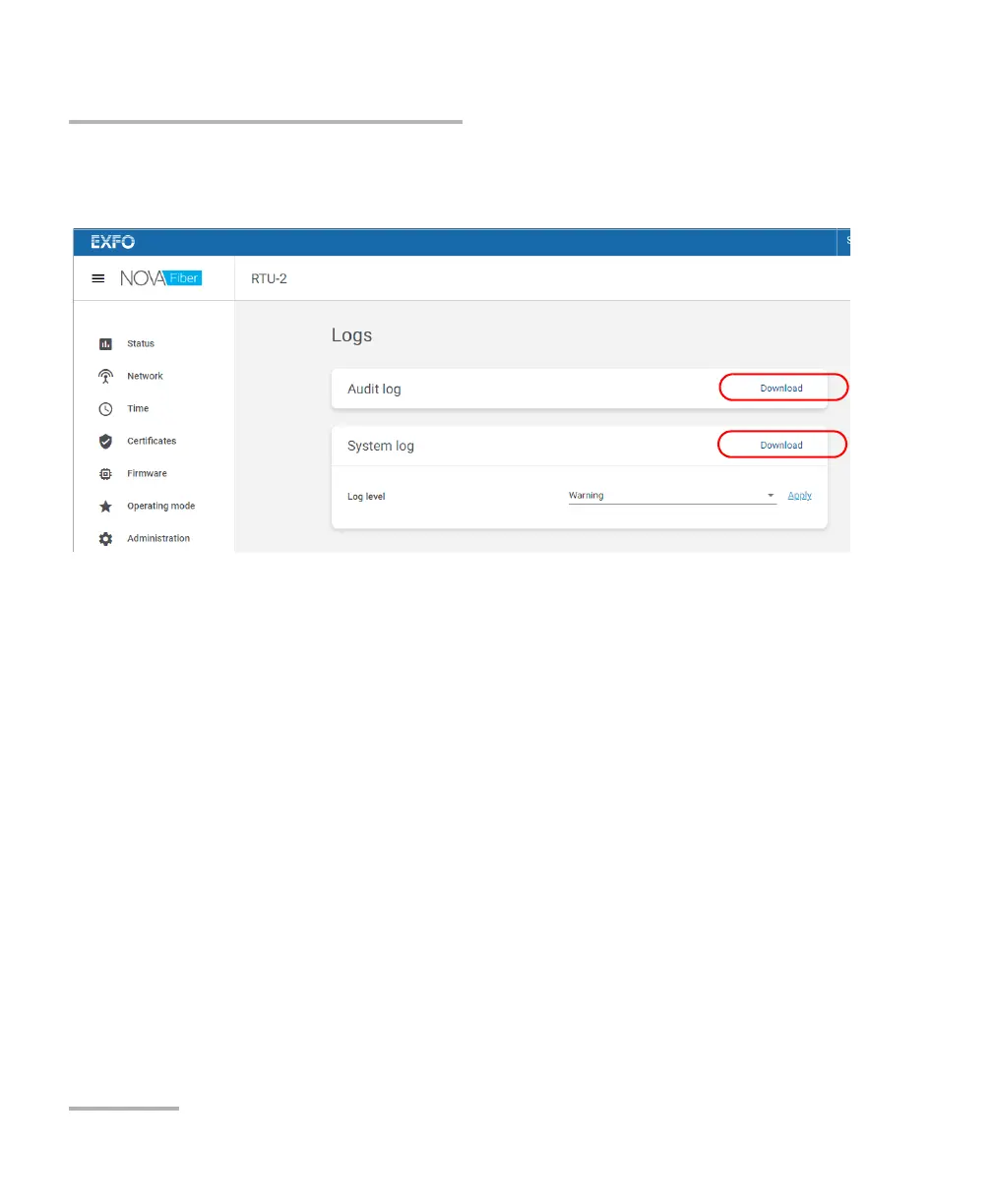
4. Go to the section corresponding to the type of log that you want to
retrieve, and then click the corresponding Download link.
Note: By default, the logging level of the system log is set to Warning. If necessary,
the technical support team will ask you to change the level to another value
for subsequent actions. The Debug level should be used temporarily as it
can slow down the system. EXFO recommends to set the level back to
Warning once the debug operation is complete.
Note: The time necessary to retrieve a log will vary with its size.













 To Next Page