Introducing the OTH-7000 Optical Test Head
4 OTH-7000
LED Indicators Description
LED Indicators Description
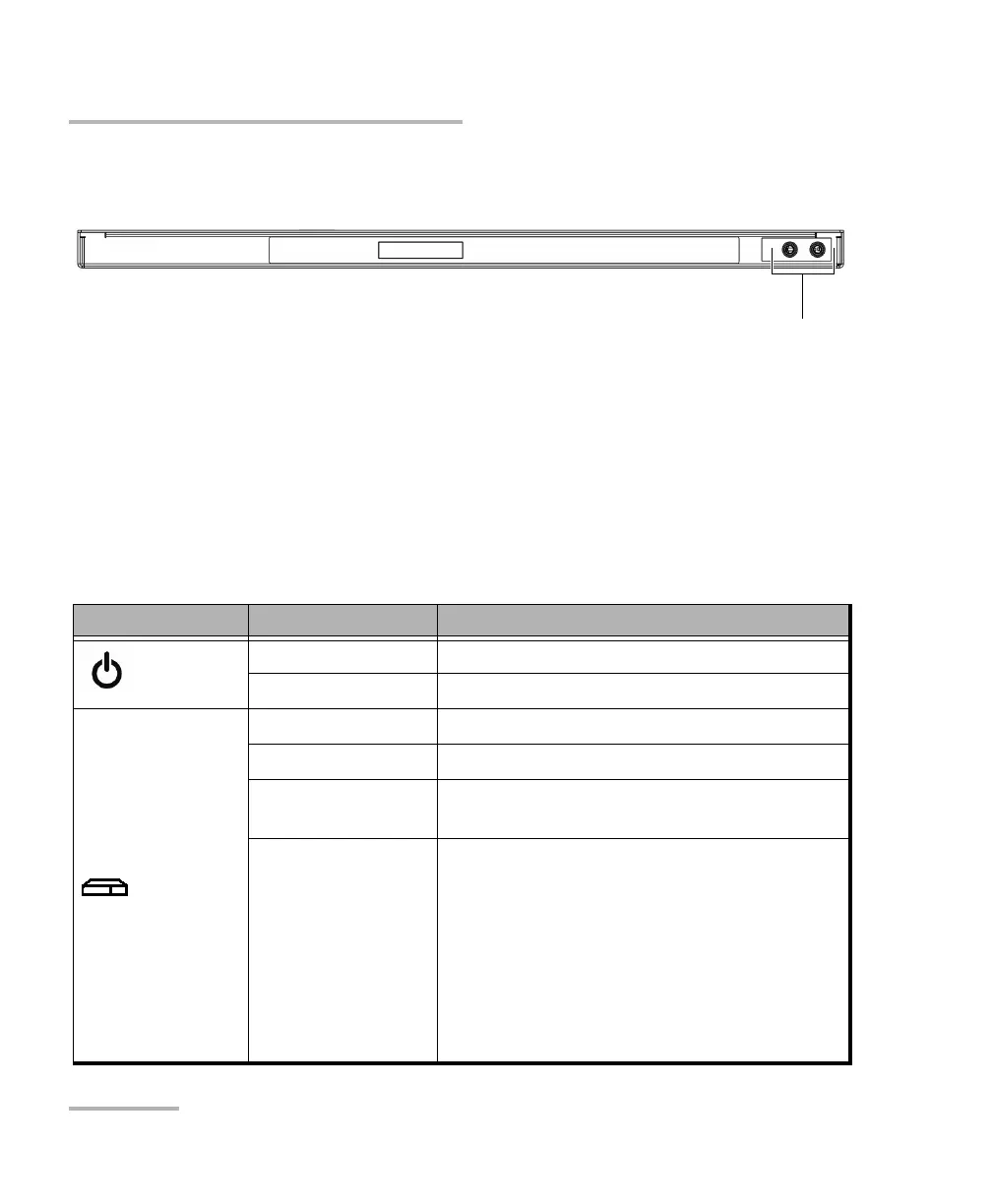
There are LED indicators located on the front panel of your unit, providing
you with information about the power and system statuses.
The table below presents the possible statuses once the initial startup
sequence is complete.
LED Status Meaning
Power
Green Unit is on.
Off Unit is off.
System
a
Green The unit is working properly and is ready.
Green, slow blinking The initialization of the unit is underway.
Green, fast blinking The unit is being restored to its original state
at time of purchase (factory state).
Yellow Non-critical hardware error detected.
The temperature of the room where the unit
is located could be slightly too high or there
could be a hardware malfunction.
Ensure that the temperature falls within the
specified operating temperature range (see
Electrical Safety Information on page 13).
If the problem persists, contact EXFO.
Back panel
Holes for alternative installation of a grounding lug













 To Next Page