Getting Started with Your Unit
Optical Test Head 31
Turning off Your Unit
Turning off Your Unit
Your unit will shut down when you press the power button. It will perform
a complete restart routine the next time you use it.
Note: Should the unit ever stop responding, you can force a hardware reset by
pressing and holding down the on/off button for at least 10 seconds. To
restart your unit, release the on/off button, and then press it again as you
would normally do to start your unit.
In the event of a power outage, your unit is configured to automatically
restart when the power comes back.
To turn off the unit completely from the unit itself:
Press the on/off button.
To restart the unit or turn it off completely from the Nova Fiber
application:
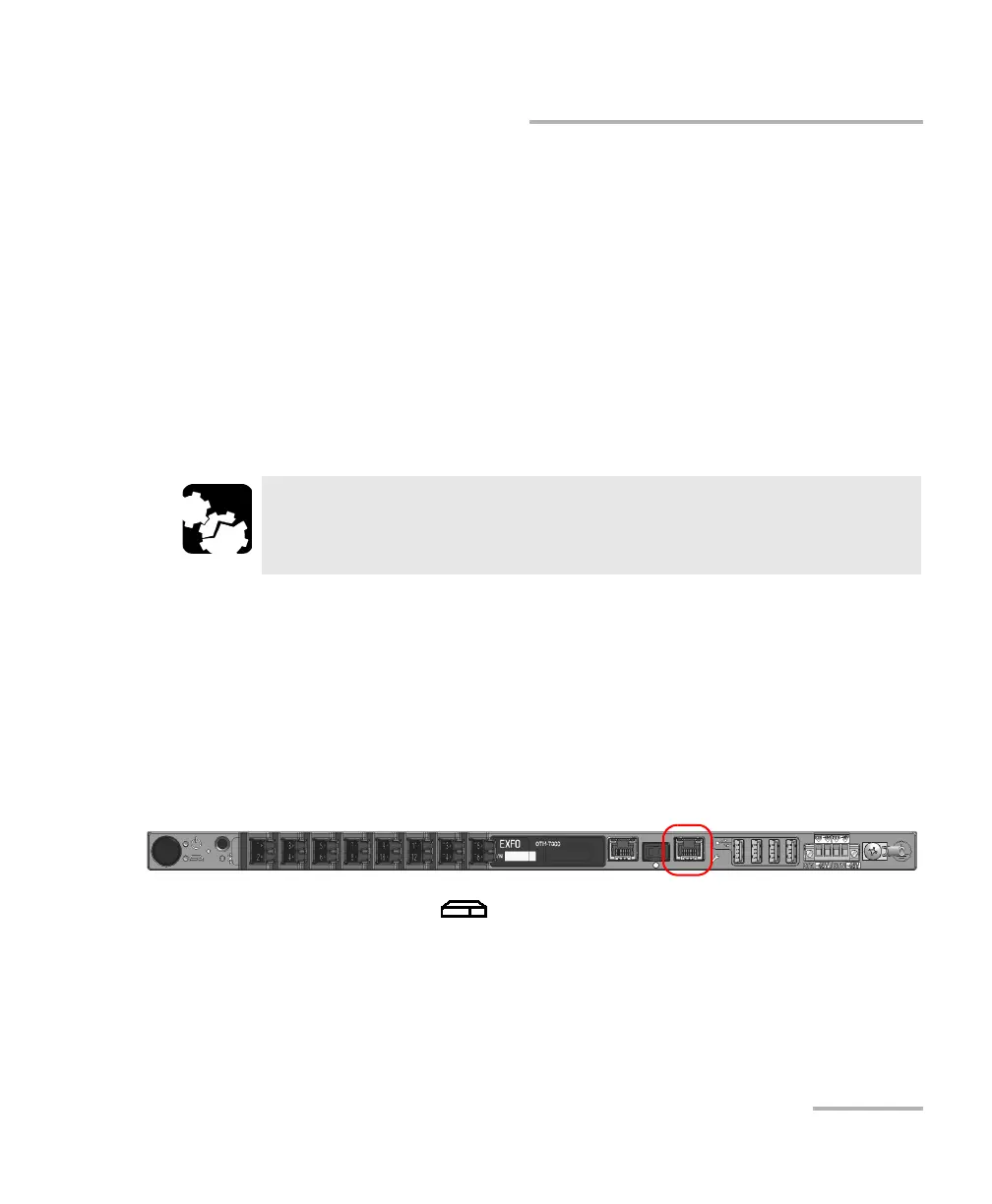
1. If it is not already done, connect one end of a network cable to the
management port of your unit and the other end to an Ethernet port on
the computer.
2. Ensure that the (System) LED is steady green, and then from
your computer, open a Web browser and type 169.254.10.10 in the
address bar to access the Nova Fiber application.
Note: It may take a few seconds before you can see the Nova Fiber application if
your computer needs to reconfigure its network to a link-local address first.
CAUTION
To avoid damaging your unit when you need to disconnect it from
its external power source, first turn the unit off.













 To Next Page