Getting Started with Your Unit
42 OTH-7000
Working With Your Unit for the First Time
14d.When the application prompts you, enter the username and
password for certificate retrieval that was provided by your system
administrator. As soon as the application notifies you that the
certificate has been updated, you are ready for the connection.
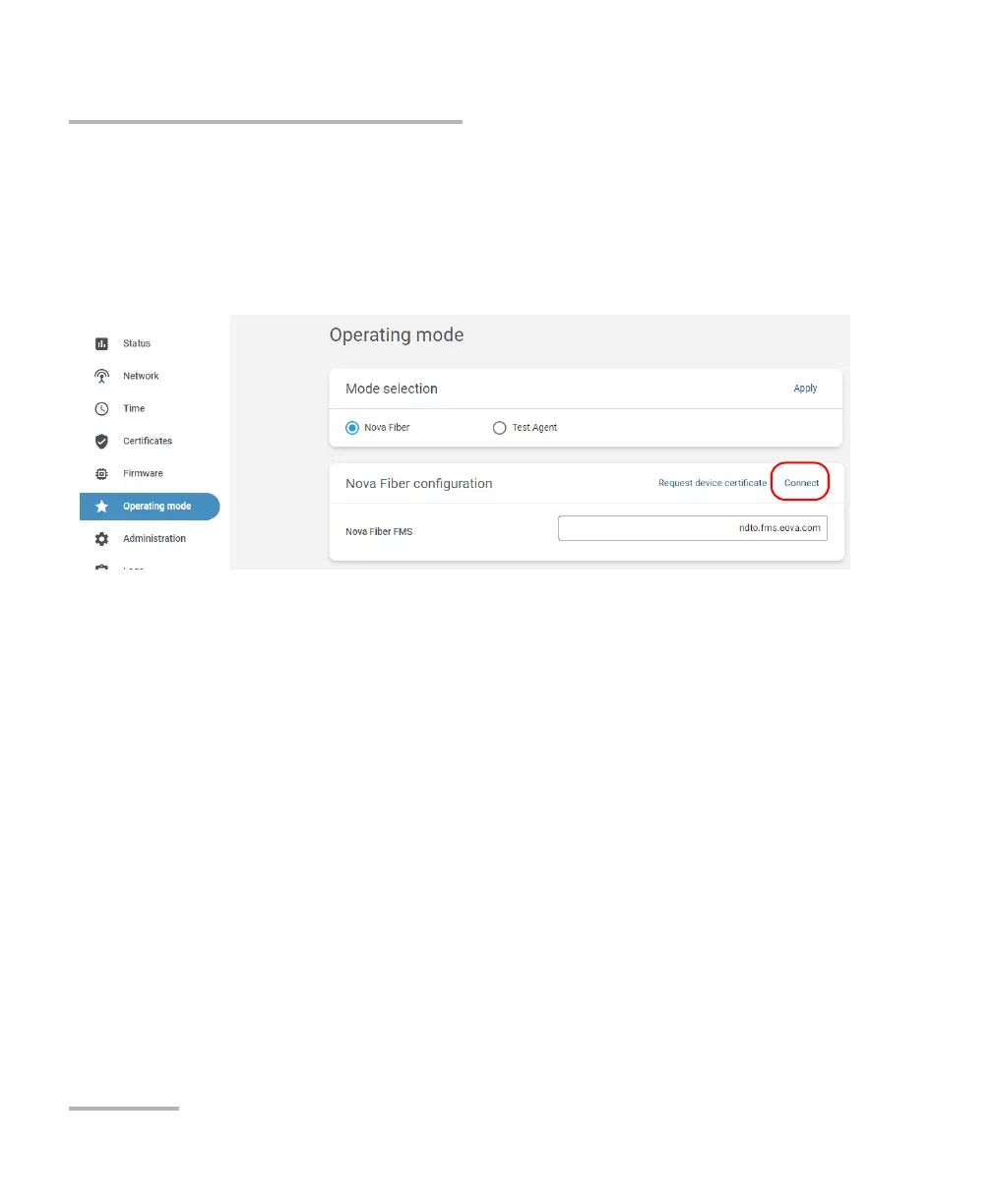
14e.Click Connect to establish the connection with FMS.
Note: The status of the connection is visible from the Status page. The status
goes from “Not configured” to “Connecting” to “Established”. If any
connection problem occurs, the application will display “Connecting” along
with the last error, and the OTH-7000 will periodically try to reconnect to the
FMS server.
Note: If you need to detach your unit from the link, you can click Disconnect. At
this point, since there are no monitoring data acquired so far, no data can
be lost.













 To Next Page